by Terry McAdams | Aug 7, 2026 | App Store, Internet, iOS, iPad, iPhone, Tip, troubleshooting
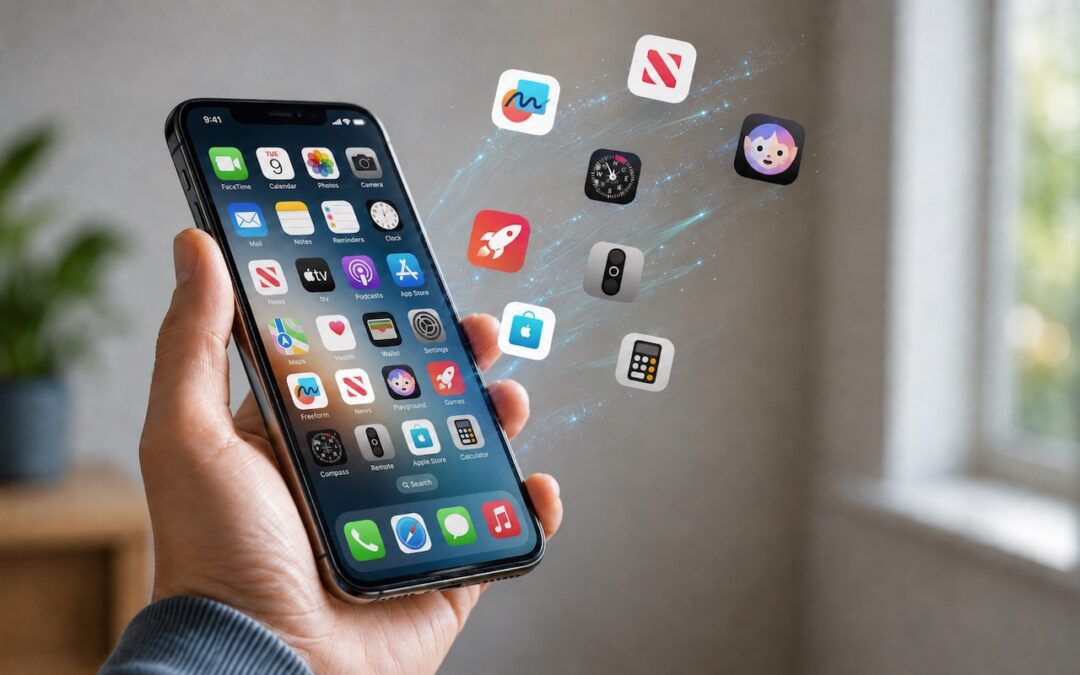
Automatic offloading of seldom-used apps can be a good strategy for recovering space on an iPhone whose storage is almost full, and iOS can do this for you in Settings > Apps > App Store > Offload Unused Apps. When you open an app that was offloaded, iOS will...
by Terry McAdams | Apr 3, 2026 | iOS, iPhone, Security
The discovery of two sophisticated iPhone exploit kits—DarkSword and Coruna—within weeks of each other signals a troubling shift. Unlike previous spyware attacks that targeted high-profile users, these exploit kits have been deployed via compromised legitimate...
by Mike Hendren | Sep 16, 2024 | iOS, Tech History
September 16, 1985 AND 1997 After a head-to-head boardroom battle with John Sculley, the former PepsiCo executive that Steve Jobs himself recruited to Apple, Jobs resigned from the company on September 16, 1985. Twelve years to the day later, Steve Jobs was back and...
by Terry McAdams | Jul 26, 2024 | iOS, keyboard shortcut, macOS, productivity, Tip
For many of us, emoji are fun, but we don’t want to choose Edit > Emoji & Symbols whenever we want to insert one. A faster, better technique is to set up text replacements for emoji you insert often. Open System Settings > Keyboard > Text Replacements,...
by Terry McAdams | May 17, 2024 | iOS, iPad, iPhone, Tip
You’ve likely seen our tip on using the Dock on an iPhone or iPad as a temporary holding place that makes rearranging apps easier. We’ve learned two new tips that help even more! First, you can move multiple apps at once. Start by touching an app, waiting to feel a...
by Terry McAdams | Apr 15, 2024 | iOS, macOS, Security, Upgrade, watchOS
Does it feel like your Apple devices are always asking you to install operating system updates? You’re not wrong—from September 2022 to January 2024, we saw the following releases in Apple’s previous set of operating systems: macOS 13 Ventura: 20 releases iOS 16: 25...