


Apple Service
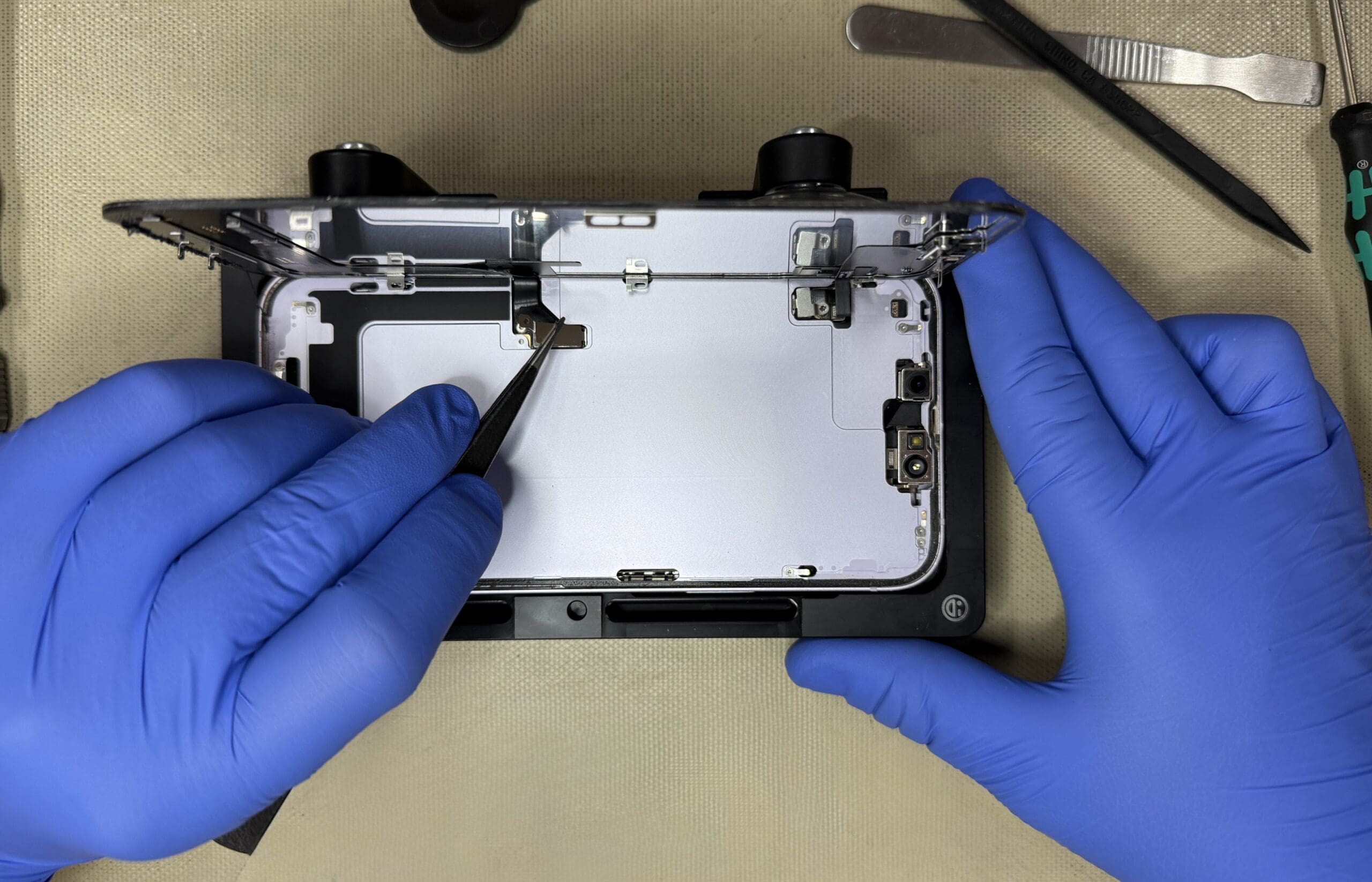
Our Apple-certified technicians provide expert repairs for iMac, MacBook, iPhones, iPads, and iPods—whether your device is under warranty, covered by AppleCare, or out of warranty. You can count on us for reliable, authorized service.
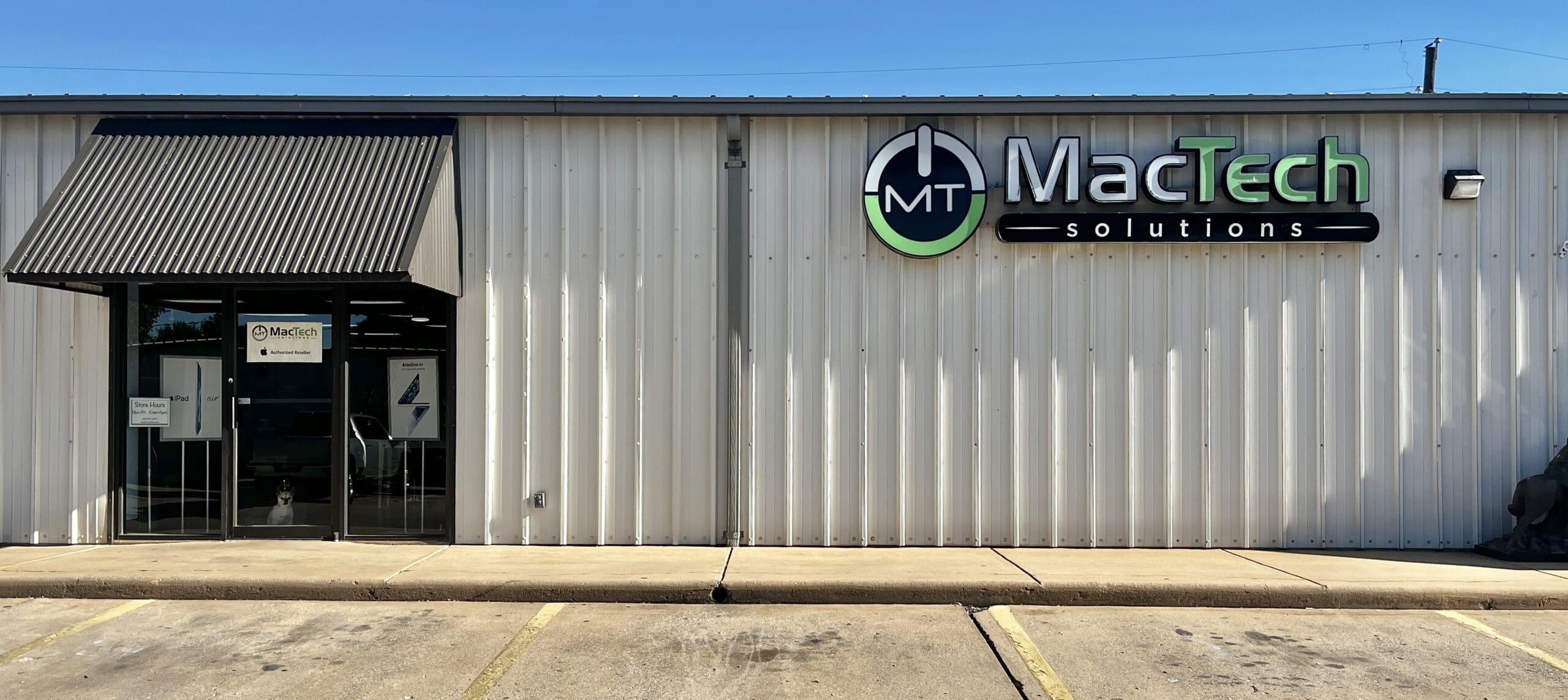
Retail Store
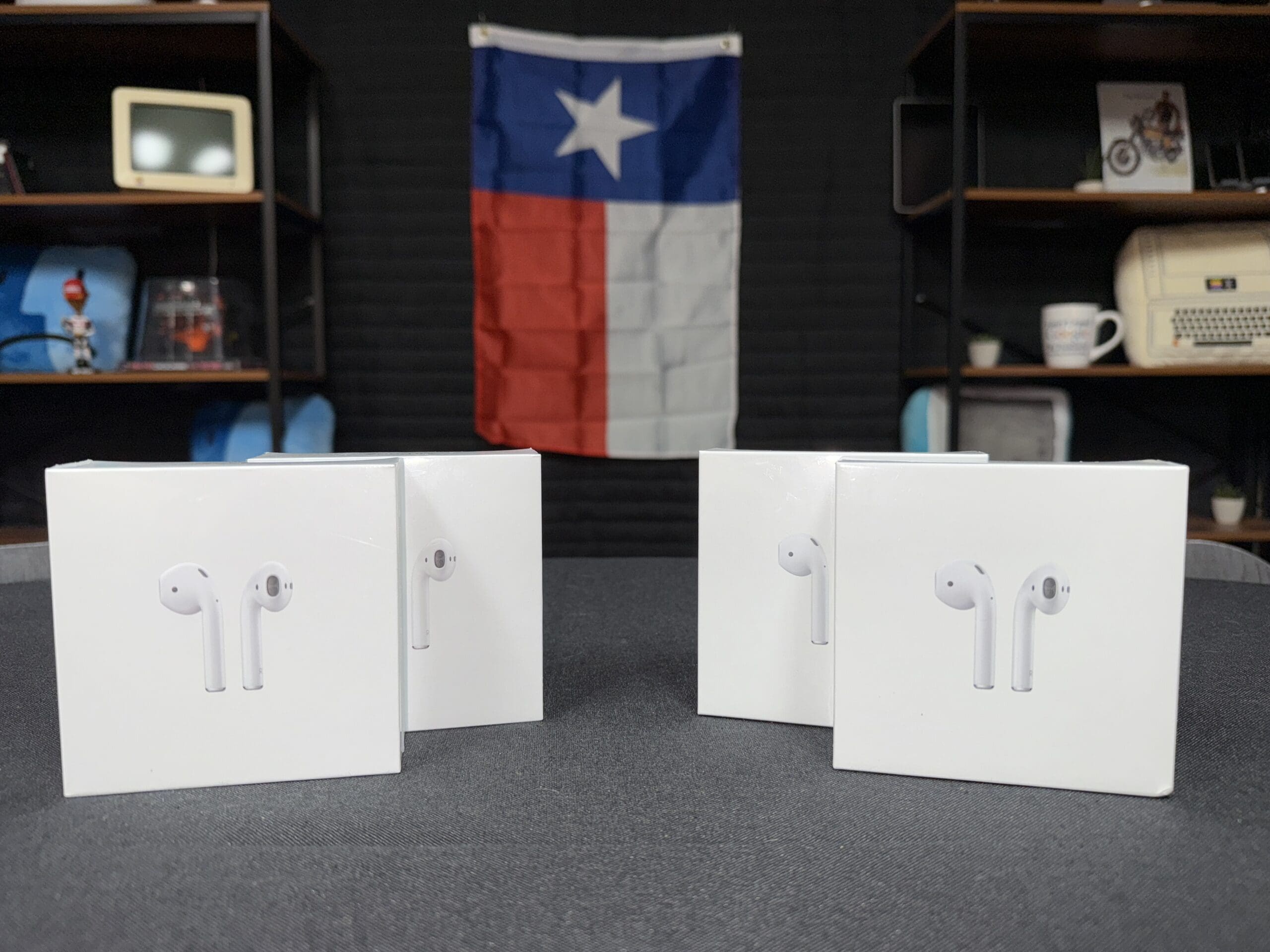
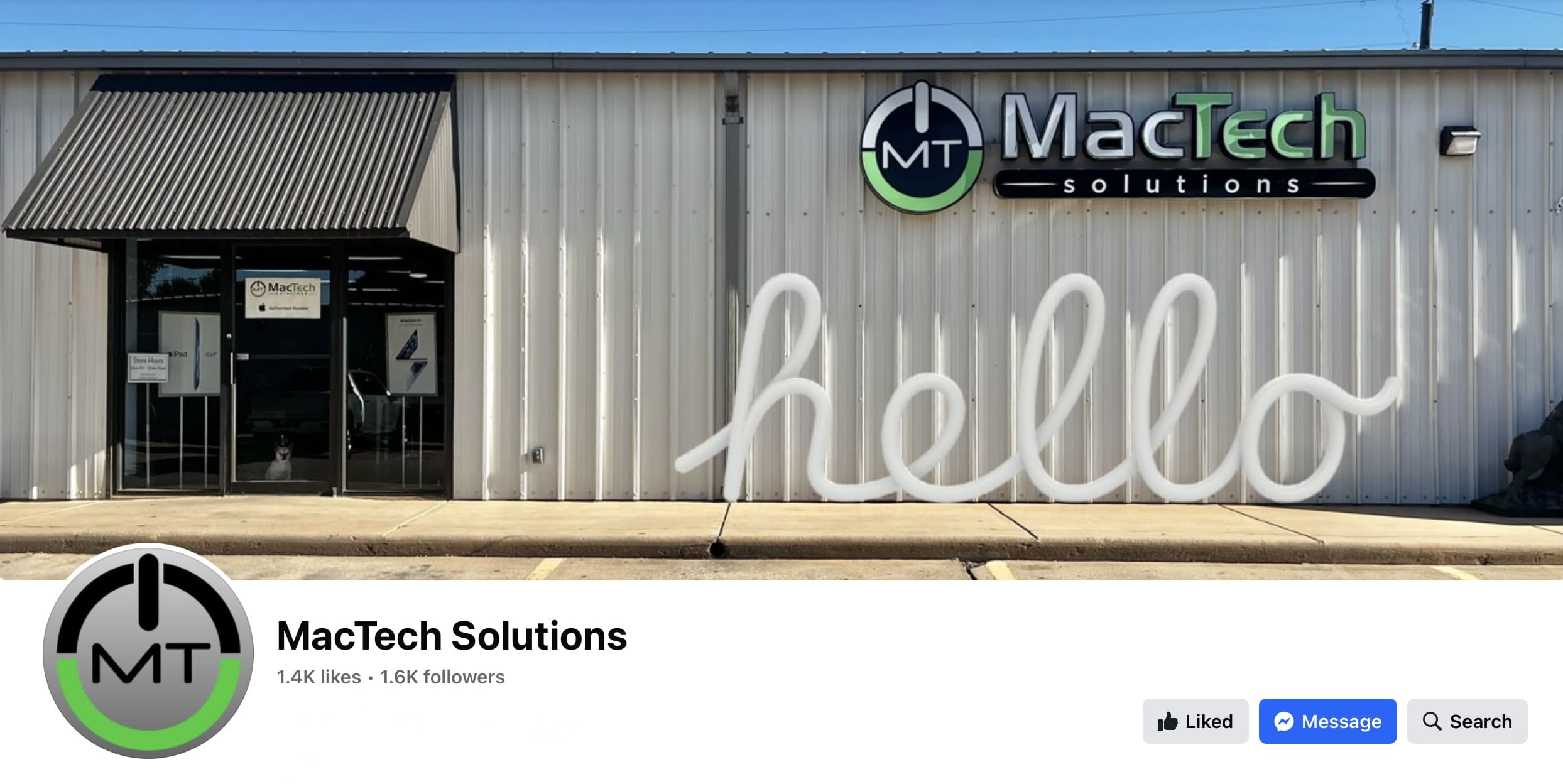
MacTech Solutions is your local Mac store, serving Wichita Falls for over 20 years. We carry the latest Apple computers and accessories, and our Apple-authorized team has completed over 25,000 repairs—with customers coming to us from all across North Texas and Oklahoma.

Business to Business
Whether you’re setting up a new office or managing an existing one, MacTech Solutions provides tailored Apple and Windows support for your business. We handle everything from hardware setup to secure networking and ongoing maintenance.
Latest Blog Posts from MacTech Solutions

Take Screenshots to Aid Tech Support
If you experience something weird on your Mac, iPhone, iPad, or Apple Watch, it’s essential to get a record of what happened. That way, when you talk to a more experienced friend or tech support rep, you can share exactly what you saw. The best way to do this is to...

Change Camera Modes Easily on an iOS Device
The Camera app on the iPad, iPhone, and iPod touch can take three kinds of video and three types of photos, and the interface suggests that you switch between them by tapping or swiping on the labels below the viewfinder. Unfortunately, those labels are small and can...
Tech Tuesday January 10, 2017
Terry shows us how Google Earth can be a fun and productive app for home and business alike. https://youtu.be/QxW2XVsRSLY