

Apple Service
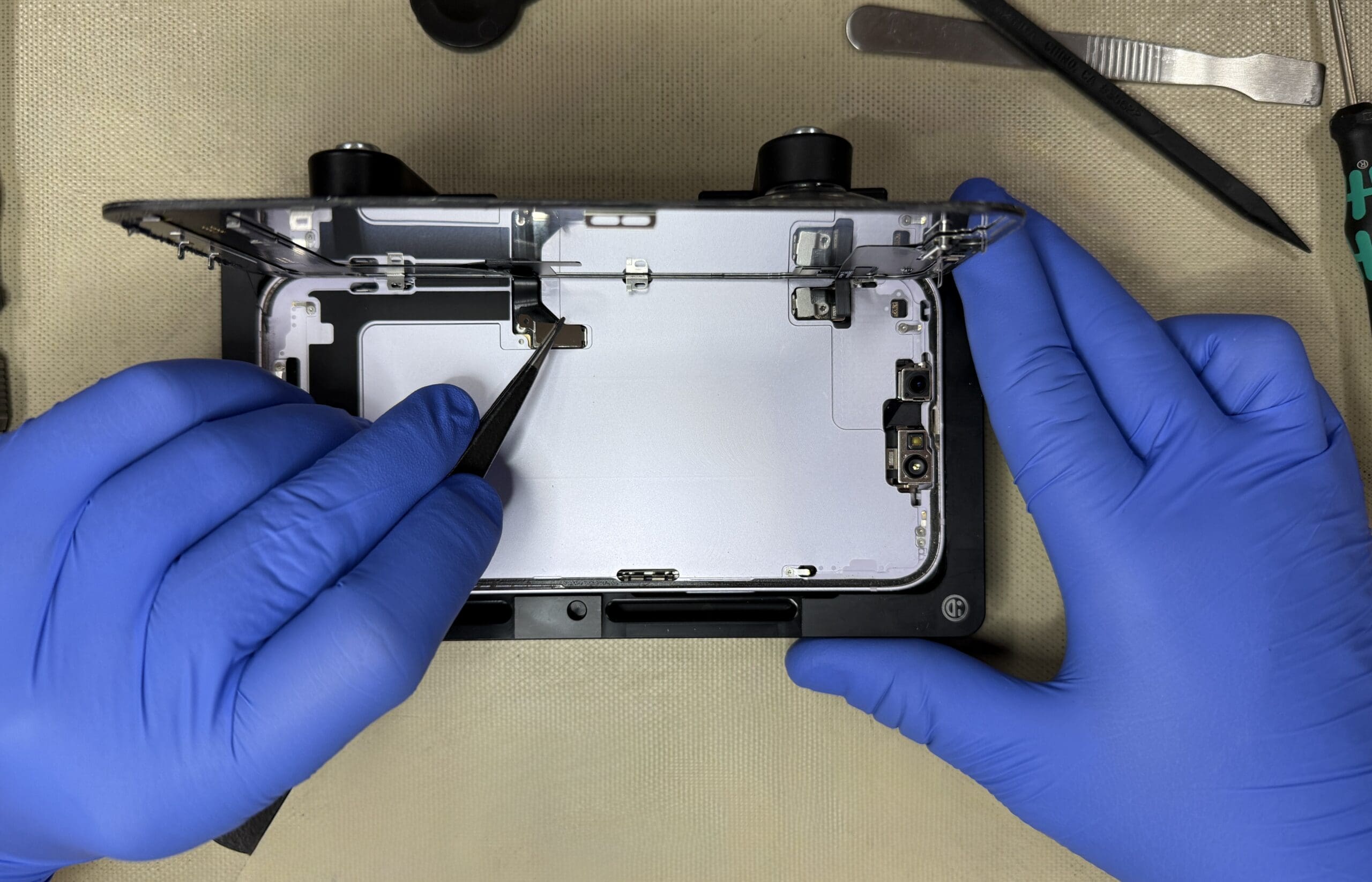
Our Apple-certified technicians provide expert repairs for iMac, MacBook, iPhones, iPads, and iPods—whether your device is under warranty, covered by AppleCare, or out of warranty. You can count on us for reliable, authorized service.
Retail Store
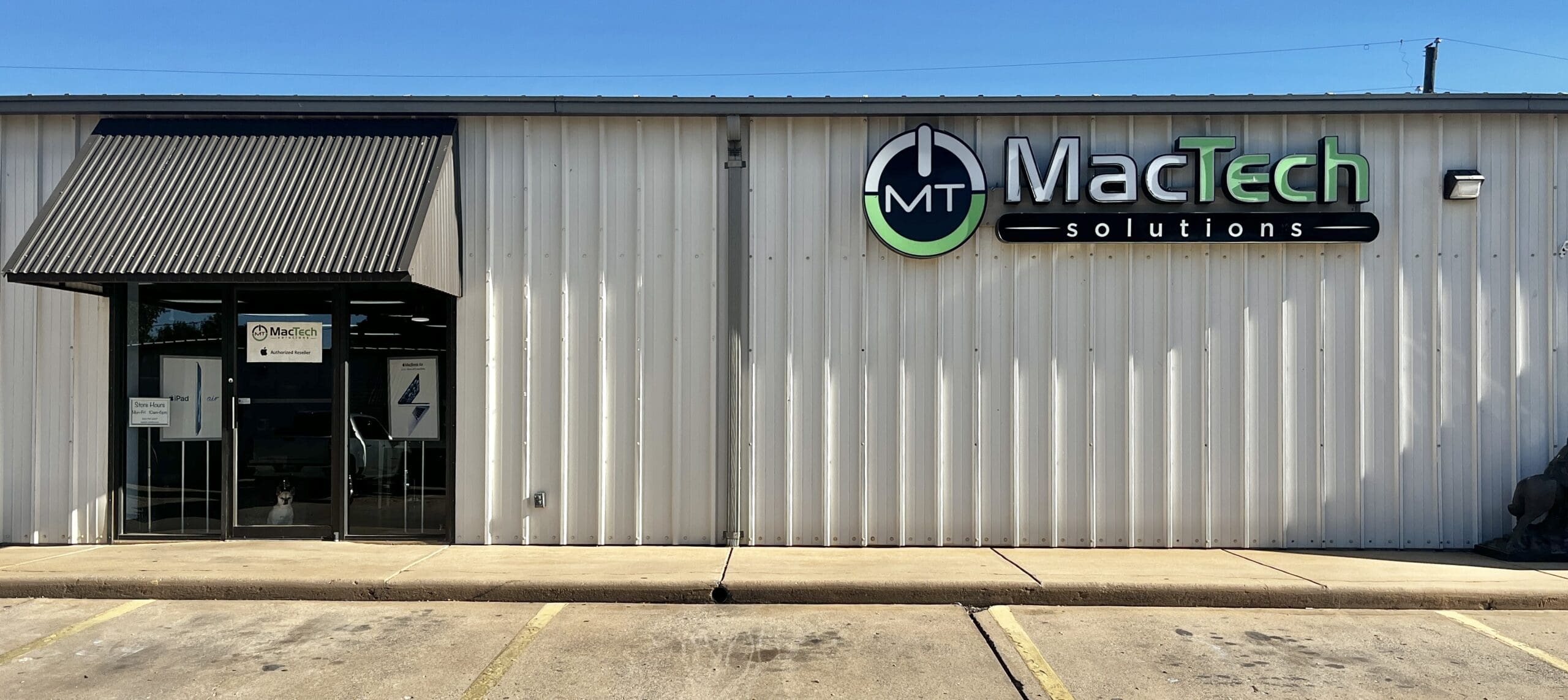
MacTech Solutions is your local Mac store, serving Wichita Falls for over 20 years. We carry the latest Apple computers and accessories, and our Apple-authorized team has completed over 25,000 repairs—with customers coming to us from all across North Texas and Oklahoma.

Business to Business
Whether you’re setting up a new office or managing an existing one, MacTech Solutions provides tailored Apple and Windows support for your business. We handle everything from hardware setup to secure networking and ongoing maintenance.
Latest Blog Posts from MacTech Solutions

What Is The Best Hard Drive to Use for Your Backups?
Backing up your Mac is like flossing your teeth: everyone knows they should do it every night, but too many people never get around to it. Unlike flossing, once you set up backups, they don’t require daily attention. And turning on Apple’s Time Machine backup feature...

Overloaded by Work Email? Give the Slack Messaging Tool a Try.
Don’t get us wrong—email is great. But sometimes there’s too much of it at work, as colleagues share information too broadly or chime in unnecessarily, and as marketing offers and other junk fills your inbox. Over the past few years, lots of organizations—including...
Teach Siri How to Pronounce Names Properly
Siri is supposed to be a competent voice assistant, but sometimes Siri can’t even pronounce your own name correctly! Luckily, it’s easy to fix Siri’s pronunciation for any name. Just say to Siri, “Learn how to pronounce Jill Kresock.” (Siri defaults to “krehsock”...