

Apple Service
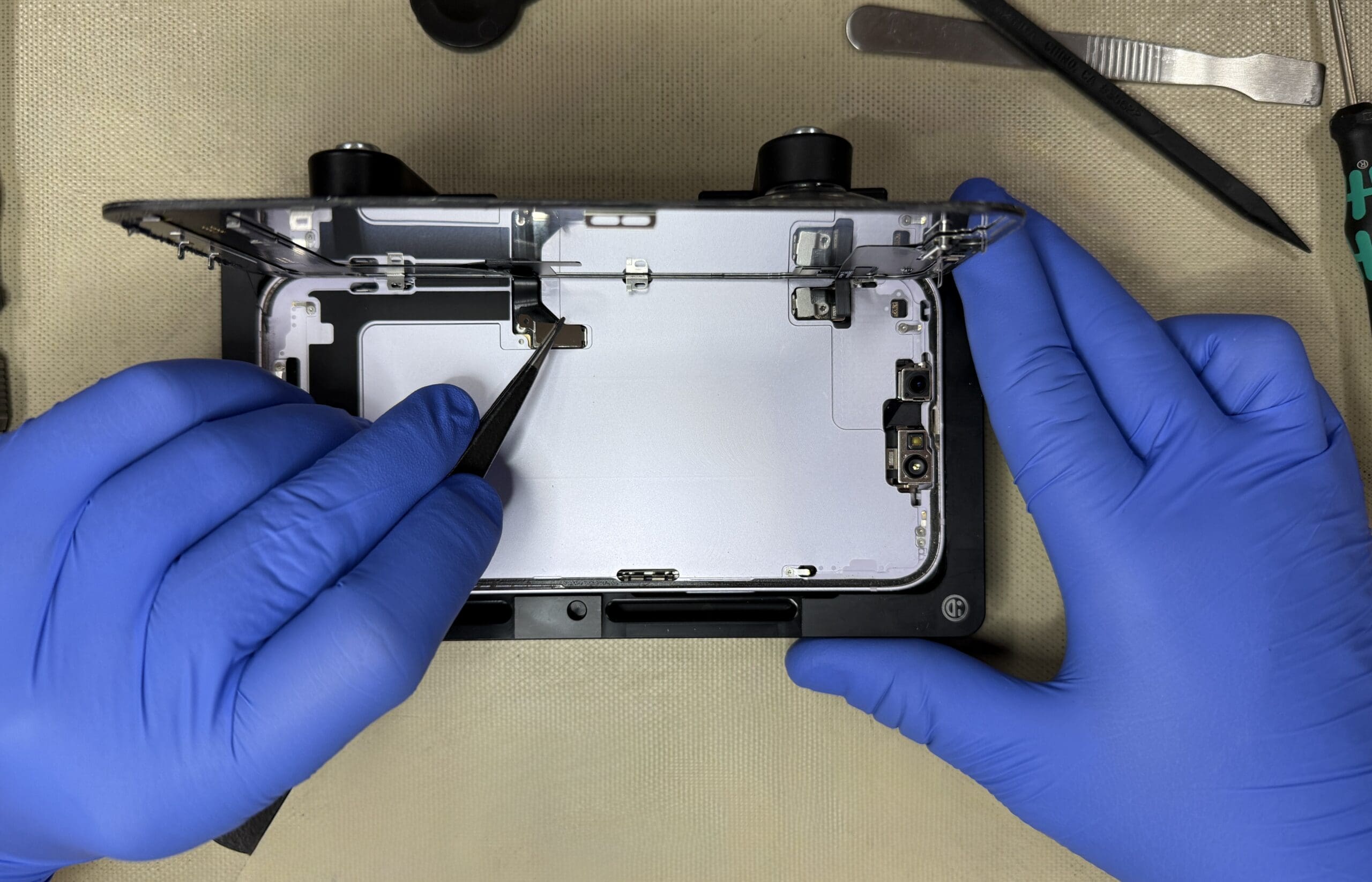
Our Apple-certified technicians provide expert repairs for iMac, MacBook, iPhones, iPads, and iPods—whether your device is under warranty, covered by AppleCare, or out of warranty. You can count on us for reliable, authorized service.
Retail Store
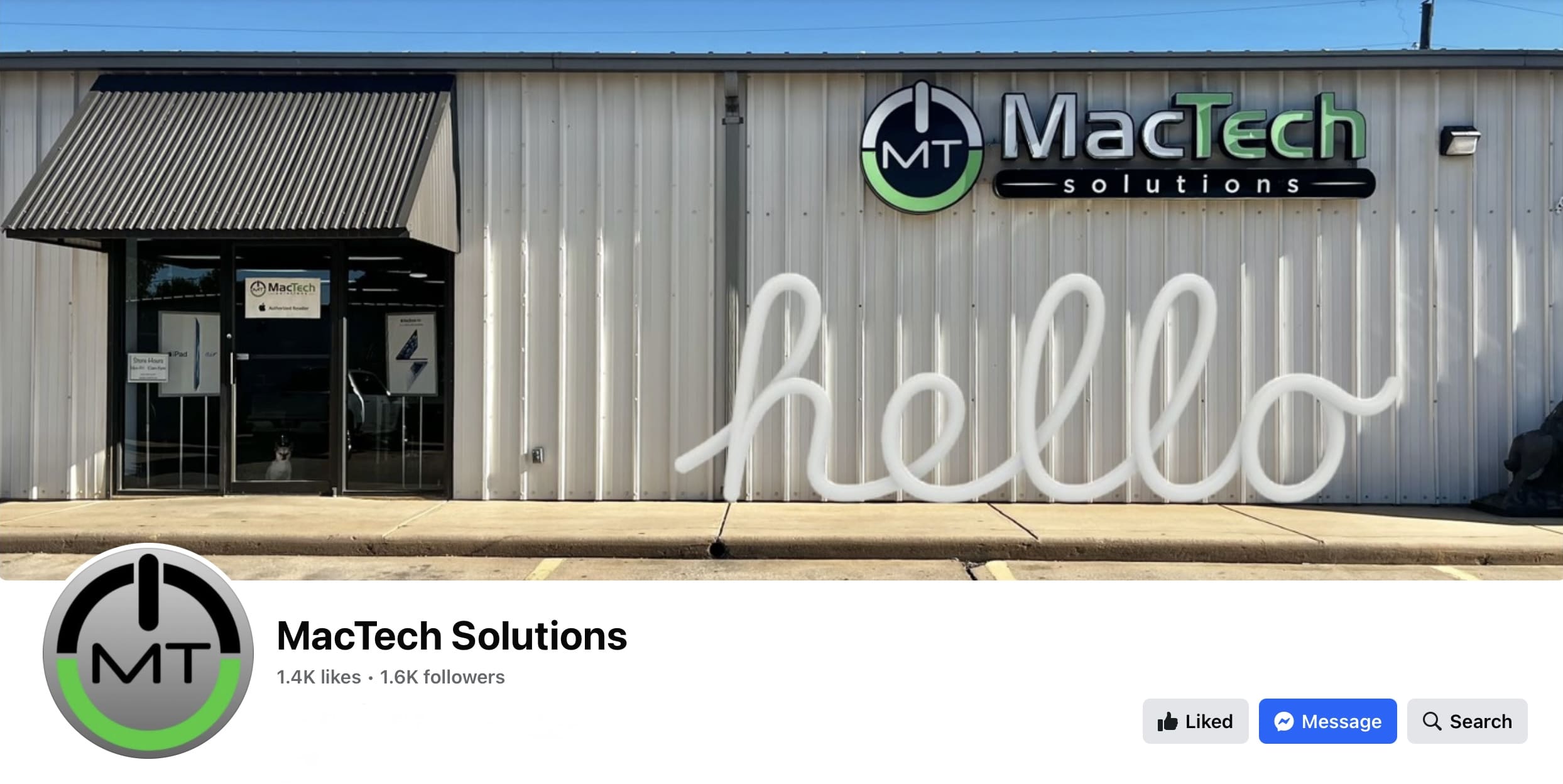
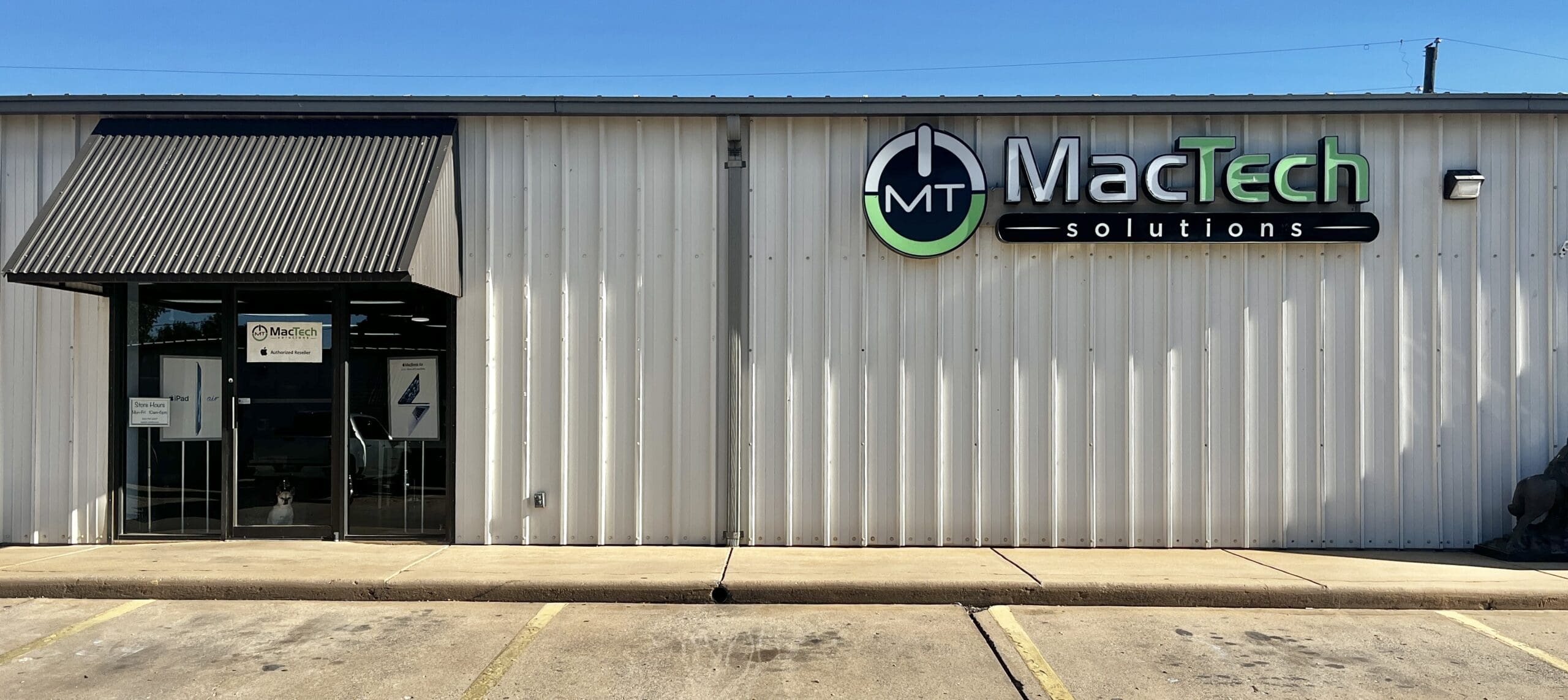
MacTech Solutions is your local Mac store, serving Wichita Falls for over 20 years. We carry the latest Apple computers and accessories, and our Apple-authorized team has completed over 25,000 repairs—with customers coming to us from all across North Texas and Oklahoma.

Business to Business
Whether you’re setting up a new office or managing an existing one, MacTech Solutions provides tailored Apple and Windows support for your business. We handle everything from hardware setup to secure networking and ongoing maintenance.
Latest Blog Posts from MacTech Solutions

Make the Most of the iPhone’s Panorama Mode
You’re hanging out at the beach at the end of a relaxing day on your tropical vacation and the light glancing off the water is perfect. You whip out your iPhone and snap a few shots, but they don’t capture the grandeur of the moment. You need a panorama. Luckily, the...

Copy Phone Numbers from Incoming Calls
Have you ever needed to copy the phone number from an incoming call that’s not associated with one of your contacts? In the Phone app’s Recents screen, you can’t select the number to copy it, but there’s a hidden workaround. Tap the button next to the call, and then...

Paste Phone Numbers into the Phone App
Although many iOS apps identify phone numbers so you can just tap them to call, that doesn’t always work for a phone number sent to you in a text or email message, or posted on a Web page. Here’s the workaround so you don’t have to memorize the number temporarily or...