by Terry McAdams | May 15, 2020 | How-To, iPad, iPhone, productivity
Ever wanted to take a photo of a receipt and circle the item for which you should be reimbursed? Or perhaps you’d like to put some text or a speech balloon on a photo? You can do all that and much more using iOS 13’s Markup tools. They’re available when you take a...
by Terry McAdams | May 14, 2020 | Mac, productivity, Tip
Split View on the Mac helps you focus on your work in one app—perhaps a word processor—while providing access to one other app, like a Web browser. (Make sure “Displays have separate Spaces” is selected in System Preferences > Mission Control.) Before macOS 10.15...
by Terry McAdams | May 13, 2020 | Messages, Tip
In your list of conversations in Messages, you probably have lots of people who have generic icons next to their names or numbers. You likely look like that to other people as well, but a new feature in iOS 13 lets you share your preferred name and avatar picture with...
by Terry McAdams | May 12, 2020 | Control Center, How-To, iOS, iPad, iPhone
Starting back in iOS 11, Apple made Control Center significantly more useful by letting you customize it more to your liking by adding and rearranging buttons. You can even remove a few of the default buttons if they’re just taking up space. Opening and Closing...
by Terry McAdams | May 11, 2020 | How-To, Mac, troubleshooting
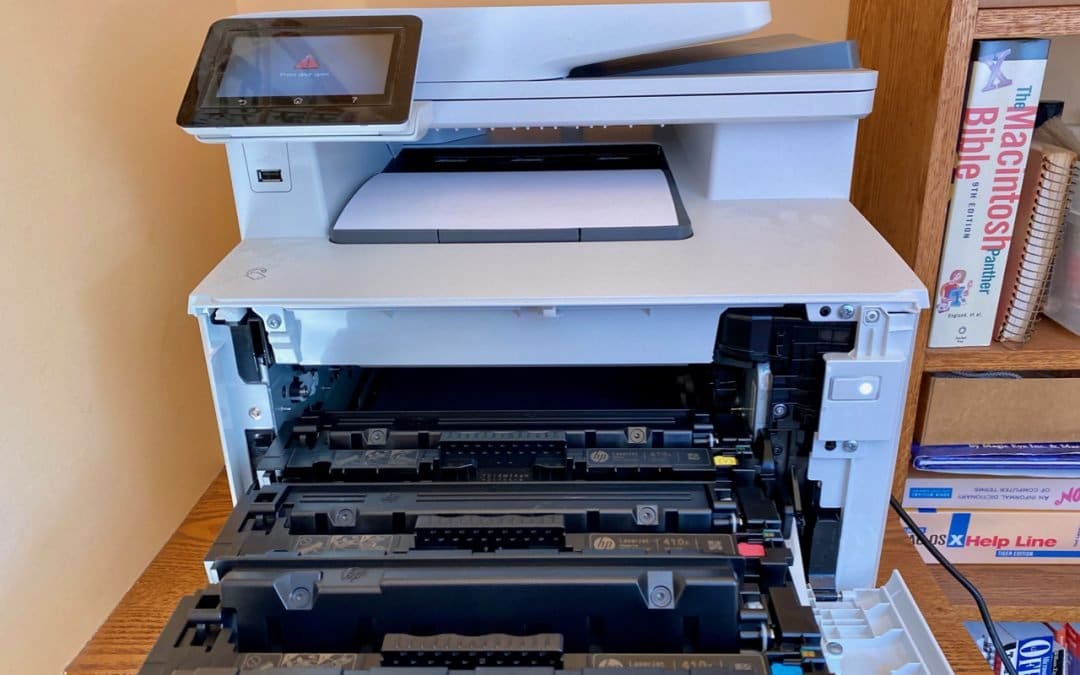
There’s little more frustrating than being unable to print a document when you need it. You choose File > Print, and nothing happens. Or, worse, macOS looks like it’s printing, so you focus on some other task, only to realize 20 minutes later that nothing has come...