(940) 767-6227
  • Facebook
  • X
  • RSS
  • Facebook
  • X
  • RSS
0 Items
MacTech Solutions
  • Home
  • Products
    • Mac
      • MacBook Air
        • MacBook Air 13-inch M2
        • MacBook Air 13-inch M3
        • MacBook Air 15-inch M3
      • MacBook Pro
        • MacBook Pro 14-inch M4
        • MacBook Pro 14-inch M4 Pro
        • MacBook Pro 16-inch M4
      • iMac
        • iMac 24-inch M4
      • Mac Mini
        • Mac mini M4
      • Mac Studio
      • Mac Pro
      • Apple Displays
        • Pro Display XDR
        • Studio Display
    • iPad
      • iPad
      • iPad mini
      • iPad Pro
        • iPad Pro M4 11-inch
        • iPad Pro M4 13-inch
      • iPad Air
        • iPad Air M2 11-inch
        • iPad Air M2 13-Inch
      • Apple Pencil
        • Apple Pencil (USB-C)
      • Keyboards
        • Smart Keyboard
        • Smart Keyboard Folio
        • iPad Magic Keyboard
    • Apple Watch
      • Apple Watch SE
      • Apple Watch Series 9
      • Apple Watch Ultra 2
    • iPod touch
    • Apple TV
      • Apple TV
      • Apple TV 4K
    • Airpods
      • AirPods Max
      • Airpods Pro (2nd Generation)
      • AirPods 4
      • AirPods 4 with Active Noice Cancellation
      • AirPods (3rd Generation)
      • AirPods (2nd Generation)
    • HomePod
      • HomePod mini
    • AppleCare+
    • Sonos
    • Adobe
      • Creative Cloud for Education
  • Service
    • Apple Authorized Service
    • Remote Support
  • Trade Ins
  • Classes & Events
  • About Us
    • Newsletter Sign Up
    • MacTech Solutions
    • The Team
    • Contact Us
  • Blog
Select Page
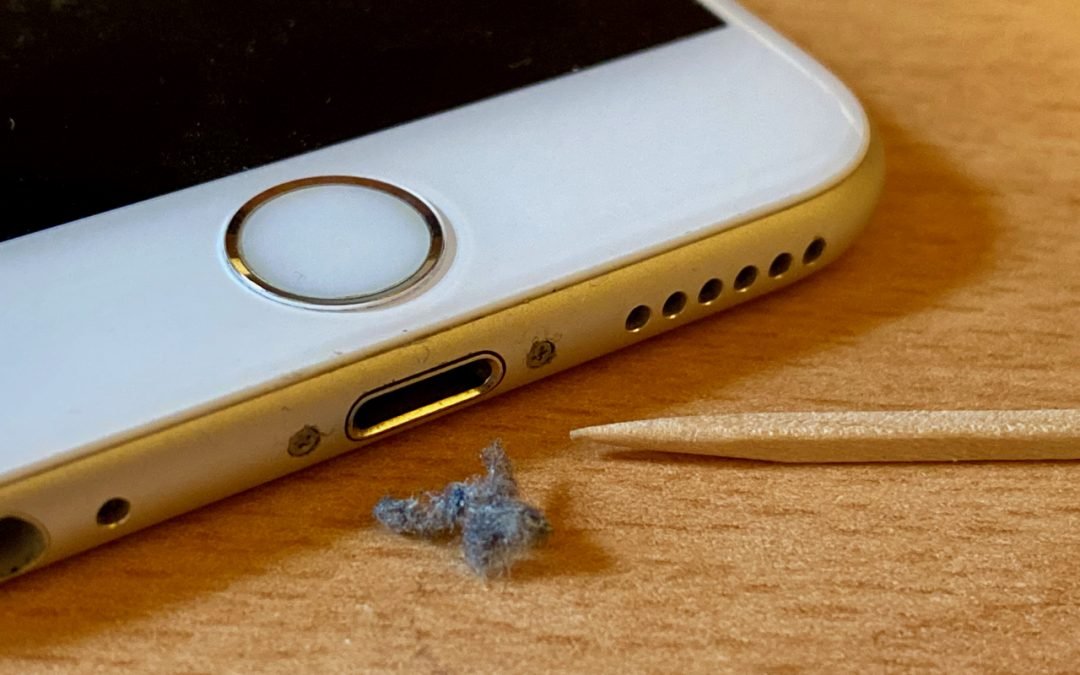
iPhone Not Charging Reliably? Clean Its Lightning Port with a Toothpick

iPhone Not Charging Reliably? Clean Its Lightning Port with a Toothpick

by Terry McAdams | May 4, 2020 | Battery, iPhone, Tip, troubleshooting

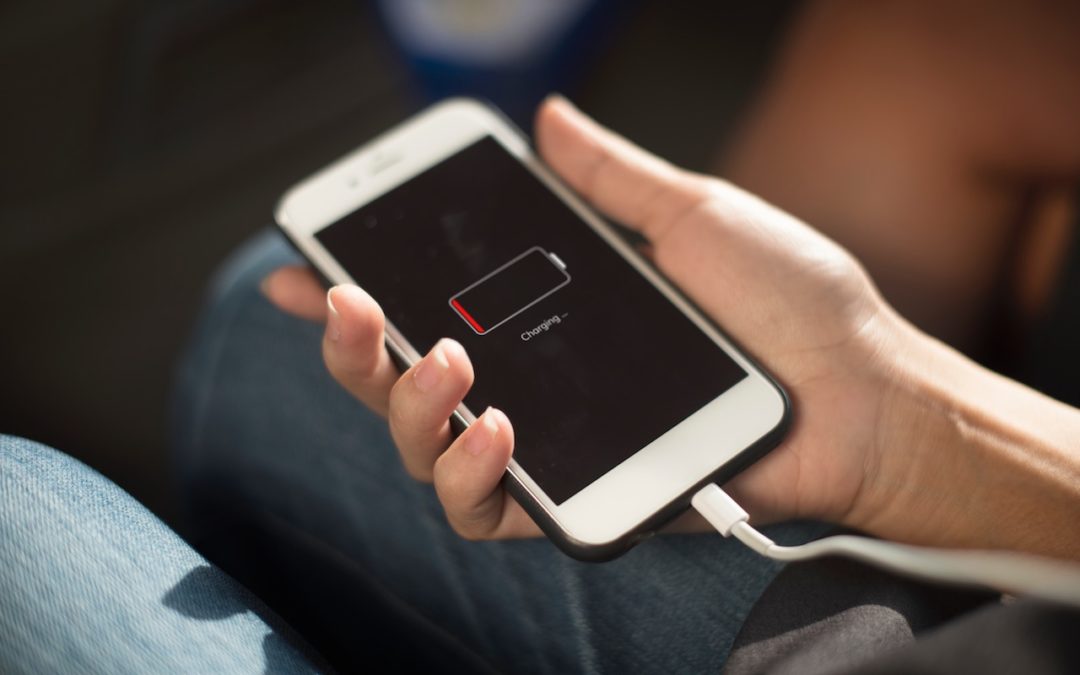
If you’re plugging your iPhone in regularly but getting low-battery warnings when you shouldn’t, consider the possibility that something is preventing your iPhone from charging successfully while plugged in. If there’s no lightning bolt badge on the battery icon when...

Top Features of iOS 12 to Take Advantage of Right Away

by Lucy McAdams | Oct 19, 2018 | Battery, Do Not Disturb, productivity

Feeling left behind because you don’t have the latest iPhone or iPad? Don’t, because Apple has a present for you in the form of iOS 12. The new operating system promises to increase performance, particularly for older devices as far back as the iPhone 5s and iPad Air....
iOS 11.3 Introduces New Battery Health Feature, Business Chat, and More

iOS 11.3 Introduces New Battery Health Feature, Business Chat, and More

by Lucy McAdams | Apr 18, 2018 | Battery, Health, Messages, privacy, Safari, troubleshooting

At the end of March, Apple released updates to all four of its operating systems, but iOS 11.3 was the most notable. It boasts a variety of new features and other changes—you can think of it as the midpoint update between iOS 11’s first release and iOS 12, probably...
Find the Battery Percentage Indicator on the iPhone X

Find the Battery Percentage Indicator on the iPhone X

by Lucy McAdams | Feb 28, 2018 | Battery, Control Center, iPhone X, Tip

Wondering what happened to the numeric battery percentage indicator on the iPhone X? The notch takes up enough space at the top of the screen that there was room only for the battery icon, which can be hard to interpret. If you want to see precisely what percentage of...
Apple Lowers Battery-Replacement Pricing for iPhone 6 and Later

Apple Lowers Battery-Replacement Pricing for iPhone 6 and Later

by Lucy McAdams | Jan 4, 2018 | Battery, Tip, troubleshooting

Did you hear about the battery-related controversy swirling around Apple at the end of 2017? There has been much hue and cry about how, starting with iOS 10.2.1, iOS has been slowing down iPhones with old, weak batteries to avoid unexpected shutdowns. In response,...
What the %&#@& Is Draining My MacBook Battery?

What the %&#@& Is Draining My MacBook Battery?

by Lucy McAdams | Sep 11, 2017 | Battery, Mac, MacBook, MacBook Air, MacBook Pro, Tip

If your MacBook’s battery charge is dropping faster than you think is reasonable, it’s time to look for the culprit. Click the Battery icon in the menu bar and wait a few seconds for the Battery menu to display power information, including which apps are using...
Next Entries »

Archives

Categories

Terms and Conditions   |   Return and Shipping Policy   |   Privacy Policy
MacTech Solutions LLC DBA MacTech Solutions™
Copyright © MacTech Solutions, LLC   |   All Rights Reserved.

The MacTech Solutions logo is property of MacTech Solutions, LLC, a Texas Limited liability company. All other logos and trademarks are the property of their respective owners. Apple, the Apple logo, iPad, iPad Pro, iPod, Mac, MacBook Air, and MacBook Pro are trademarks of Apple Inc., registered in the U.S. and other countries.

Our Location

4020 Rhea Rd, Suite 3B
Wichita Falls, TX 76308
(940) 767-MACS (6227)

Hours

Monday-Friday: 10-6
Saturday: Closed
Sunday: Closed
Terms and Conditions | Privacy Policy

MacTech Solutions LLC DBA MacTech Solutions™
Copyright © MacTech Solutions, LLC   |   All Rights Reserved.

The MacTech Solutions logo is property of MacTech Solutions, LLC, a Texas Limited liability company. All other logos and trademarks are the property of their respective owners. Apple, the Apple logo, iPad, iPad Pro, iPod, Mac, MacBook Air, and MacBook Pro are trademarks of Apple Inc., registered in the U.S. and other countries.