by Terry McAdams | Jan 26, 2023 | Photos, privacy, Tip
Photos has long provided a hidden album you could use to hold images you wanted to keep a little more private. Until this year, however, it was security through obscurity: anyone who knew to reveal the album in Settings > Photos on an iPhone or iPad or by choosing...
by Terry McAdams | Jan 19, 2023 | Contacts, Mac, Safari, Tip, troubleshooting
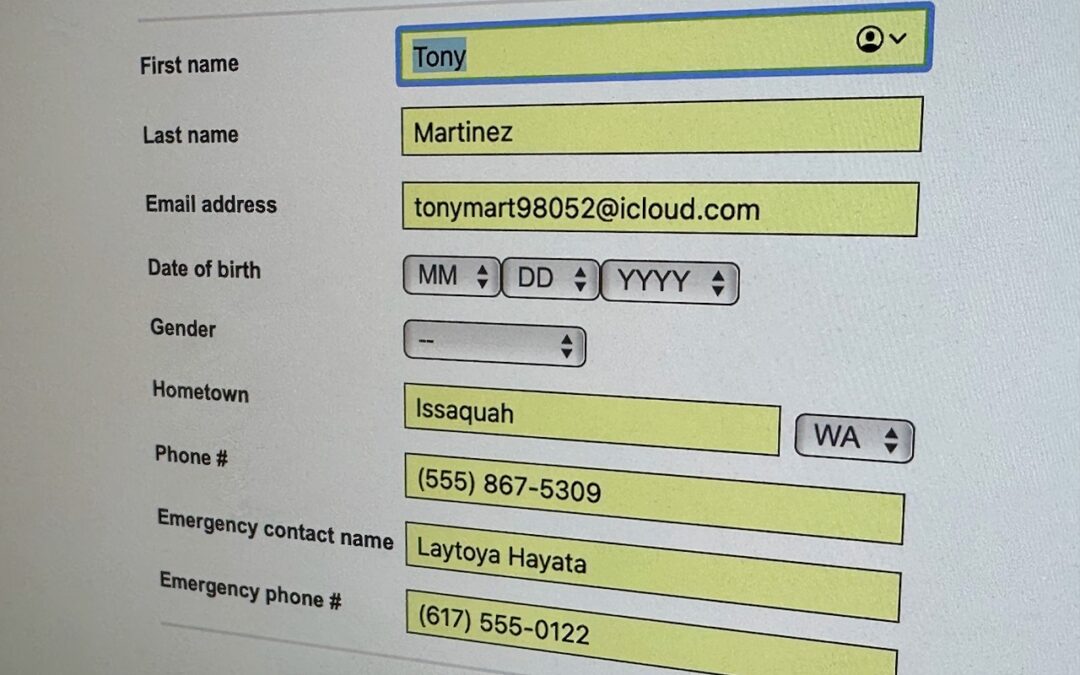
We heard from a client that AutoFill in Safari suddenly stopped entering her name and address in Web forms when she chose Edit > AutoFill Form or pressed Command-Shift-A, forcing her to enter her contact information manually, like an animal. (And yes, the “Using...
by Terry McAdams | Jan 12, 2023 | Mac, Tip, troubleshooting
We aren’t quite ready to recommend that everyone upgrade to macOS 13 Ventura, but if you use Microsoft Office with macOS 10.15 Catalina, you should start planning for an upgrade. Microsoft has announced that current versions of its productivity suite—Office for Mac...
by Terry McAdams | Jan 5, 2023 | password manager, passwords, privacy, Tip
Whatever consumer electronics product you can name, there’s probably a “smart” version that you configure via an app or Internet-connected interface once you’ve connected it to your Wi-Fi network. For ease of setup and to keep costs down, many such devices come...
by Terry McAdams | Dec 29, 2022 | Contacts, iPad, iPhone, productivity, Tip
Deleting contacts on the iPhone and iPad used to be a pain, especially if you wanted to trash multiple contacts. You had to open the contact, tap Edit, scroll to the bottom, and tap Delete Contact. Although you still can’t swipe left on a contact in a list, as you do...
by Terry McAdams | Dec 22, 2022 | iPad, iPhone, Siri, Tip, troubleshooting
22Although iOS and iPadOS are extremely stable, there are times when rebooting your iPhone or iPad can eliminate odd or problematic behavior, and there’s no harm in trying it. In the past, you’ve had to remember which buttons to press or select Settings > General...