by Terry McAdams | Apr 23, 2024 | Mac, productivity, Tip
You can change the resolution of your Mac’s screen—how many pixels appear—to make text and graphics larger and easier to see or smaller to fit more content onscreen. In System Settings > Displays, Apple shows thumbnails for five likely possibilities. Hover the...
by Terry McAdams | Apr 22, 2024 | productivity, Tip
In iOS 17.4, iPadOS 17.4, and macOS 14.4 Sonoma, Apple enhanced its Podcasts app to include transcripts of all podcasts in the Apple Podcasts catalog as long as they’re in English, French, German, or Spanish. (It doesn’t translate from one language to another.) Much...
by Terry McAdams | Apr 4, 2024 | Calendar, Mac, productivity, Tip
Along with day, week, month, and year views, most calendar apps offer the option of a simple chronological list of events, which can be a handy way to see what’s coming up. Apple’s Calendar app on the Mac is unfortunately not among those apps. However, there is a...
by Terry McAdams | Mar 18, 2024 | 1Password, Mac, passwords, productivity, Tip
We think of 1Password as being helpful for entering passwords on websites and in iPhone and iPad apps. But its Universal Autofill feature has a hidden capability that lets 1Password enter your Mac login password when you have to provide it to change certain system...
by Terry McAdams | Mar 1, 2024 | Mac, menu bar, Tip
Is your Mac’s menu bar overwhelmed with icons? They’re helpful little critters, but finding one can be difficult when you have too many and they’re in no particular order. The hidden trick to cleaning up your menu bar relies on the Command key. Rearrange the menu bar...
by Terry McAdams | Feb 22, 2024 | iPad, iPhone, Mac, Tip, troubleshooting
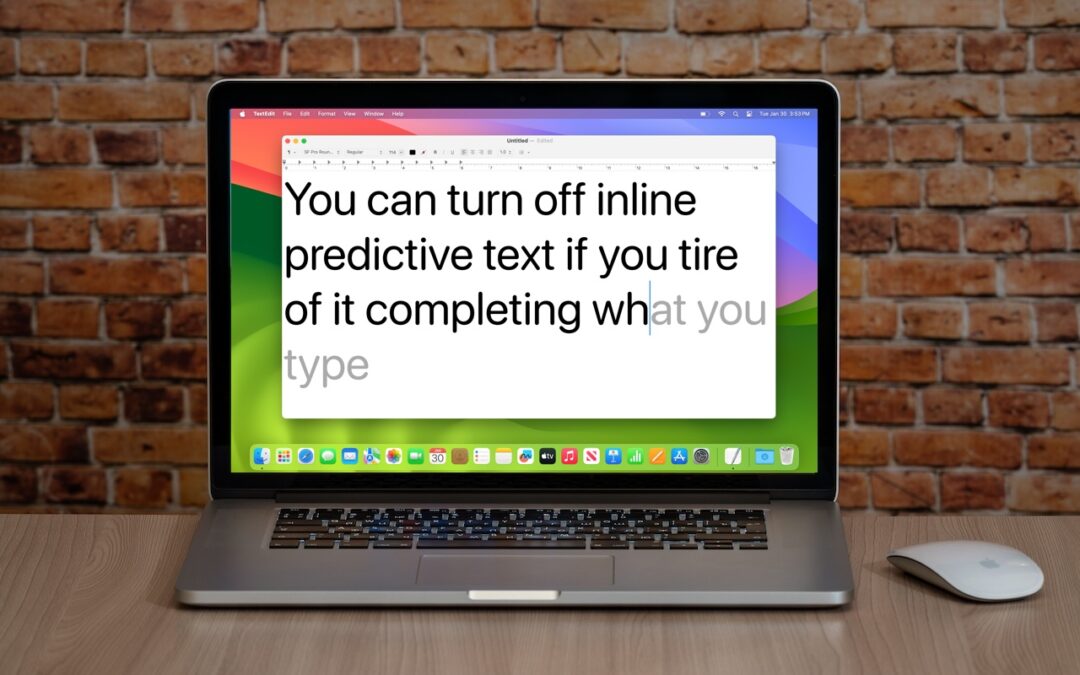
In a slight nod to the hype surrounding generative AI, Apple added inline text prediction capabilities to the iPhone, iPad, and Mac. They can be helpful, particularly on the iPhone and iPad, where it’s often much easier to tap the Space bar than to finish typing a...