by Terry McAdams | Aug 14, 2020 | Mac, productivity, Tip
There are plenty of situations where it makes sense to put a date in a filename, but if you don’t use the right date format, the files may sort in unhelpful ways. For instance, using the names of months is a bad idea, since they’ll sort alphabetically, putting April...
by Terry McAdams | Aug 13, 2020 | iOS, productivity, Tip
Sure, you know that the Space bar in the iOS virtual keyboard types a space character. But did you realize that if you tap it twice, it inserts a period? (Probably, but if not, now you do.) That’s to make it easier to provide proper punctuation, which will have the...
by Terry McAdams | Aug 5, 2020 | Mac, Tip, troubleshooting
If you’re like many of our clients who use Dropbox intensively, you have a desktop Mac with a large drive and a MacBook with much less drive space. How do you prevent your large Dropbox account from overwhelming the laptop Mac’s available storage? The answer is...
by Terry McAdams | Aug 3, 2020 | Dock, Mac, productivity, Tip
By default, Apple populates your Mac’s Dock with all sorts of apps and arranges them in a particular order. But there’s no rhyme or reason to the defaults, and you shouldn’t be afraid to add, remove, and rearrange apps on your Dock. To add an app, drag its icon from...
by Terry McAdams | Jul 31, 2020 | Mac, Tip, troubleshooting
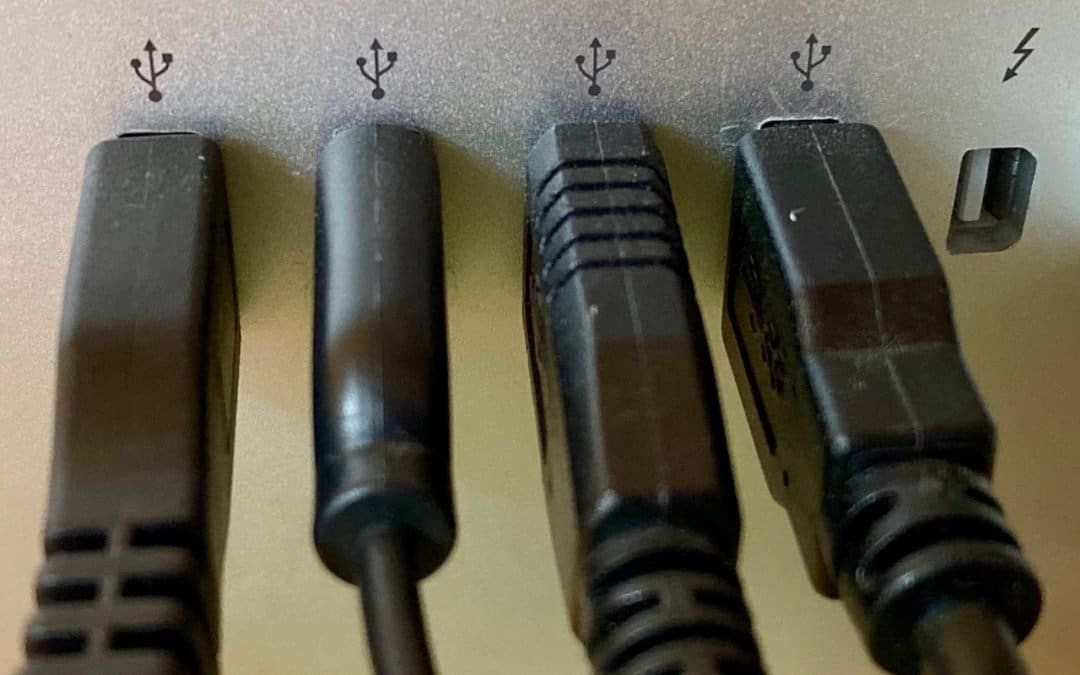
If you’re experiencing a sporadic problem with your Mac, the sort of thing that happens often enough to be annoying but not so frequently as to be reproducible, allow us to suggest one little-known troubleshooting tip. Malfunctioning USB devices—keyboards, mice, hubs,...
by Terry McAdams | Jul 30, 2020 | Mac, productivity, Tip
Whenever you view a document that’s longer than will fit onscreen, a scroll bar appears (often only if you’re actively scrolling). That’s true whether you’re using an iPhone, iPad, or Mac. Inside the scroll bar is a control called a scroller that you can drag to...