by Terry McAdams | Feb 22, 2024 | iPad, iPhone, Mac, Tip, troubleshooting
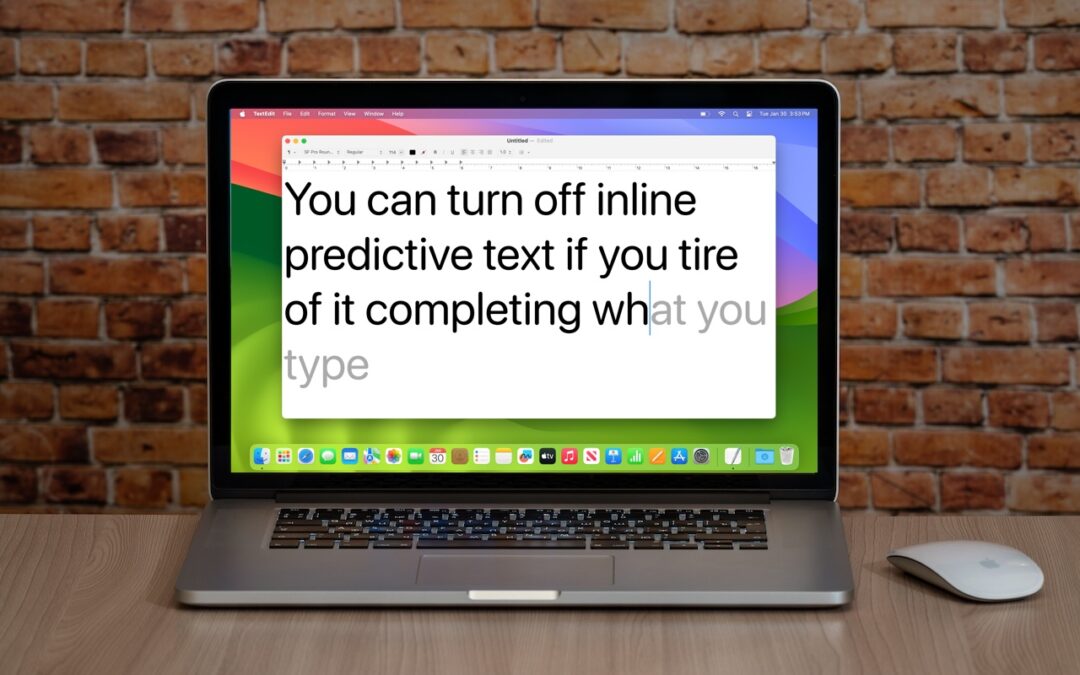
In a slight nod to the hype surrounding generative AI, Apple added inline text prediction capabilities to the iPhone, iPad, and Mac. They can be helpful, particularly on the iPhone and iPad, where it’s often much easier to tap the Space bar than to finish typing a...
by Terry McAdams | Feb 15, 2024 | FaceTime, iPad, iPhone, Tip, troubleshooting
If you listen to a FaceTime Audio call using AirPods and hear the other person’s voice moving annoyingly from side to side as you turn your head, the problem is likely head-tracked spatial audio. In general, spatial audio attempts to make sounds seem to come from all...
by Terry McAdams | Dec 12, 2023 | Email, Mac, Tip, troubleshooting
Sometimes, something goes wrong, causing Mail on the Mac to have trouble sending a message. When it does, you may see an error like the one below, encouraging you with a default button to try another configured server. Don’t do it! Always click Try Later. If that...
by Terry McAdams | Nov 16, 2023 | Desktop, Mac, privacy, troubleshooting
Many of our customers are switching to macOS 14 Sonoma, and for the most part, things are going well. However, Apple introduced some new features—and turned them on by default—that are causing some consternation. If you’ve switched to Sonoma or are planning to soon,...
by Terry McAdams | Oct 24, 2023 | Tip, troubleshooting
Steve Jobs famously railed against cable clutter, and it’s now easy to use a desktop Mac with a wireless keyboard and mouse, either from Apple or another manufacturer. That’s fine for regular usage, but Bluetooth keyboards and mice aren’t always sufficient. Batteries...
by Terry McAdams | Oct 19, 2023 | troubleshooting
We’ve helped some Wichita Falls clients recently with networking problems that seemed to be related to their internet connections. Most notable was intermittently slow internet performance, causing the client to call their ISP to upgrade to a higher bandwidth...