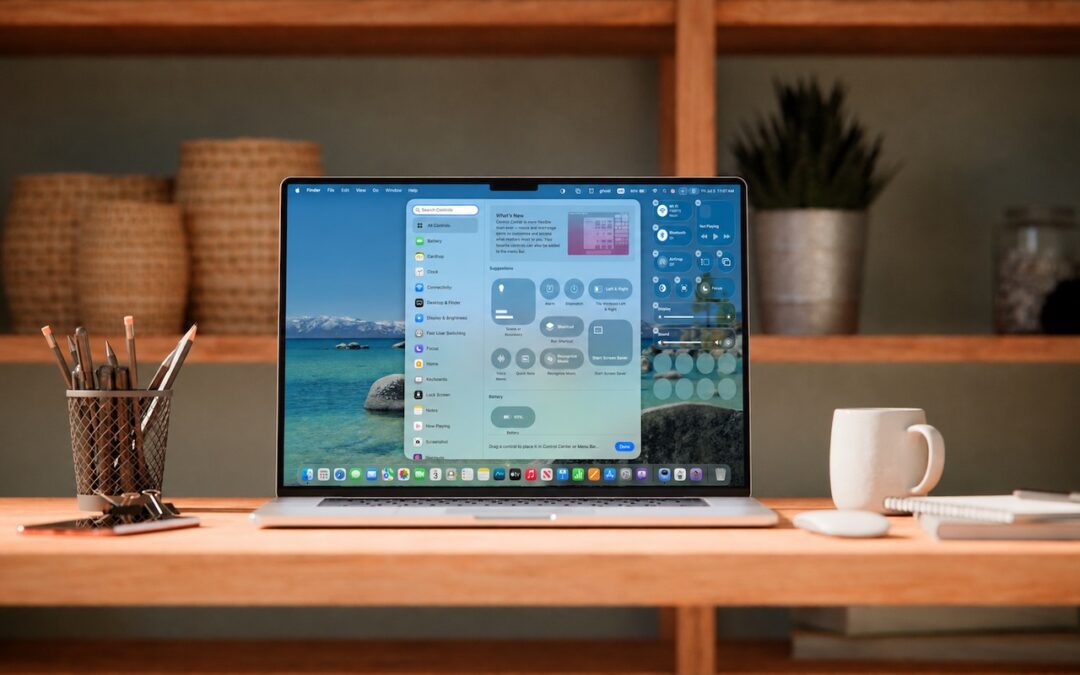
by Terry McAdams | Jul 3, 2026 | Control Center, How-To, Mac, productivity
Control Center debuted on the iPhone over a decade ago in iOS 7 and made its way to the Mac in 2020 with macOS 11 Big Sur. However, through macOS 15 Sequoia, Mac users who wanted to tweak Control Center for their needs were limited to turning specific controls on or...
by Terry McAdams | Jul 3, 2026 | Mac, productivity, Tip
You undoubtedly know about pressing Command-Tab to bring up the macOS App Switcher and mousing to the app you want to switch to. Keyboard jockeys probably even know to keep holding Command down while pressing Tab or right-arrow to cycle to the right (press Shift-Tab,...
by Terry McAdams | May 1, 2026 | iPad, Mac, productivity, Safari, Tip
Safari’s compact tab bar option, which saves vertical space by placing the address bar in the current tab, went missing in the initial releases of macOS 26 Tahoe and iPadOS 26. Only Apple knows why this helpful option disappeared (Liquid Glass?), but as of macOS 26.4...
by Terry McAdams | Sep 5, 2024 | Tip, Upgrade
The calendar has flipped over to September, so Apple will soon release major upgrades for all its operating systems. iOS 18 and watchOS 11 will undoubtedly ship alongside new iPhone and Apple Watch models mid-month. iPadOS 18 is likely to accompany iOS 18, as are tvOS...
by Terry McAdams | Sep 2, 2024 | iPad, iPhone, Mac, Notification Center, Tip, troubleshooting
iOS, iPadOS, and macOS all let you specify whether any given app should show no notifications, temporary banners, or persistent alerts: look in Settings > Notifications and System Settings > Notifications. Temporary banners appear briefly and then automatically...