(940) 767-6227
  • Facebook
  • X
  • RSS
  • Facebook
  • X
  • RSS
MacTech Solutions
  • Home
  • Managed IT Services
  • Products
    • Mac
      • MacBook Air
        • MacBook Air 13-inch M5
        • MacBook Air 15-inch M5
      • MacBook Pro
        • MacBook Pro 14-inch M5
        • MacBook Pro 14-inch M5 Pro
        • MacBook Pro 16-inch M5
      • iMac
        • iMac 24-inch M4
      • Mac Mini
        • Mac mini M4
      • Mac Studio
      • Mac Pro
      • Apple Displays
        • Pro Display XDR
        • Studio Display
    • iPad
      • iPad
      • iPad mini
      • iPad Pro
        • iPad Pro M4 11-inch
        • iPad Pro M4 13-inch
      • iPad Air
        • iPad Air M2 11-inch
        • iPad Air M2 13-Inch
      • Apple Pencil
        • Apple Pencil (USB-C)
      • Keyboards
        • Smart Keyboard
        • Smart Keyboard Folio
        • iPad Magic Keyboard
    • Apple Watch
      • Apple Watch SE
      • Apple Watch Series 9
      • Apple Watch Ultra 2
    • iPod touch
    • Apple TV
      • Apple TV
      • Apple TV 4K
    • Airpods
      • AirPods Max
      • Airpods Pro (2nd Generation)
      • AirPods 4
      • AirPods 4 with Active Noice Cancellation
      • AirPods (3rd Generation)
      • AirPods (2nd Generation)
    • HomePod
      • HomePod mini
    • AppleCare+
    • Sonos
    • Adobe
      • Creative Cloud for Education
  • Service
    • Apple Authorized Service
    • Remote Support
  • Classes & Events
  • Trade Ins
  • About Us
    • Newsletter Sign Up
    • MacTech Solutions
    • The Team
    • Contact Us
  • Blog
Select Page
Use This Trick to Find a Missing App Window

Use This Trick to Find a Missing App Window

by Terry McAdams | Jul 22, 2020 | Mac, Tip, troubleshooting

Every so often, we hear from a Mac user with a seemingly impossible problem: a document window in some app is opening somewhere outside of the screen so it’s effectively invisible and they can’t work with it in any way. Just closing (with File > Close) and...
Use macOS’s Guest Account to Protect Your Privacy from Temporary Users

Use macOS’s Guest Account to Protect Your Privacy from Temporary Users

by Terry McAdams | Jul 20, 2020 | Mac, privacy, Tip

We’ve all had it happen. “Can I use your Mac for a minute to check my email?” The answer can be “Yes,” but to keep people from poking around on your Mac, have your visitor log in as Guest. To enable the Guest account, go to System Preferences > Users & Groups....
New Organization and Editing in Photos in iOS 13 and iPadOS 13

New Organization and Editing in Photos in iOS 13 and iPadOS 13

by Terry McAdams | Jul 17, 2020 | Photos, productivity

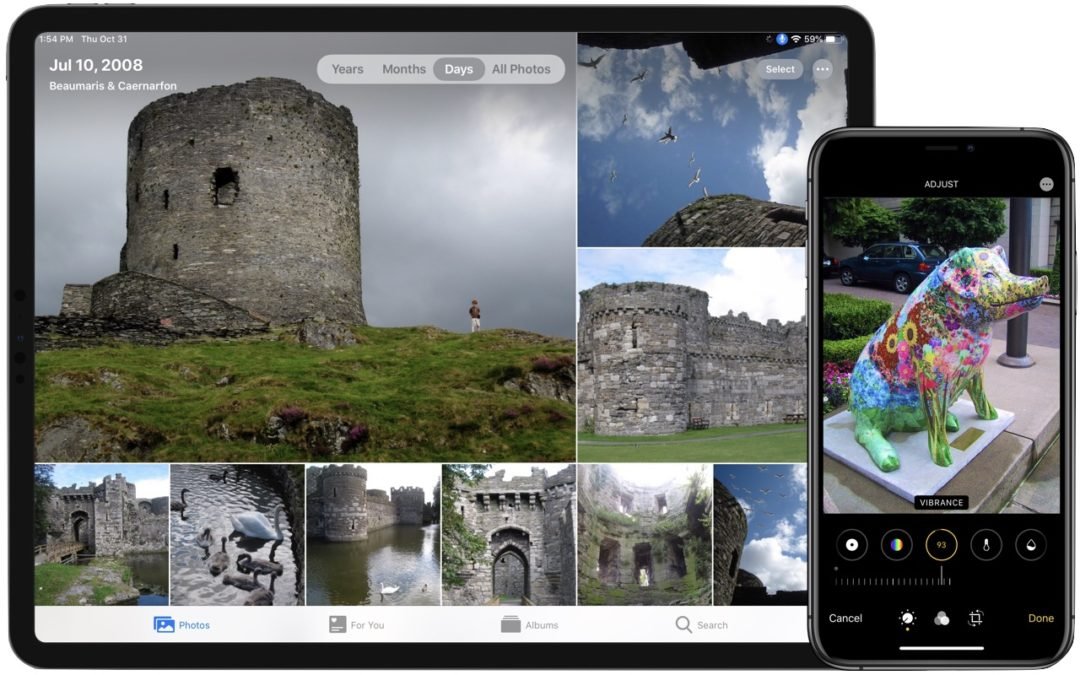
Taking photos is a popular use of the iPhone, and Apple has said that the improved cameras gave this year’s iPhone 11 Pro models their “Pro” designation. But Apple continually works to improve the Photos app as well. Taking great photos is only half the job—you also...
Rearrange Icons on Your iPhone or iPad Home Screens More Easily

Rearrange Icons on Your iPhone or iPad Home Screens More Easily

by Terry McAdams | Jul 16, 2020 | Dock, Home screen, iOS, Tip

If you have lots of apps on your iPhone or iPad, rearranging their icons on your Home screens by dragging from page to page is tedious. Although the new App Library promised for iOS 14 later this year will help you find apps, rearranging them will still be a manual...
Make Sure to Test Your Backup System with Occasional Restores

Make Sure to Test Your Backup System with Occasional Restores

by Terry McAdams | Jul 15, 2020 | Backup, Mac, Time Machine, Tip

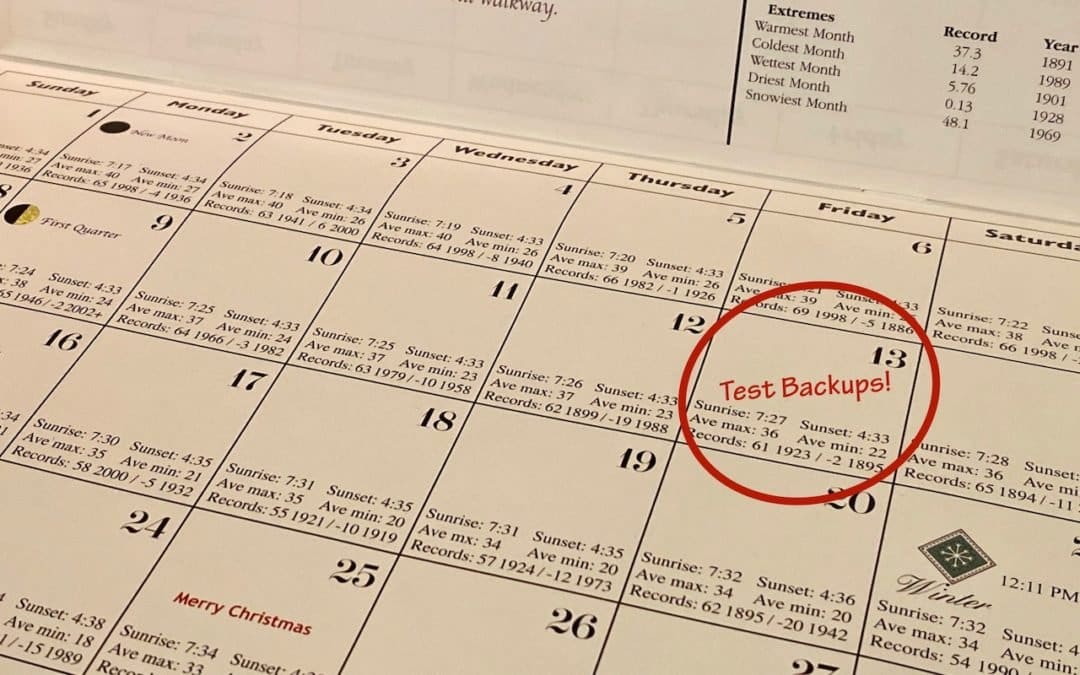
Did you know that the word for the irrational fear of Friday the 13th is paraskevidekatriaphobia? Neither did we, but what that supposedly unlucky day is good for—whenever it rolls around —is reminding us to test our backup systems. If something does go wrong, backups...
« Older Entries
Next Entries »

Archives

Categories

Terms and Conditions   |   Return and Shipping Policy   |   Privacy Policy
MacTech Solutions LLC DBA MacTech Solutions™
Copyright © MacTech Solutions, LLC   |   All Rights Reserved.

The MacTech Solutions logo is property of MacTech Solutions, LLC, a Texas Limited liability company. All other logos and trademarks are the property of their respective owners. Apple, the Apple logo, iPad, iPad Pro, iPod, Mac, MacBook Air, and MacBook Pro are trademarks of Apple Inc., registered in the U.S. and other countries.

Our Location

4020 Rhea Rd, Suite 3B
Wichita Falls, TX 76308
(940) 767-MACS (6227)

Hours

Monday-Friday: 10-6
Saturday: Closed
Sunday: Closed
Terms and Conditions | Privacy Policy

MacTech Solutions LLC DBA MacTech Solutions™
Copyright © MacTech Solutions, LLC   |   All Rights Reserved.

The MacTech Solutions logo is property of MacTech Solutions, LLC, a Texas Limited liability company. All other logos and trademarks are the property of their respective owners. Apple, the Apple logo, iPad, iPad Pro, iPod, Mac, MacBook Air, and MacBook Pro are trademarks of Apple Inc., registered in the U.S. and other countries.