(940) 767-6227
  • Facebook
  • X
  • RSS
  • Facebook
  • X
  • RSS
MacTech Solutions
  • Home
  • Managed IT Services
  • Products
    • Mac
      • MacBook Air
        • MacBook Air 13-inch M5
        • MacBook Air 15-inch M5
      • MacBook Pro
        • MacBook Pro 14-inch M5
        • MacBook Pro 14-inch M5 Pro
        • MacBook Pro 16-inch M5
      • iMac
        • iMac 24-inch M4
      • Mac Mini
        • Mac mini M4
      • Mac Studio
      • Mac Pro
      • Apple Displays
        • Pro Display XDR
        • Studio Display
    • iPad
      • iPad
      • iPad mini
      • iPad Pro
        • iPad Pro M4 11-inch
        • iPad Pro M4 13-inch
      • iPad Air
        • iPad Air M2 11-inch
        • iPad Air M2 13-Inch
      • Apple Pencil
        • Apple Pencil (USB-C)
      • Keyboards
        • Smart Keyboard
        • Smart Keyboard Folio
        • iPad Magic Keyboard
    • Apple Watch
      • Apple Watch SE
      • Apple Watch Series 9
      • Apple Watch Ultra 2
    • iPod touch
    • Apple TV
      • Apple TV
      • Apple TV 4K
    • Airpods
      • AirPods Max
      • Airpods Pro (2nd Generation)
      • AirPods 4
      • AirPods 4 with Active Noice Cancellation
      • AirPods (3rd Generation)
      • AirPods (2nd Generation)
    • HomePod
      • HomePod mini
    • AppleCare+
    • Sonos
    • Adobe
      • Creative Cloud for Education
  • Service
    • Apple Authorized Service
    • Remote Support
  • Classes & Events
  • Trade Ins
  • About Us
    • Newsletter Sign Up
    • MacTech Solutions
    • The Team
    • Contact Us
  • Blog
Select Page
Use Quick Look to Preview Files and Folders in the Finder, Spotlight, and Open Dialogs

Use Quick Look to Preview Files and Folders in the Finder, Spotlight, and Open Dialogs

by Terry McAdams | Dec 13, 2024 | How-To, Mac, productivity

Finder icons sometimes hint at their file’s contents, but if you find yourself opening file after file to look at the contents quickly, the Mac has a little-known feature just for you: Quick Look. To give it a spin, select a file in the Finder and press the Space bar...
How to Train Yourself to Use the iPhone 16’s New Camera Control Button

How to Train Yourself to Use the iPhone 16’s New Camera Control Button

by Terry McAdams | Dec 11, 2024 | productivity, Tip

If you are accustomed to opening the Camera app on your iPhone by tapping its Home Screen app icon or Lock Screen widget icon, you may find it challenging to remember to use the new Camera Control button on the side of an iPhone 16. That button is a big win for easy...
The Importance of Properly Offboarding Employees

The Importance of Properly Offboarding Employees

by Terry McAdams | Dec 2, 2024 | Business, Security

Employers and their employees part ways for all sorts of reasons. People may move on because of a contract’s completion, to take a new job, or because they’re retiring. Employees may also leave due to being laid off or fired. Whatever the reason, offboarding—the...
New Seventh-Generation iPad mini Adds A17 Pro for Apple Intelligence

New Seventh-Generation iPad mini Adds A17 Pro for Apple Intelligence

by Terry McAdams | Nov 30, 2024 | iPad Mini, Tip

Although the first wave of Apple Intelligence features won’t upend the user experience for most people, Apple is pushing hard to ensure that all its new devices can participate. That’s largely what’s behind the recently released seventh-generation iPad mini. It’s...
Apple’s Tips App Provides Extensive User Guides and Helpful How-Tos

Apple’s Tips App Provides Extensive User Guides and Helpful How-Tos

by Terry McAdams | Nov 29, 2024 | Apple Watch, iPad, iPhone, Mac, productivity, Tip

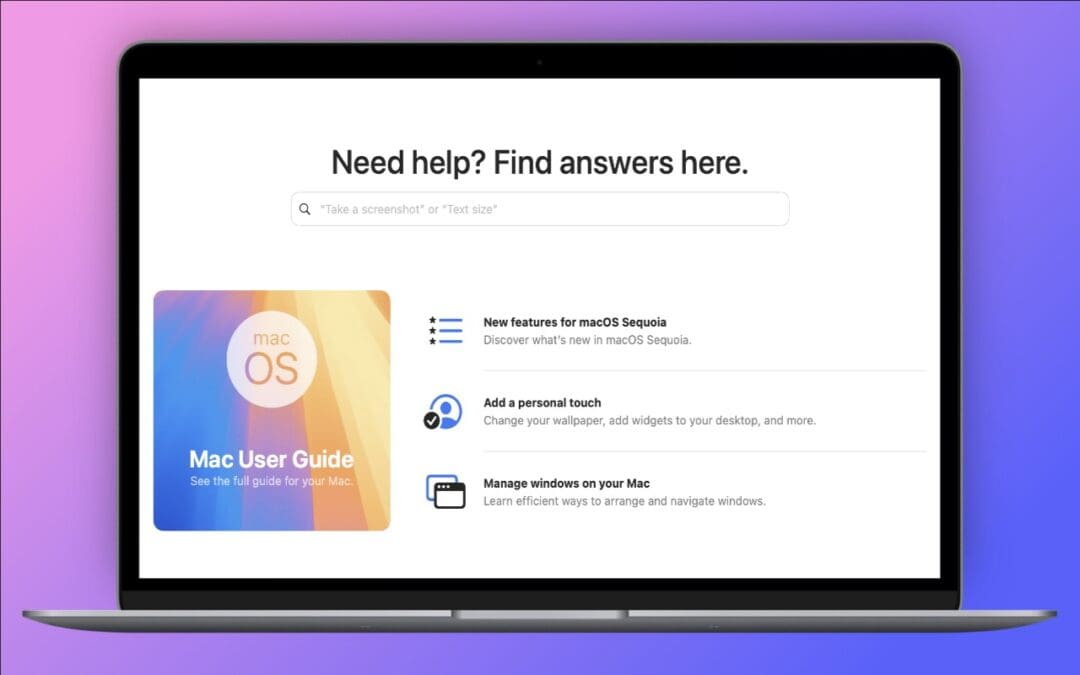
Apple has included the Tips app with the iPhone and iPad since iOS 8 in 2014 and on the Mac since macOS 10.14 Mojave in 2018. Initially, it didn’t contain much useful content, and many longtime users ignored it. However, Apple has significantly increased the amount of...
« Older Entries
Next Entries »

Archives

Categories

Terms and Conditions   |   Return and Shipping Policy   |   Privacy Policy
MacTech Solutions LLC DBA MacTech Solutions™
Copyright © MacTech Solutions, LLC   |   All Rights Reserved.

The MacTech Solutions logo is property of MacTech Solutions, LLC, a Texas Limited liability company. All other logos and trademarks are the property of their respective owners. Apple, the Apple logo, iPad, iPad Pro, iPod, Mac, MacBook Air, and MacBook Pro are trademarks of Apple Inc., registered in the U.S. and other countries.

Our Location

4020 Rhea Rd, Suite 3B
Wichita Falls, TX 76308
(940) 767-MACS (6227)

Hours

Monday-Friday: 10-6
Saturday: Closed
Sunday: Closed
Terms and Conditions | Privacy Policy

MacTech Solutions LLC DBA MacTech Solutions™
Copyright © MacTech Solutions, LLC   |   All Rights Reserved.

The MacTech Solutions logo is property of MacTech Solutions, LLC, a Texas Limited liability company. All other logos and trademarks are the property of their respective owners. Apple, the Apple logo, iPad, iPad Pro, iPod, Mac, MacBook Air, and MacBook Pro are trademarks of Apple Inc., registered in the U.S. and other countries.