by Terry McAdams | Jan 13, 2022 | Accessibility, Tip
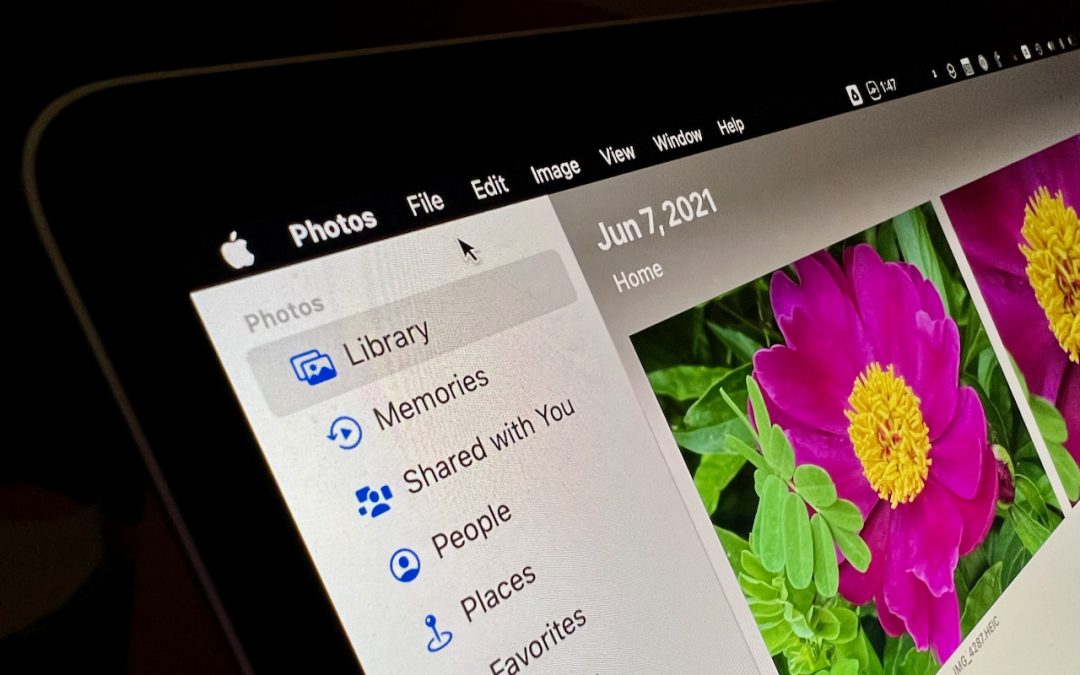
In previous versions of iOS, you could change the systemwide text size to make all apps—at least those that support Dynamic Type—display text at larger or smaller sizes. (Most people who use this feature want the text larger so it’s easier to read with aging eyes.) In...
by Terry McAdams | Jan 11, 2022 | How-To, privacy, Security, troubleshooting
Apple’s Find My technology is a lifesaver when it works, enabling you to locate and potentially retrieve lost or stolen devices. It’s not perfect, even with the addition of the Find My Network, which drafts other nearby Apple devices to relay the location of a lost...
by Terry McAdams | Jan 6, 2022 | Accessibility, Mac, Tip
Some people find it hard to find the mouse pointer at times, particularly on a large screen or when working in Dark Mode or in apps with dark interfaces. You’ve long been able to increase the size of the pointer generally and also zoom it temporarily by shaking it,...
by Terry McAdams | Jan 4, 2022 | productivity
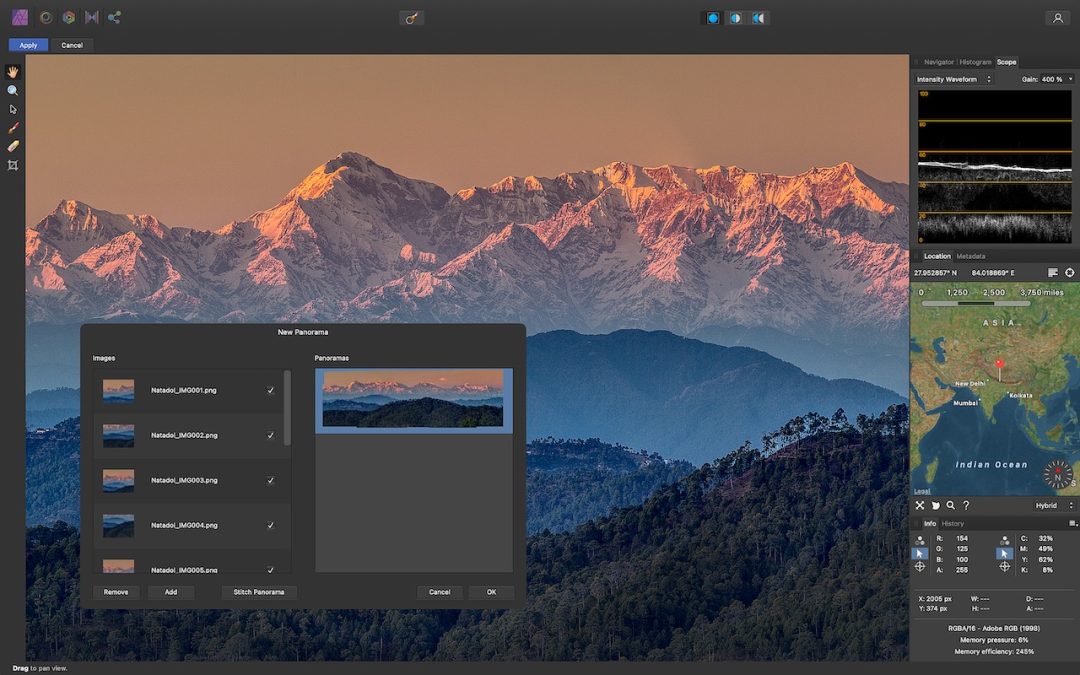
Few would disagree that the most popular image editing software in the world is Adobe Photoshop, the top illustration app is Adobe Illustrator, and the preeminent page layout package is Adobe InDesign. Many design and publishing professionals spend their lives in one...
by Terry McAdams | Dec 28, 2021 | Mac, Tip
Do you like using full-screen mode on your new M1-based MacBook Pro but hate having the menu bar disappear unless you move the pointer to the top of the screen? Happily, in macOS 12 Monterey, Apple has at long last added a setting to keep the menu bar visible at all...
by Terry McAdams | Dec 21, 2021 | 1Password, password manager, passwords, productivity
We continually recommend that every Apple user rely on a password manager like 1Password or LastPass for creating, managing, and entering passwords securely. What we haven’t encouraged as heavily is relying on Apple’s built-in password management features. Although...
by Terry McAdams | Dec 16, 2021 | FaceTime, How-To, productivity, Video
It’s no exaggeration to say that videoconferencing went mainstream during the pandemic. However, Apple’s FaceTime didn’t stack up well against Zoom and others due to its emulation of the telephone call experience, questionable interface decisions, and lack of...
by Terry McAdams | Dec 8, 2021 | Do Not Disturb, productivity
Between texts, alarms, reminders, calls, and myriad other notifications on our iPhones, iPads, and Macs, it’s a miracle we get anything done at all. To free us from this onslaught, Apple previously provided Do Not Disturb, which let you set times during which you...
by Terry McAdams | Dec 7, 2021 | Emergency SOS, iPhone, Tip, troubleshooting
Did you know that pressing and holding the side button and one of the volume buttons on an iPhone 8 or later brings up a screen that lets you power your iPhone off, show your medical ID, and invoke Emergency SOS? (On earlier iPhones, press the side or top button five...
by Terry McAdams | Dec 2, 2021 | Contacts, How-To, productivity
If mailing your holiday cards (which you designed in Photos with a plug-in like Motif or Mimeo Photos, right?) is made harder by having to write addresses on envelopes, you can skip the handwriting step this year. Although many people don’t realize this, it’s easy to...
by Terry McAdams | Dec 1, 2021 | MacBook Pro, Tip, troubleshooting
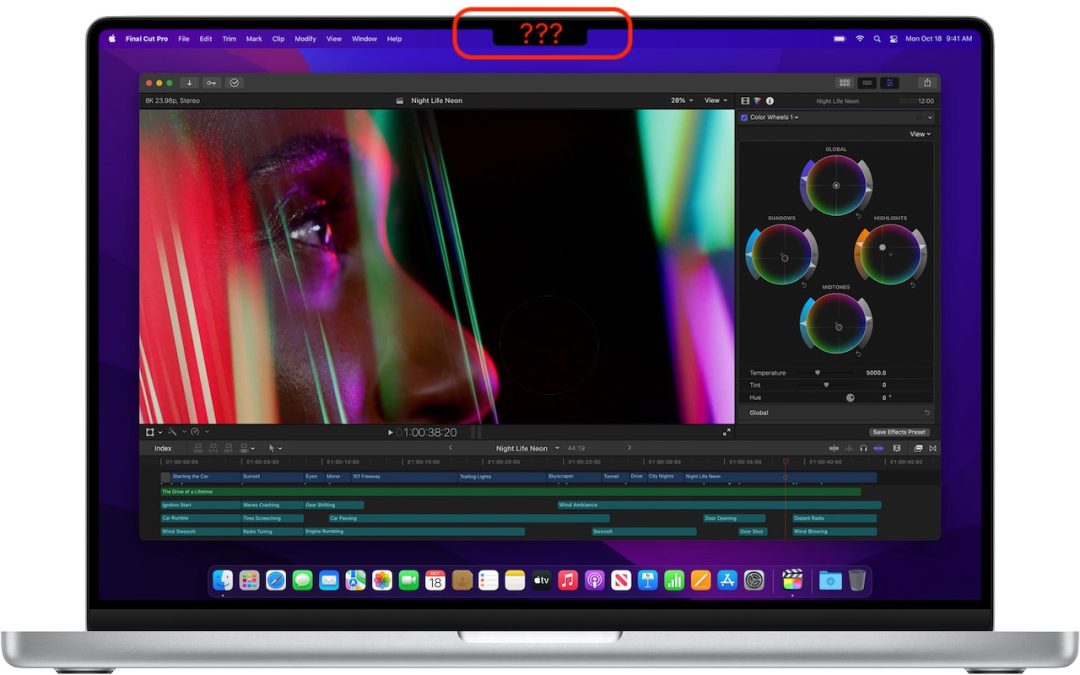
The new 14-inch and 16-inch MacBook Pro models feature a camera housing built into the screen, resulting in a notch like that on the iPhone. Most developers are updating their apps to ensure that no controls or menu bar items appear blocked or hidden by the notch, but...
by Terry McAdams | Dec 1, 2021 | iPhone, productivity, Tip
Thanks to Apple’s 2020 acquisition of weather company Dark Sky, the iPhone’s Weather app has learned some new tricks in iOS 15. (It still isn’t available on the iPad, oddly.) Most obvious is its addition of weather maps that can show precipitation, temperature, and...
by Terry McAdams | Nov 30, 2021 | How-To, Photos, Safari
The most magical feature of Apple’s latest crop of operating systems—iOS 15, iPadOS 15, and macOS 12 Monterey—may be Live Text. You’re probably familiar with the concept of optical character recognition (OCR), which turns all the text on a scanned page into normal...
by Terry McAdams | Nov 23, 2021 | Apple Watch, Tip
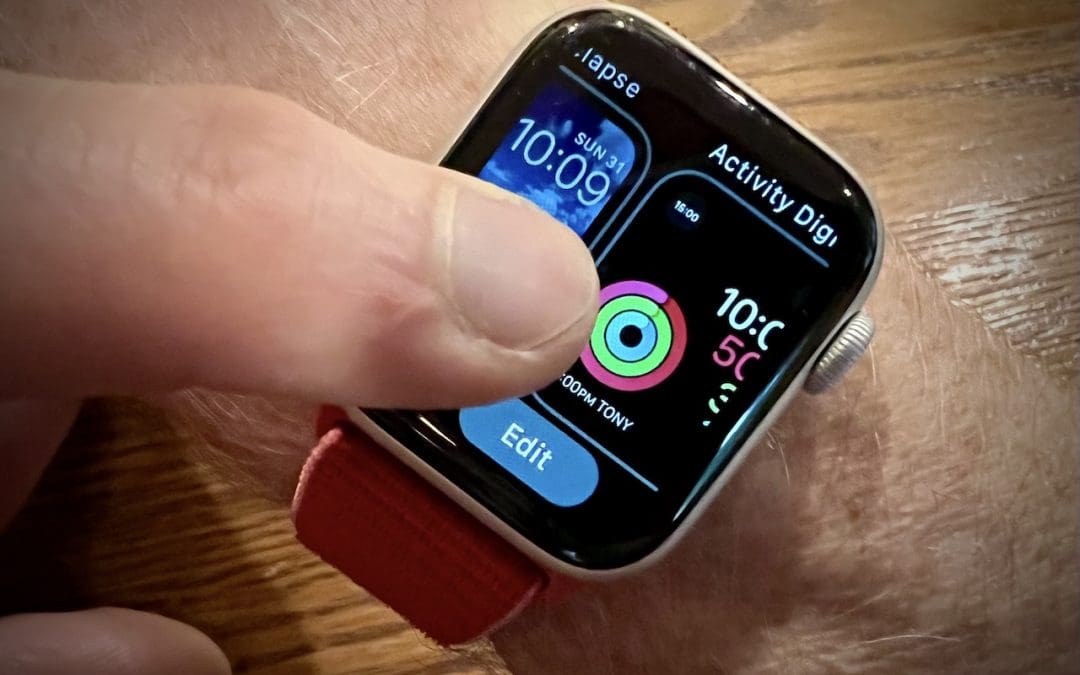
The Apple Watch has a lot to offer older people, including heart rate monitoring, atrial fibrillation detection, fall detection, and electrocardiogram recording. But if you are—or are helping someone who is—of the generation where watches once did nothing beyond...
by Terry McAdams | Nov 16, 2021 | iPad, iPhone, productivity
When you move from an old iPhone or iPad to a new one, the easiest approach is often the Quick Start device-to-device transfer. But if that doesn’t work, or if you have to give up one device before receiving the other, iCloud Backup is a fine alternative. Fine, that...