by Terry McAdams | Jan 12, 2023 | Mac, Tip, troubleshooting
We aren’t quite ready to recommend that everyone upgrade to macOS 13 Ventura, but if you use Microsoft Office with macOS 10.15 Catalina, you should start planning for an upgrade. Microsoft has announced that current versions of its productivity suite—Office for Mac...
by Terry McAdams | Jan 10, 2023 | 1Password, News, password manager, passwords, privacy, Security
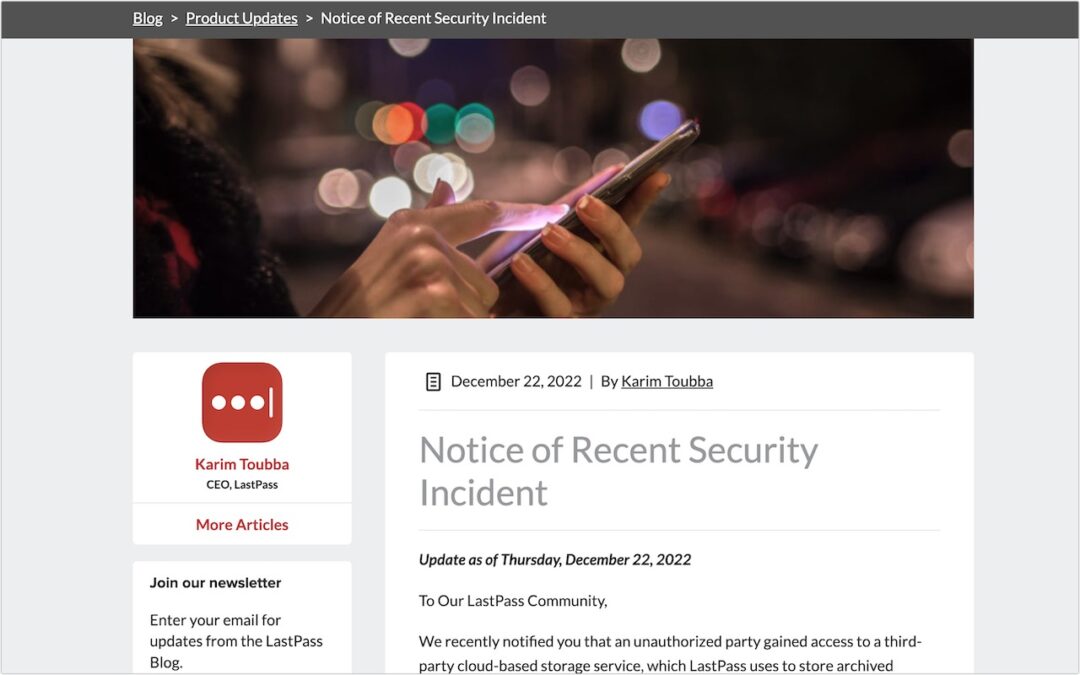
Password management company LastPass has announced that it suffered a security breach in which attackers stole both encrypted customer account data (which is bad) and customer vaults containing encrypted usernames and passwords (which is much, much worse). On the...
by Terry McAdams | Jan 5, 2023 | password manager, passwords, privacy, Tip
Whatever consumer electronics product you can name, there’s probably a “smart” version that you configure via an app or Internet-connected interface once you’ve connected it to your Wi-Fi network. For ease of setup and to keep costs down, many such devices come...
by Terry McAdams | Jan 3, 2023 | iCloud, News, Photos, Security
Every year at its Worldwide Developer Conference in June, Apple previews planned features in the upcoming versions of macOS, iOS, iPadOS, watchOS, and tvOS. However, not all of those features are necessarily ready for the initial releases of those operating systems....
by Terry McAdams | Dec 29, 2022 | Contacts, iPad, iPhone, productivity, Tip
Deleting contacts on the iPhone and iPad used to be a pain, especially if you wanted to trash multiple contacts. You had to open the contact, tap Edit, scroll to the bottom, and tap Delete Contact. Although you still can’t swipe left on a contact in a list, as you do...
by Terry McAdams | Dec 27, 2022 | Emergency SOS, How-To, iPhone
In mid-November, Apple launched its new Emergency SOS via satellite feature for the iPhone 14 lineup. If you have an iPhone 14 and find yourself in an emergency situation in the US or Canada without cellular or Wi-Fi service, you can still contact emergency services....
by Terry McAdams | Dec 22, 2022 | iPad, iPhone, Siri, Tip, troubleshooting
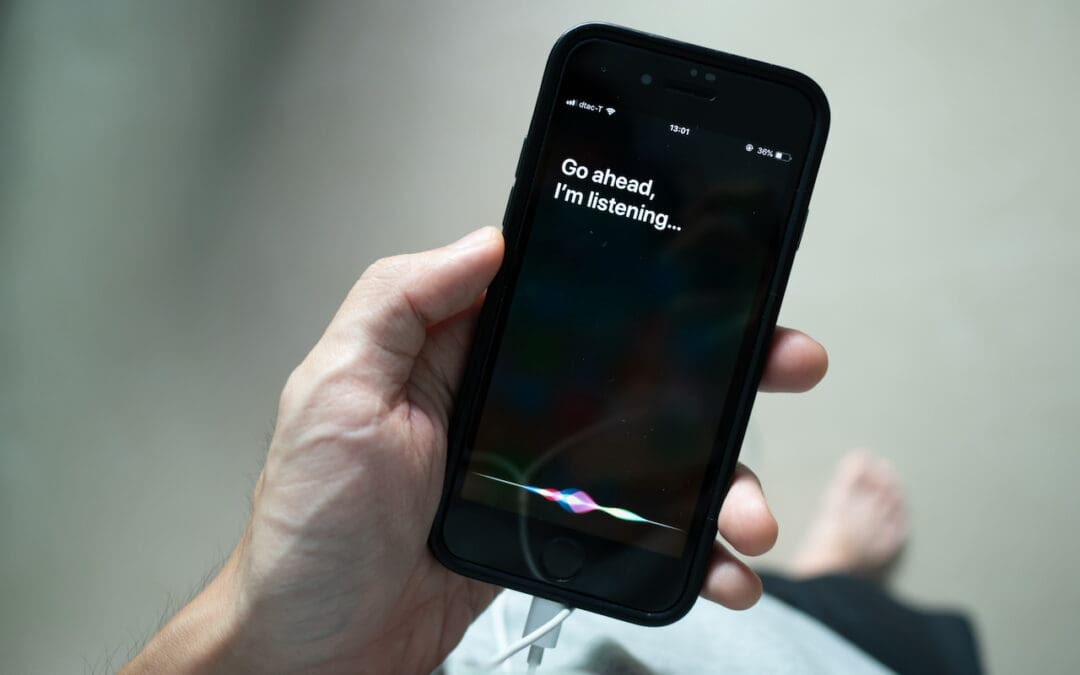
22Although iOS and iPadOS are extremely stable, there are times when rebooting your iPhone or iPad can eliminate odd or problematic behavior, and there’s no harm in trying it. In the past, you’ve had to remember which buttons to press or select Settings > General...
by Terry McAdams | Dec 20, 2022 | 1Password, password manager, privacy, Security
Happy New Year! For many of us, starting a new year means reflecting on fresh habits we’d like to adopt. Although we certainly support any resolutions you may have made to get enough sleep, eat better, reduce social media usage, and exercise more, could we suggest a...
by Terry McAdams | Dec 15, 2022 | iPad, iPhone, Tip, Video
If you find yourself at a family gathering with bored children over the holidays, allow us to recommend an activity that can keep kids engaged. Figure out something the kids can do that involves motion—knocking down a tower of blocks, rolling a ball or toy car down...
by Terry McAdams | Dec 13, 2022 | Email, productivity
We recently wrote about different ways to organize your files, which prompted some people to ask us about the best ways to manage email. Email may have competition from messaging services like Slack and Microsoft Teams, but for many people, it’s still where the most...
by Terry McAdams | Dec 8, 2022 | iPad, iPhone, Security, Tip
In iOS 16, Apple tightened security by displaying a confirmation alert when you copy data from one app and paste it into another. More security isn’t bad, but these alerts can become annoying if you copy and paste frequently. In iOS 16.1, Apple added a setting to...
by Terry McAdams | Dec 1, 2022 | How-To, Photos, troubleshooting
It’s all too easy to end up with duplicate photos and videos in your Photos library. The most common way is to use the Duplicate command, but we’ve seen duplicates appear due to accidentally repeated actions in other apps, repeated screenshots, multiple imports that...
by Terry McAdams | Nov 29, 2022 | passwords, productivity, Tip, Wi-Fi
The iPhone and iPad have long allowed you to share Wi-Fi passwords with other nearby devices and people as long as they were in your Contacts list. But you couldn’t see those passwords, which is handy for sharing with non-Apple users and devices. In iOS 16 and iPadOS...
by Terry McAdams | Nov 23, 2022 | iPad, iPhone
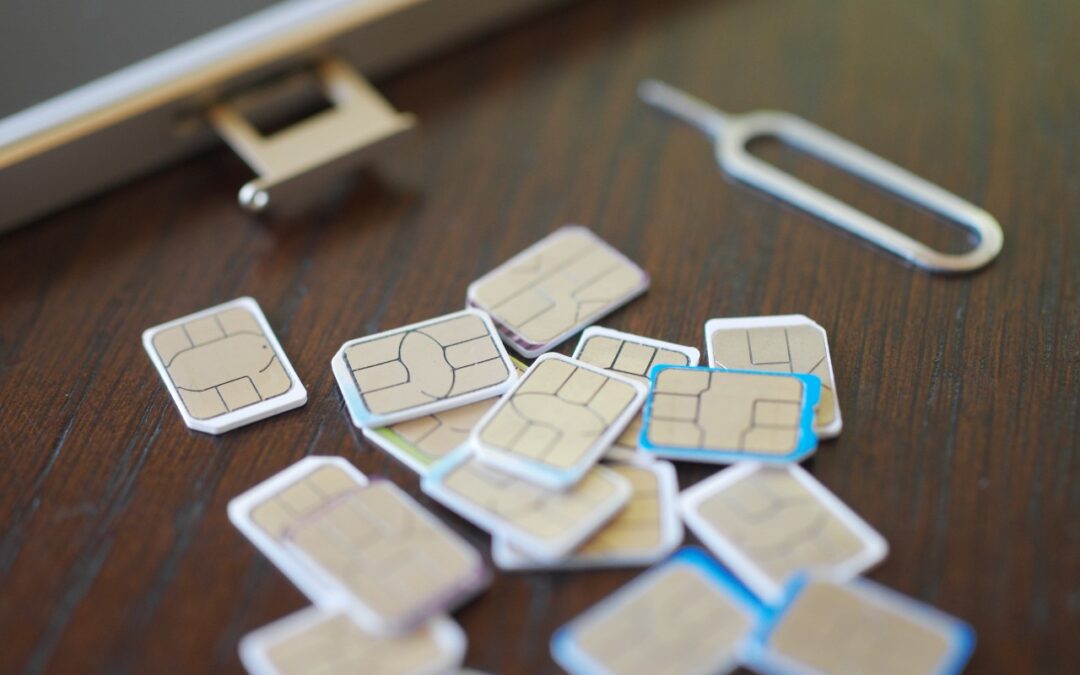
Perhaps the most surprising change in the iPhone 14 line, at least in the United States, was the shift from using removable SIM cards to eSIM. SIM cards—SIM stands for Subscriber Identity Module—have been a fixture in the mobile phone world for many years because they...
by Terry McAdams | Nov 21, 2022 | iPhone, productivity, Tip, Wallet
It’s common for one person in a family to handle booking airline tickets and thus to be in charge of checking in for the flight online and downloading boarding passes. If that’s you, what’s the best way to send each iPhone-wielding person in your family their own...