(940) 767-6227
  • Facebook
  • X
  • RSS
  • Facebook
  • X
  • RSS
0 Items
MacTech Solutions
  • Home
  • Products
    • Mac
      • MacBook Air
        • MacBook Air 13-inch M5
        • MacBook Air 15-inch M5
      • MacBook Pro
        • MacBook Pro 14-inch M5
        • MacBook Pro 14-inch M5 Pro
        • MacBook Pro 16-inch M5
      • iMac
        • iMac 24-inch M4
      • Mac Mini
        • Mac mini M4
      • Mac Studio
      • Mac Pro
      • Apple Displays
        • Pro Display XDR
        • Studio Display
    • iPad
      • iPad
      • iPad mini
      • iPad Pro
        • iPad Pro M4 11-inch
        • iPad Pro M4 13-inch
      • iPad Air
        • iPad Air M2 11-inch
        • iPad Air M2 13-Inch
      • Apple Pencil
        • Apple Pencil (USB-C)
      • Keyboards
        • Smart Keyboard
        • Smart Keyboard Folio
        • iPad Magic Keyboard
    • Apple Watch
      • Apple Watch SE
      • Apple Watch Series 9
      • Apple Watch Ultra 2
    • iPod touch
    • Apple TV
      • Apple TV
      • Apple TV 4K
    • Airpods
      • AirPods Max
      • Airpods Pro (2nd Generation)
      • AirPods 4
      • AirPods 4 with Active Noice Cancellation
      • AirPods (3rd Generation)
      • AirPods (2nd Generation)
    • HomePod
      • HomePod mini
    • AppleCare+
    • Sonos
    • Adobe
      • Creative Cloud for Education
  • Service
    • Apple Authorized Service
    • Remote Support
  • Trade Ins
  • Classes & Events
  • About Us
    • Newsletter Sign Up
    • MacTech Solutions
    • The Team
    • Contact Us
  • Blog
Select Page
Reclaim Local Storage Space by Removing iCloud Drive Downloads

Reclaim Local Storage Space by Removing iCloud Drive Downloads

by Terry McAdams | Feb 4, 2021 | Backup, iCloud Drive

With iCloud Drive, Apple provides an Optimize Mac Storage checkbox that, when checked, stores the full contents of iCloud Drive on the Mac only if there’s enough space. However, you may wish to recover local storage space without selecting that option—luckily, that’s...
Your Time Machine Drive Just Filled Up. What Should You Do?

Your Time Machine Drive Just Filled Up. What Should You Do?

by Terry McAdams | Aug 7, 2020 | Backup, How-To, Mac, Time Machine, troubleshooting

It’s inevitable—your Time Machine backup drive is going to fill up. Time Machine is smart about backing up only files that have changed, but after months or years of usage, the drive will run out of space. What happens then? Before we explain, some background. On its...
Make Sure to Test Your Backup System with Occasional Restores

Make Sure to Test Your Backup System with Occasional Restores

by Terry McAdams | Jul 15, 2020 | Backup, Mac, Time Machine, Tip

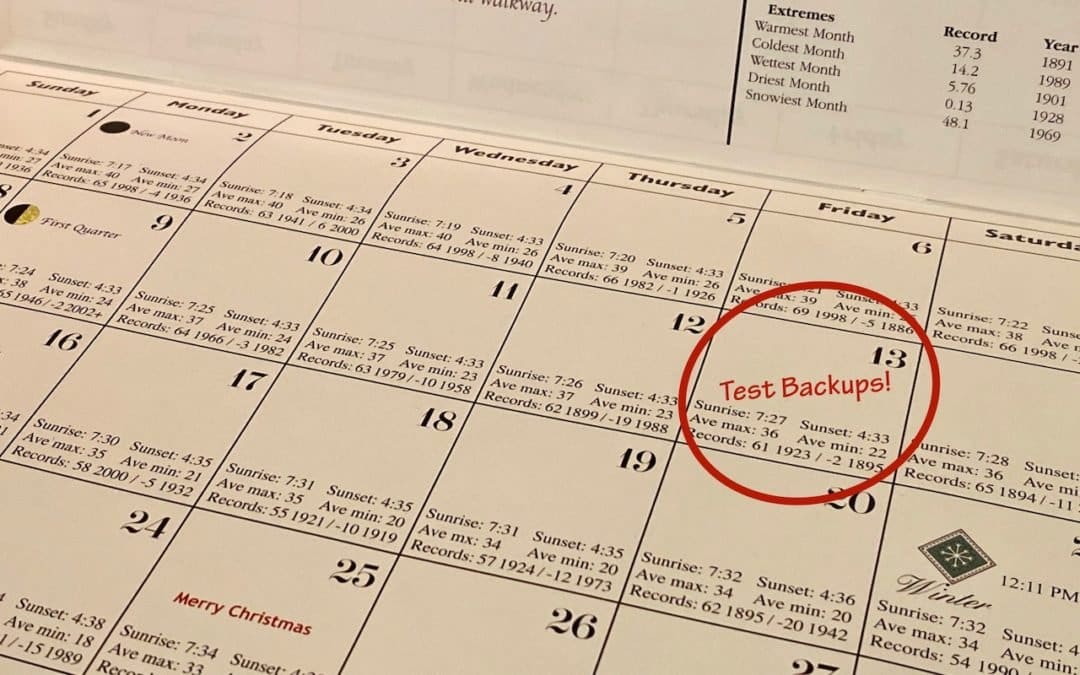
Did you know that the word for the irrational fear of Friday the 13th is paraskevidekatriaphobia? Neither did we, but what that supposedly unlucky day is good for—whenever it rolls around —is reminding us to test our backup systems. If something does go wrong, backups...
How to Ask for Tech Support So You Get Good Answers Quickly

How to Ask for Tech Support So You Get Good Answers Quickly

by Terry McAdams | Jun 16, 2020 | Backup, How-To, Mac, Time Machine

Need help with something? On occasion, we all need tech support. Speaking as the people who are sometimes on the other end of those requests for help, we have some suggestions on how to get the support you need as quickly as possible. For instance, think about what we...
How to Back Up an iPhone or iPad with Your Mac Running Catalina

How to Back Up an iPhone or iPad with Your Mac Running Catalina

by Terry McAdams | Jun 12, 2020 | Backup, Finder, How-To, iPad, iPhone, iTunes, Mac

One of the most significant changes in macOS 10.15 Catalina was the breakup of the long-standing iTunes app into separate Music, Podcasts, and TV apps. But what about backing up iOS devices, which you also used to do in iTunes? In Catalina, Apple moved this function...
What to Do If You Run Low on iCloud Storage Space

What to Do If You Run Low on iCloud Storage Space

by Terry McAdams | May 5, 2020 | Backup, Email, How-To, iCloud, iCloud Drive, iOS, Mac, Tip, troubleshooting

By default, Apple gives every iCloud user 5 GB of storage space. That disappears quickly, given how it’s shared between iCloud Mail, iCloud Drive, iCloud Photos, Messages, and iCloud-enabled apps. Apple will, of course, sell you more iCloud space. $0.99 per month gets...
« Older Entries
Next Entries »

Archives

Categories

Terms and Conditions   |   Return and Shipping Policy   |   Privacy Policy
MacTech Solutions LLC DBA MacTech Solutions™
Copyright © MacTech Solutions, LLC   |   All Rights Reserved.

The MacTech Solutions logo is property of MacTech Solutions, LLC, a Texas Limited liability company. All other logos and trademarks are the property of their respective owners. Apple, the Apple logo, iPad, iPad Pro, iPod, Mac, MacBook Air, and MacBook Pro are trademarks of Apple Inc., registered in the U.S. and other countries.

Our Location

4020 Rhea Rd, Suite 3B
Wichita Falls, TX 76308
(940) 767-MACS (6227)

Hours

Monday-Friday: 10-6
Saturday: Closed
Sunday: Closed
Terms and Conditions | Privacy Policy

MacTech Solutions LLC DBA MacTech Solutions™
Copyright © MacTech Solutions, LLC   |   All Rights Reserved.

The MacTech Solutions logo is property of MacTech Solutions, LLC, a Texas Limited liability company. All other logos and trademarks are the property of their respective owners. Apple, the Apple logo, iPad, iPad Pro, iPod, Mac, MacBook Air, and MacBook Pro are trademarks of Apple Inc., registered in the U.S. and other countries.