by Terry McAdams | Feb 7, 2023 | Contacts, iPad, iPhone, privacy, Tip
Apple makes it easy to share contact cards on the iPhone or iPad—just scroll down in a contact and tap Share Contact. But what if you don’t want to share every piece of data on that card? To avoid oversharing in iOS 16 or iPadOS 16, tap Filter Fields at the top of the...
by Terry McAdams | Dec 29, 2022 | Contacts, iPad, iPhone, productivity, Tip
Deleting contacts on the iPhone and iPad used to be a pain, especially if you wanted to trash multiple contacts. You had to open the contact, tap Edit, scroll to the bottom, and tap Delete Contact. Although you still can’t swipe left on a contact in a list, as you do...
by Terry McAdams | Dec 27, 2022 | Emergency SOS, How-To, iPhone
In mid-November, Apple launched its new Emergency SOS via satellite feature for the iPhone 14 lineup. If you have an iPhone 14 and find yourself in an emergency situation in the US or Canada without cellular or Wi-Fi service, you can still contact emergency services....
by Terry McAdams | Dec 22, 2022 | iPad, iPhone, Siri, Tip, troubleshooting
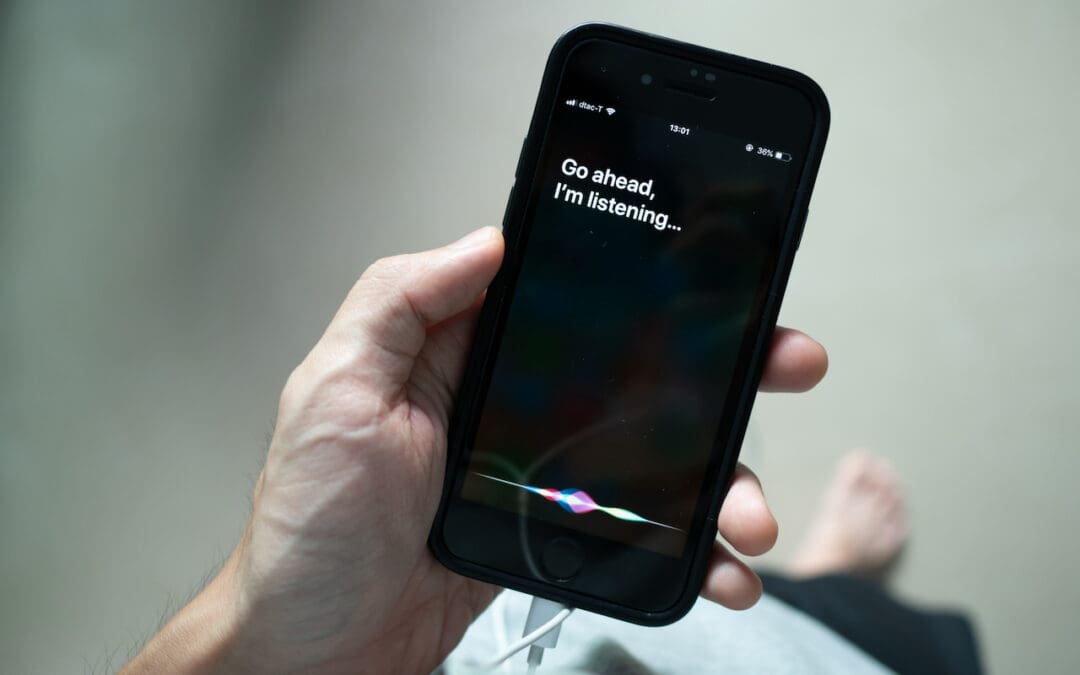
22Although iOS and iPadOS are extremely stable, there are times when rebooting your iPhone or iPad can eliminate odd or problematic behavior, and there’s no harm in trying it. In the past, you’ve had to remember which buttons to press or select Settings > General...
by Terry McAdams | Dec 15, 2022 | iPad, iPhone, Tip, Video
If you find yourself at a family gathering with bored children over the holidays, allow us to recommend an activity that can keep kids engaged. Figure out something the kids can do that involves motion—knocking down a tower of blocks, rolling a ball or toy car down...
by Terry McAdams | Dec 8, 2022 | iPad, iPhone, Security, Tip
In iOS 16, Apple tightened security by displaying a confirmation alert when you copy data from one app and paste it into another. More security isn’t bad, but these alerts can become annoying if you copy and paste frequently. In iOS 16.1, Apple added a setting to...