by Terry McAdams | Aug 1, 2025 | iPad, iPhone, Mac, Security
Although Apple’s products and services generally live up to Steve Jobs’s phrase “it just works,” problems do occur, opening the door to scams targeting users seeking tech support. As professional providers of technical support, we’ve seen firsthand how these frauds...
by Terry McAdams | Jul 3, 2025 | Battery, iPad, iPhone, Tip
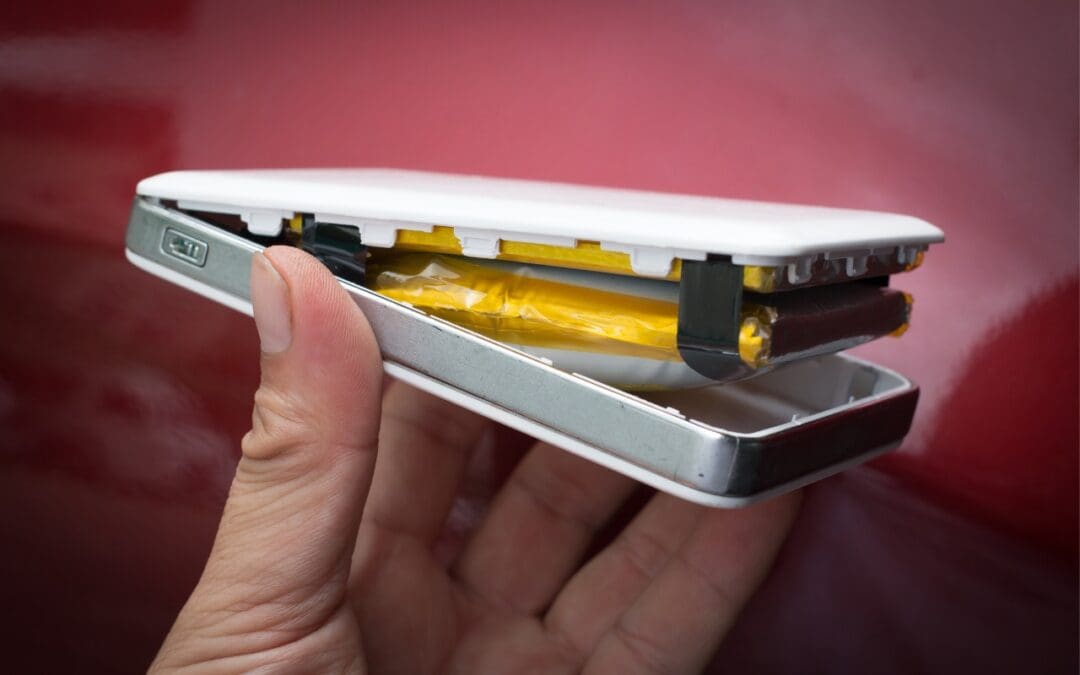
We recommend sticking with well-known brands when buying accessories, and a recent example illustrates why this is important. Anker, a highly regarded accessory manufacturer, has initiated voluntary recalls of power bank models sold from 2016 to the present due to the...
by Terry McAdams | Jun 6, 2025 | Camera, iPhone, photo, Tip, troubleshooting
Serious photographers take care of their lenses. The rest of us just stuff our iPhones into our pockets or purses and pay no attention to the fingerprints and grime they collect. If your iPhone’s camera lens is smudged, it will impact the quality of your photos. Take...
by Terry McAdams | Jun 6, 2025 | Face ID, iPhone, productivity, Tip, Touch ID
The ongoing threat of tariffs raising the price of iPhones has recently prompted some people to upgrade from an old Touch ID iPhone to a new iPhone 16. Although most have adjusted well to Face ID, few are aware of the app-switching shortcut exclusive to Face ID...
by Terry McAdams | Jun 6, 2025 | Bluetooth, iPhone, Tip
All Bluetooth devices come with a name, but those names are often difficult to decipher, such as ATUMTEK, DX01Gu, and MY-CAR, making it hard to remember which is which in your iPhone’s Bluetooth settings. What you may not realize is that you can rename many Bluetooth...
by Terry McAdams | Jun 6, 2025 | Face ID, iPad, iPhone, Mac, Tip, Touch ID
It’s only safe to share your iPhone, iPad, and Mac passcodes and passwords with people you trust completely, which typically includes family members whom you would trust with your healthcare and bank accounts. If those people also use your devices regularly, you can...