(940) 767-6227
  • Facebook
  • X
  • RSS
  • Facebook
  • X
  • RSS
MacTech Solutions
  • Home
  • Managed IT Services
  • Products
    • Mac
      • MacBook Air
        • MacBook Air 13-inch M5
        • MacBook Air 15-inch M5
      • MacBook Pro
        • MacBook Pro 14-inch M5
        • MacBook Pro 14-inch M5 Pro
        • MacBook Pro 16-inch M5
      • iMac
        • iMac 24-inch M4
      • Mac Mini
        • Mac mini M4
      • Mac Studio
      • Mac Pro
      • Apple Displays
        • Pro Display XDR
        • Studio Display
    • iPad
      • iPad
      • iPad mini
      • iPad Pro
        • iPad Pro M4 11-inch
        • iPad Pro M4 13-inch
      • iPad Air
        • iPad Air M2 11-inch
        • iPad Air M2 13-Inch
      • Apple Pencil
        • Apple Pencil (USB-C)
      • Keyboards
        • Smart Keyboard
        • Smart Keyboard Folio
        • iPad Magic Keyboard
    • Apple Watch
      • Apple Watch SE
      • Apple Watch Series 9
      • Apple Watch Ultra 2
    • iPod touch
    • Apple TV
      • Apple TV
      • Apple TV 4K
    • Airpods
      • AirPods Max
      • Airpods Pro (2nd Generation)
      • AirPods 4
      • AirPods 4 with Active Noice Cancellation
      • AirPods (3rd Generation)
      • AirPods (2nd Generation)
    • HomePod
      • HomePod mini
    • AppleCare+
    • Sonos
    • Adobe
      • Creative Cloud for Education
  • Service
    • Apple Authorized Service
    • Remote Support
  • Classes & Events
  • Trade Ins
  • About Us
    • Newsletter Sign Up
    • MacTech Solutions
    • The Team
    • Contact Us
  • Blog
Select Page
Charge Your MacBook with the Right Power Adapter

Charge Your MacBook with the Right Power Adapter

by Terry McAdams | Nov 7, 2025 | Battery, Mac, MacBook Air, MacBook Pro, Tip, troubleshooting

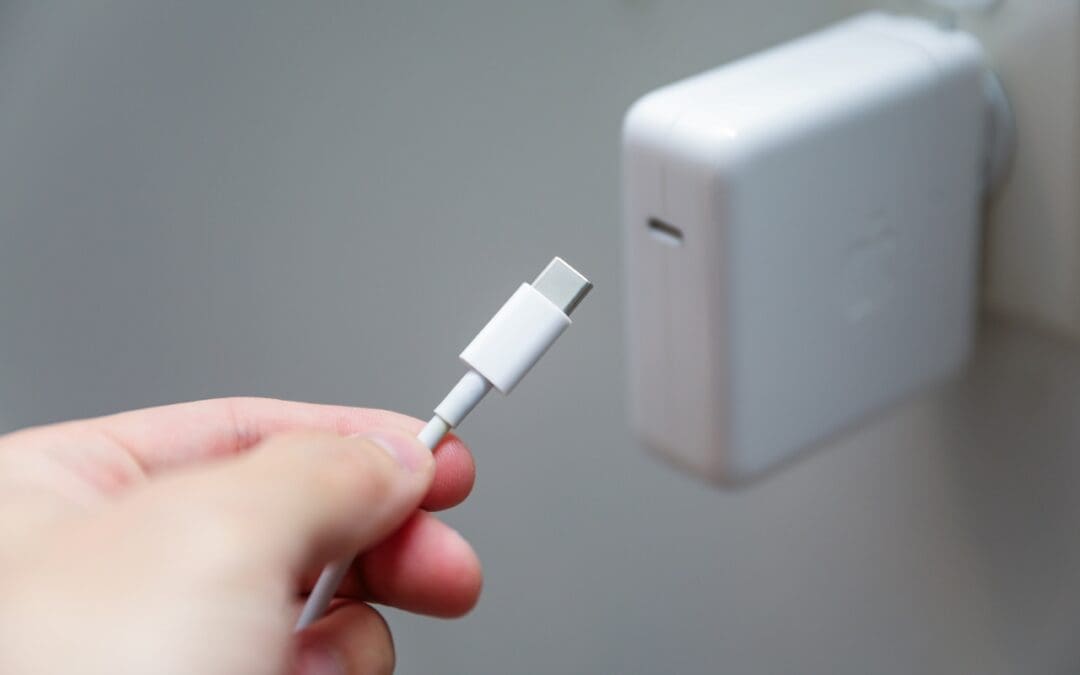
If you lose or break the power adapter that came with your MacBook Air or MacBook Pro, make sure to replace it with a charger that meets or exceeds the machine’s required wattage. A charger with too low a wattage may result in little or no charging (or even battery...
Apple Adds M5 Chip to MacBook Pro, iPad Pro, and Vision Pro

Apple Adds M5 Chip to MacBook Pro, iPad Pro, and Vision Pro

by Terry McAdams | Oct 16, 2025 | iPad, iPad Pro, Mac, MacBook Pro, News

Apple’s fall harvest has yielded the new M5 chip, leading to updates for the entry-level 14-inch MacBook Pro, the iPad Pro lineup, and the Vision Pro. All three benefit from the M5’s significant performance boosts, but remain mostly unchanged otherwise. Availability...
App Store Gains Accessibility Nutrition Labels

App Store Gains Accessibility Nutrition Labels

by Terry McAdams | Oct 3, 2025 | Accessibility, App Store, iPad, iPhone, Mac, Tip

Apple does a good job providing accessibility options for users who experience issues with vision, hearing, motor control, and other accessibility needs. Nearly everyone will benefit from these features at some point in their lives. To encourage support for Apple’s...
macOS 26 Tahoe Introduces New Recovery Assistant

macOS 26 Tahoe Introduces New Recovery Assistant

by Terry McAdams | Oct 3, 2025 | Mac, Tip, troubleshooting

If a Mac running macOS 26 Tahoe experiences certain kinds of problems, it might automatically restart and launch a new Recovery Assistant. It will prompt you to unlock your disk if needed and to connect to a Wi-Fi network—an Internet connection is required. Apple...
What Is Safe Mode, and When Should You Use It?

What Is Safe Mode, and When Should You Use It?

by Terry McAdams | Aug 1, 2025 | How-To, Mac, troubleshooting

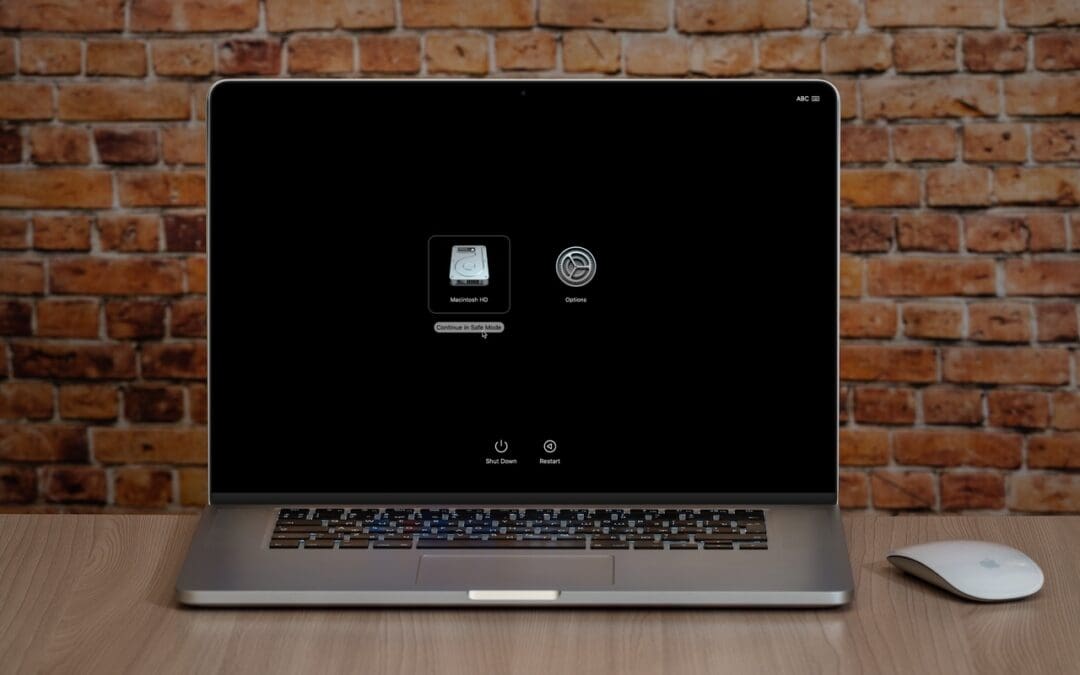
Although Macs are highly reliable, unusual problems can still rear their ugly heads. Often, these issues are caused by software you’ve installed or accessories you’ve connected. If you’re experiencing Mac misbehavior that isn’t easily fixed by restarting, updating...
Heat Wave Survival Guide for Your Apple Devices

Heat Wave Survival Guide for Your Apple Devices

by Terry McAdams | Aug 1, 2025 | Apple Watch, iPad, iPhone, Mac, troubleshooting

A massive heat dome earlier this summer exposed large swaths of the United States to heat index values approaching or exceeding 120ºF, underscoring the importance of protecting our devices from heat damage. Overheating can degrade performance, interrupt charging,...
« Older Entries
Next Entries »

Archives

Categories

Terms and Conditions   |   Return and Shipping Policy   |   Privacy Policy
MacTech Solutions LLC DBA MacTech Solutions™
Copyright © MacTech Solutions, LLC   |   All Rights Reserved.

The MacTech Solutions logo is property of MacTech Solutions, LLC, a Texas Limited liability company. All other logos and trademarks are the property of their respective owners. Apple, the Apple logo, iPad, iPad Pro, iPod, Mac, MacBook Air, and MacBook Pro are trademarks of Apple Inc., registered in the U.S. and other countries.

Our Location

4020 Rhea Rd, Suite 3B
Wichita Falls, TX 76308
(940) 767-MACS (6227)

Hours

Monday-Friday: 10-6
Saturday: Closed
Sunday: Closed
Terms and Conditions | Privacy Policy

MacTech Solutions LLC DBA MacTech Solutions™
Copyright © MacTech Solutions, LLC   |   All Rights Reserved.

The MacTech Solutions logo is property of MacTech Solutions, LLC, a Texas Limited liability company. All other logos and trademarks are the property of their respective owners. Apple, the Apple logo, iPad, iPad Pro, iPod, Mac, MacBook Air, and MacBook Pro are trademarks of Apple Inc., registered in the U.S. and other countries.