(940) 767-6227
  • Facebook
  • X
  • RSS
  • Facebook
  • X
  • RSS
MacTech Solutions
  • Home
  • Managed IT Services
  • Products
    • Mac
      • MacBook Air
        • MacBook Air 13-inch M5
        • MacBook Air 15-inch M5
      • MacBook Pro
        • MacBook Pro 14-inch M5
        • MacBook Pro 14-inch M5 Pro
        • MacBook Pro 16-inch M5
      • iMac
        • iMac 24-inch M4
      • Mac Mini
        • Mac mini M4
      • Mac Studio
      • Mac Pro
      • Apple Displays
        • Pro Display XDR
        • Studio Display
    • iPad
      • iPad
      • iPad mini
      • iPad Pro
        • iPad Pro M4 11-inch
        • iPad Pro M4 13-inch
      • iPad Air
        • iPad Air M2 11-inch
        • iPad Air M2 13-Inch
      • Apple Pencil
        • Apple Pencil (USB-C)
      • Keyboards
        • Smart Keyboard
        • Smart Keyboard Folio
        • iPad Magic Keyboard
    • Apple Watch
      • Apple Watch SE
      • Apple Watch Series 9
      • Apple Watch Ultra 2
    • iPod touch
    • Apple TV
      • Apple TV
      • Apple TV 4K
    • Airpods
      • AirPods Max
      • Airpods Pro (2nd Generation)
      • AirPods 4
      • AirPods 4 with Active Noice Cancellation
      • AirPods (3rd Generation)
      • AirPods (2nd Generation)
    • HomePod
      • HomePod mini
    • AppleCare+
    • Sonos
    • Adobe
      • Creative Cloud for Education
  • Service
    • Apple Authorized Service
    • Remote Support
  • Classes & Events
  • Trade Ins
  • About Us
    • Newsletter Sign Up
    • MacTech Solutions
    • The Team
    • Contact Us
  • Blog
Select Page
Be Careful When Offloading iPhone Apps

Be Careful When Offloading iPhone Apps

by Terry McAdams | Aug 7, 2026 | App Store, Internet, iOS, iPad, iPhone, Tip, troubleshooting

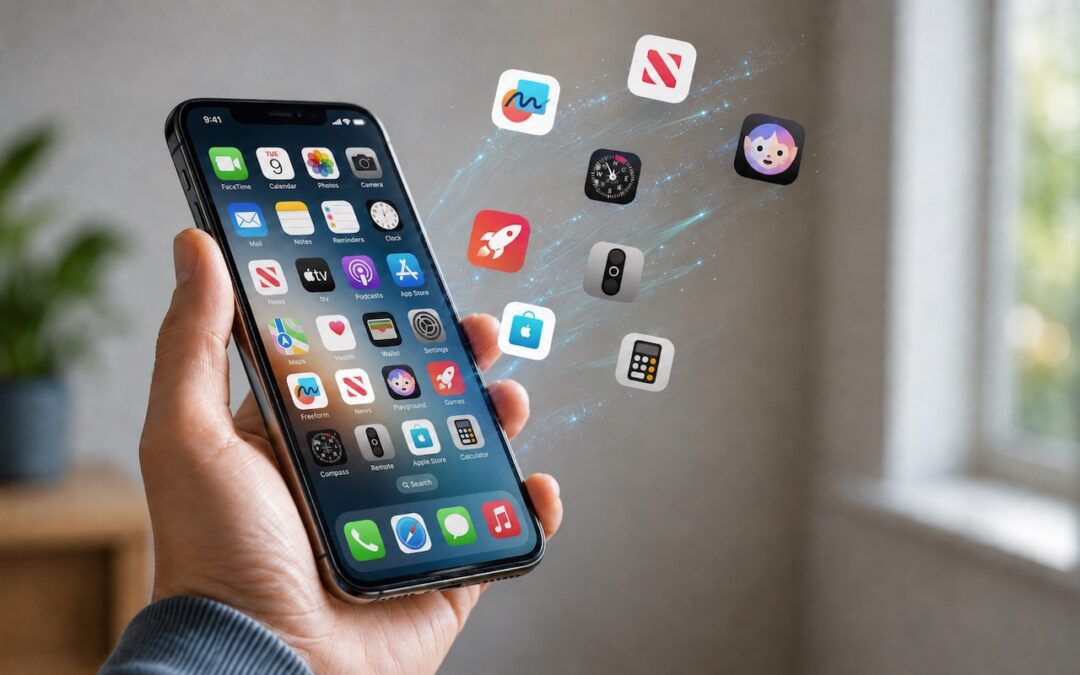
Automatic offloading of seldom-used apps can be a good strategy for recovering space on an iPhone whose storage is almost full, and iOS can do this for you in Settings > Apps > App Store > Offload Unused Apps. When you open an app that was offloaded, iOS will...
App Store Gains Accessibility Nutrition Labels

App Store Gains Accessibility Nutrition Labels

by Terry McAdams | Oct 3, 2025 | Accessibility, App Store, iPad, iPhone, Mac, Tip

Apple does a good job providing accessibility options for users who experience issues with vision, hearing, motor control, and other accessibility needs. Nearly everyone will benefit from these features at some point in their lives. To encourage support for Apple’s...
You Can Now Migrate Purchases from One Apple Account to Another

You Can Now Migrate Purchases from One Apple Account to Another

by Terry McAdams | Mar 12, 2025 | App Store, Apple ID, iPad, iPhone, iTunes Store, Mac

Ever since Apple launched the iTunes Store in 2003 with online accounts known as Apple IDs—now referred to as Apple Accounts—many users have ended up with multiple accounts. This situation arose partly because the early Apple IDs were tied to accounts users created...
Did You Know That You Can Run iPhone and iPad Apps on an M1-based Mac?

Did You Know That You Can Run iPhone and iPad Apps on an M1-based Mac?

by Terry McAdams | May 10, 2022 | App Store, iOS, Mac

Much has been written about the performance benefits of Apple’s M1 family of chips, but you may not have realized that M1-based Macs can also run many iPhone and iPad apps. It makes sense, given that the M1 chip grew out of the work Apple did for the A-series...
Work with iOS App Updates in Your Account in the App Store

Work with iOS App Updates in Your Account in the App Store

by Terry McAdams | Apr 22, 2021 | App Store, iOS, Tip

If you’ve turned on automatic App Updates in Settings > App Store on your iPhone or iPad, you might wonder how you’d know if an app was updated or what changed. To find that information, open the App Store app and tap your avatar icon in the upper-right corner....
Manage Your Apple Purchases and Subscriptions on the Mac and iPhone

Manage Your Apple Purchases and Subscriptions on the Mac and iPhone

by Terry McAdams | Mar 2, 2021 | App Store, How-To, iPad, iPhone, iTunes Store, Mac, troubleshooting

Last quarter, Apple’s Services segment generated a whopping $15.8 billion in revenue, 14% of the company’s total—sales of apps, media, and subscriptions are a big deal to Apple. And if you’re like us, you’re probably now paying Apple for services like Apple Music,...
« Older Entries

Archives

Categories

Terms and Conditions   |   Return and Shipping Policy   |   Privacy Policy
MacTech Solutions LLC DBA MacTech Solutions™
Copyright © MacTech Solutions, LLC   |   All Rights Reserved.

The MacTech Solutions logo is property of MacTech Solutions, LLC, a Texas Limited liability company. All other logos and trademarks are the property of their respective owners. Apple, the Apple logo, iPad, iPad Pro, iPod, Mac, MacBook Air, and MacBook Pro are trademarks of Apple Inc., registered in the U.S. and other countries.

Our Location

4020 Rhea Rd, Suite 3B
Wichita Falls, TX 76308
(940) 767-MACS (6227)

Hours

Monday-Friday: 10-6
Saturday: Closed
Sunday: Closed
Terms and Conditions | Privacy Policy

MacTech Solutions LLC DBA MacTech Solutions™
Copyright © MacTech Solutions, LLC   |   All Rights Reserved.

The MacTech Solutions logo is property of MacTech Solutions, LLC, a Texas Limited liability company. All other logos and trademarks are the property of their respective owners. Apple, the Apple logo, iPad, iPad Pro, iPod, Mac, MacBook Air, and MacBook Pro are trademarks of Apple Inc., registered in the U.S. and other countries.