by Terry McAdams | Feb 16, 2023 | How-To, iPad, iPhone, Mac
On occasion, we all need to scan a document—an invoice, a recipe, instructions from a book—but far more people have an iPhone or iPad than a hardware scanner. Luckily, Apple has built a scanning capability into iOS, iPadOS, and macOS for some years now. The next time...
by Terry McAdams | Feb 9, 2023 | How-To, iPad, iPhone, Mac, productivity, Safari
Everyone—or at least everyone reading this article—knows how to use a Web browser. But just because you can click links, search for websites, and type URLs doesn’t mean that you’re surfing the Web as smoothly and effectively as you could. We all have sites that we...
by Terry McAdams | Feb 2, 2023 | Mac, Upgrade
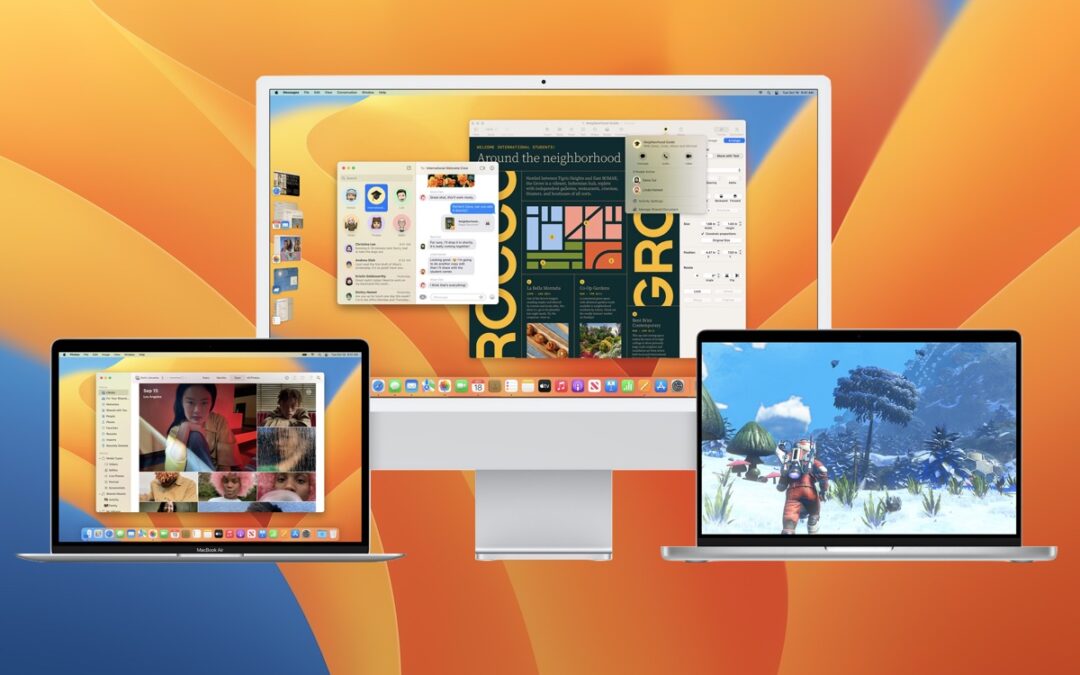
When upgrading to a new version of macOS, we err on the side of caution, at least in our recommendations. (We’ve been using macOS 13 Ventura for some time now and often install beta releases on secondary machines for testing purposes.) Upgrading is easy, but if you...
by Terry McAdams | Jan 24, 2023 | How-To, Mac, productivity
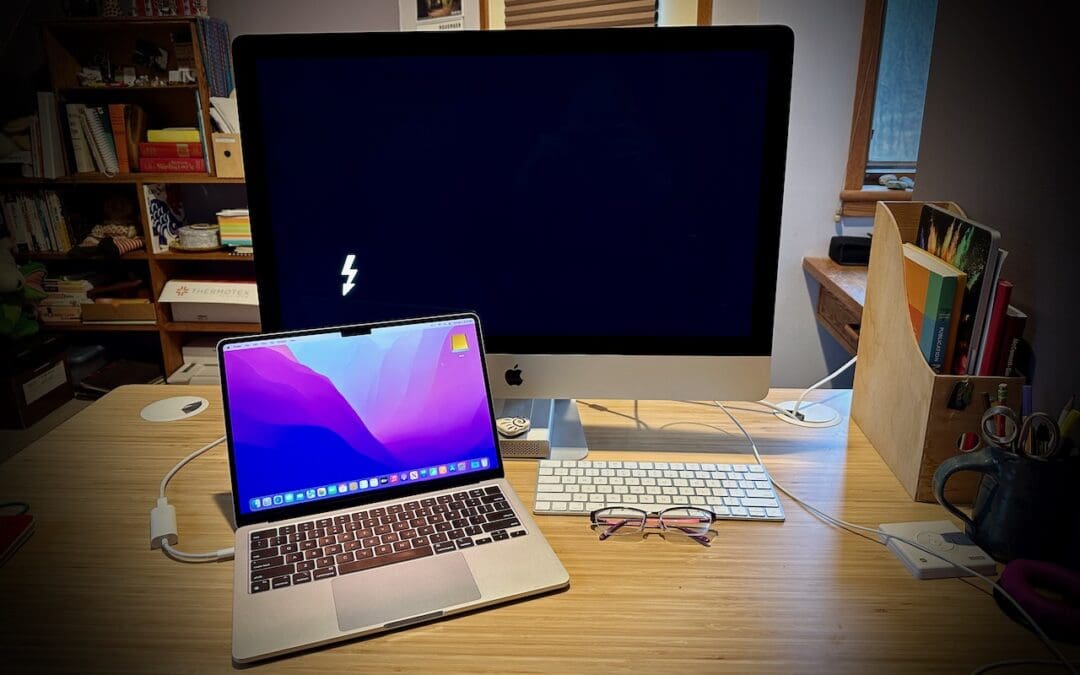
Apple makes it easy to move data between Macs. You can send files via AirDrop, attach them to an email message, put them in a Messages conversation, turn on and connect via File Sharing, or use a file-sharing service like iCloud Drive, Dropbox, or Google Drive as an...
by Terry McAdams | Jan 19, 2023 | Contacts, Mac, Safari, Tip, troubleshooting
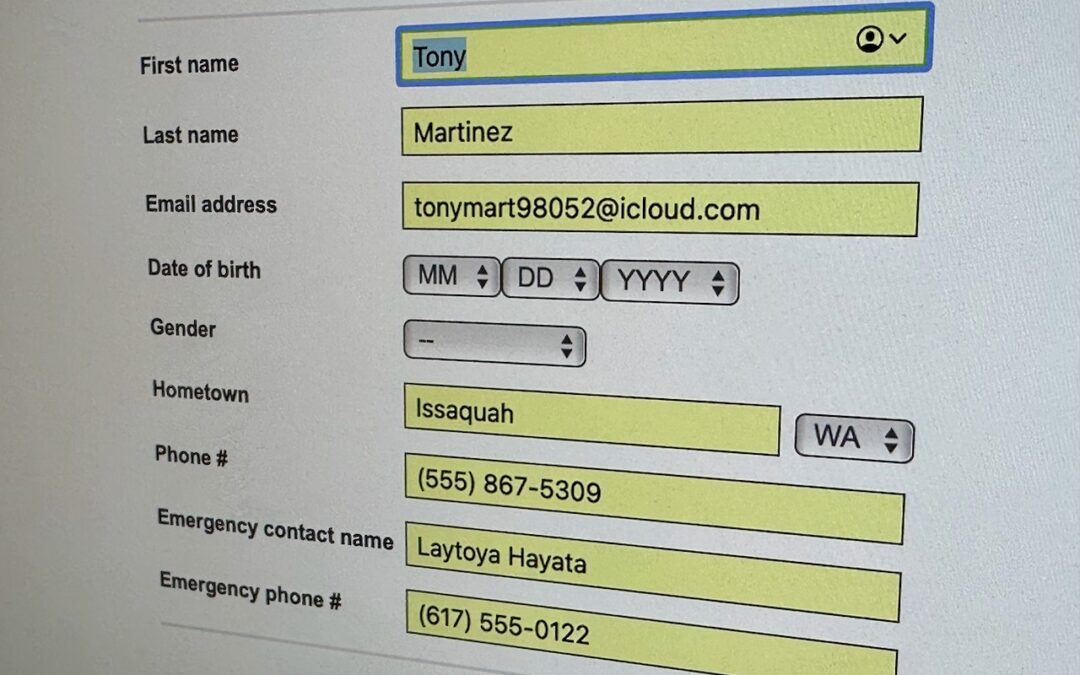
We heard from a client that AutoFill in Safari suddenly stopped entering her name and address in Web forms when she chose Edit > AutoFill Form or pressed Command-Shift-A, forcing her to enter her contact information manually, like an animal. (And yes, the “Using...
by Terry McAdams | Jan 12, 2023 | Mac, Tip, troubleshooting
We aren’t quite ready to recommend that everyone upgrade to macOS 13 Ventura, but if you use Microsoft Office with macOS 10.15 Catalina, you should start planning for an upgrade. Microsoft has announced that current versions of its productivity suite—Office for Mac...