(940) 767-6227
  • Facebook
  • X
  • RSS
  • Facebook
  • X
  • RSS
0 Items
MacTech Solutions
  • Home
  • Products
    • Mac
      • MacBook Air
        • MacBook Air 13-inch M2
        • MacBook Air 13-inch M3
        • MacBook Air 15-inch M3
      • MacBook Pro
        • MacBook Pro 14-inch M4
        • MacBook Pro 14-inch M4 Pro
        • MacBook Pro 16-inch M4
      • iMac
        • iMac 24-inch M4
      • Mac Mini
        • Mac mini M4
      • Mac Studio
      • Mac Pro
      • Apple Displays
        • Pro Display XDR
        • Studio Display
    • iPad
      • iPad
      • iPad mini
      • iPad Pro
        • iPad Pro M4 11-inch
        • iPad Pro M4 13-inch
      • iPad Air
        • iPad Air M2 11-inch
        • iPad Air M2 13-Inch
      • Apple Pencil
        • Apple Pencil (USB-C)
      • Keyboards
        • Smart Keyboard
        • Smart Keyboard Folio
        • iPad Magic Keyboard
    • Apple Watch
      • Apple Watch SE
      • Apple Watch Series 9
      • Apple Watch Ultra 2
    • iPod touch
    • Apple TV
      • Apple TV
      • Apple TV 4K
    • Airpods
      • AirPods Max
      • Airpods Pro (2nd Generation)
      • AirPods 4
      • AirPods 4 with Active Noice Cancellation
      • AirPods (3rd Generation)
      • AirPods (2nd Generation)
    • HomePod
      • HomePod mini
    • AppleCare+
    • Sonos
    • Adobe
      • Creative Cloud for Education
  • Service
    • Apple Authorized Service
    • Remote Support
  • Trade Ins
  • Classes & Events
  • About Us
    • Newsletter Sign Up
    • MacTech Solutions
    • The Team
    • Contact Us
  • Blog
Select Page
Giving Away a Mac Running macOS 12 Monterey? Try “Erase All Content”

Giving Away a Mac Running macOS 12 Monterey? Try “Erase All Content”

by Terry McAdams | Jan 20, 2022 | Mac, privacy, System Preferences, Tip

Before macOS 12 Monterey, if you wanted to sell, trade in, or give away your Mac, you had to boot into Recovery, erase the internal drive with Disk Utility, and reinstall macOS to ensure that the new owner would get a fresh start and couldn’t see any of your data. In...
How to Stop Forgetting Your Apple Gear with “Notify When Left Behind”

How to Stop Forgetting Your Apple Gear with “Notify When Left Behind”

by Terry McAdams | Jan 11, 2022 | How-To, privacy, Security, troubleshooting

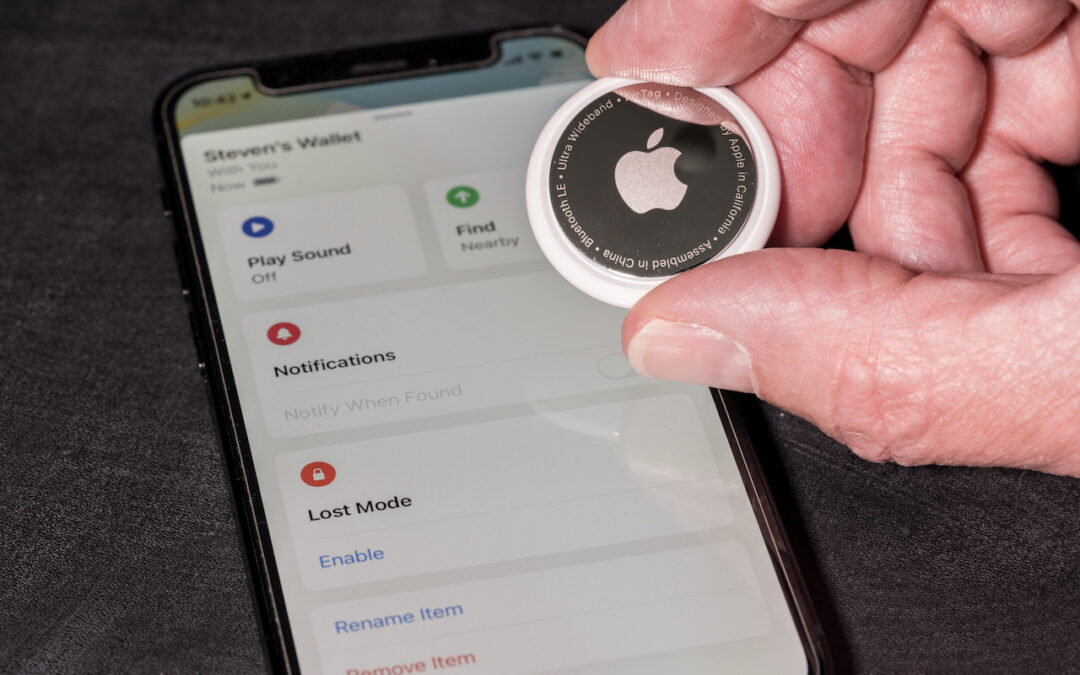
Apple’s Find My technology is a lifesaver when it works, enabling you to locate and potentially retrieve lost or stolen devices. It’s not perfect, even with the addition of the Find My Network, which drafts other nearby Apple devices to relay the location of a lost...
What Is iCloud+ and What Can You Do With It?

What Is iCloud+ and What Can You Do With It?

by Terry McAdams | Oct 21, 2021 | Email, iCloud, privacy, Security

As you upgrade to iOS 15, iPadOS 15 (and macOS 12 Monterey by the end of the year), you’re going to see references to iCloud+. You might even already be an iCloud+ subscriber! That’s because iCloud+ is Apple’s new name for what you get if you pay for additional iCloud...
Disable Unused Sharing Options on Your Mac If You’re Not Using Them

Disable Unused Sharing Options on Your Mac If You’re Not Using Them

by Terry McAdams | Jul 15, 2021 | Mac, privacy, Security, Tip

Many security breaches—even high-profile ones—stem from simple oversight. There’s one spot in macOS that has long been particularly susceptible to such lapse: the Sharing pane of System Preferences. In it, you can enable a wide variety of sharing services, some of...
What Is This “App Tracking Transparency” Apple Added to iOS 14.5?

What Is This “App Tracking Transparency” Apple Added to iOS 14.5?

by Terry McAdams | Jun 29, 2021 | privacy

  You’ve likely seen mention of the dispute between Apple and Facebook. It revolves around App Tracking Transparency (ATT), a technology Apple released in iOS 14.5. The goal of ATT is to give iPhone and iPad users more control over the extent to which app makers...
The Ten Upcoming Mac/iPhone/iPad Features We Think You’ll Most Like

The Ten Upcoming Mac/iPhone/iPad Features We Think You’ll Most Like

by Terry McAdams | Jun 8, 2021 | FaceTime, iPad, iPhone, Mac, privacy, productivity, Siri

At its Worldwide Developer Conference keynote on June 7th, Apple shared details about what we can expect to see later this year in macOS 12 Monterey, iOS 15, iPadOS 15, watchOS 8, tvOS 15, and HomePod Software 15. It was a firehose of announcements, but one thing...
« Older Entries
Next Entries »

Archives

Categories

Terms and Conditions   |   Return and Shipping Policy   |   Privacy Policy
MacTech Solutions LLC DBA MacTech Solutions™
Copyright © MacTech Solutions, LLC   |   All Rights Reserved.

The MacTech Solutions logo is property of MacTech Solutions, LLC, a Texas Limited liability company. All other logos and trademarks are the property of their respective owners. Apple, the Apple logo, iPad, iPad Pro, iPod, Mac, MacBook Air, and MacBook Pro are trademarks of Apple Inc., registered in the U.S. and other countries.

Our Location

4020 Rhea Rd, Suite 3B
Wichita Falls, TX 76308
(940) 767-MACS (6227)

Hours

Monday-Friday: 10-6
Saturday: Closed
Sunday: Closed
Terms and Conditions | Privacy Policy

MacTech Solutions LLC DBA MacTech Solutions™
Copyright © MacTech Solutions, LLC   |   All Rights Reserved.

The MacTech Solutions logo is property of MacTech Solutions, LLC, a Texas Limited liability company. All other logos and trademarks are the property of their respective owners. Apple, the Apple logo, iPad, iPad Pro, iPod, Mac, MacBook Air, and MacBook Pro are trademarks of Apple Inc., registered in the U.S. and other countries.