(940) 767-6227
  • Facebook
  • X
  • RSS
  • Facebook
  • X
  • RSS
MacTech Solutions
  • Home
  • Managed IT Services
  • Products
    • Mac
      • MacBook Air
        • MacBook Air 13-inch M5
        • MacBook Air 15-inch M5
      • MacBook Pro
        • MacBook Pro 14-inch M5
        • MacBook Pro 14-inch M5 Pro
        • MacBook Pro 16-inch M5
      • iMac
        • iMac 24-inch M4
      • Mac Mini
        • Mac mini M4
      • Mac Studio
      • Mac Pro
      • Apple Displays
        • Pro Display XDR
        • Studio Display
    • iPad
      • iPad
      • iPad mini
      • iPad Pro
        • iPad Pro M4 11-inch
        • iPad Pro M4 13-inch
      • iPad Air
        • iPad Air M2 11-inch
        • iPad Air M2 13-Inch
      • Apple Pencil
        • Apple Pencil (USB-C)
      • Keyboards
        • Smart Keyboard
        • Smart Keyboard Folio
        • iPad Magic Keyboard
    • Apple Watch
      • Apple Watch SE
      • Apple Watch Series 9
      • Apple Watch Ultra 2
    • iPod touch
    • Apple TV
      • Apple TV
      • Apple TV 4K
    • Airpods
      • AirPods Max
      • Airpods Pro (2nd Generation)
      • AirPods 4
      • AirPods 4 with Active Noice Cancellation
      • AirPods (3rd Generation)
      • AirPods (2nd Generation)
    • HomePod
      • HomePod mini
    • AppleCare+
    • Sonos
    • Adobe
      • Creative Cloud for Education
  • Service
    • Apple Authorized Service
    • Remote Support
  • Classes & Events
  • Trade Ins
  • About Us
    • Newsletter Sign Up
    • MacTech Solutions
    • The Team
    • Contact Us
  • Blog
Select Page
Automate Your Mac with Folder Action Scripts

Automate Your Mac with Folder Action Scripts

by Terry McAdams | Dec 5, 2025 | How-To, Mac, productivity

Do you repeatedly find yourself wanting to do something in the Finder with every file of a certain type? Perhaps you regularly download files from a particular website that come in with a .txt extension, even though they’re CSV files that should have a .csv extension?...
Spotlight Gets Brighter in macOS 26 Tahoe

Spotlight Gets Brighter in macOS 26 Tahoe

by Terry McAdams | Dec 5, 2025 | productivity, Spotlight

Spotlight has been a staple on macOS for decades, and at various points in its history, Apple has added new search capabilities. However, the revamp that Spotlight enjoyed in macOS 26 Tahoe is the most significant change in a long time. Here are the new features...
Reminders (Finally) Adds Time Zone Support

Reminders (Finally) Adds Time Zone Support

by Terry McAdams | Dec 5, 2025 | productivity, Reminders, Tip

Apple’s latest operating systems have eliminated a longstanding annoyance for frequent travelers: the lack of time zone support in Reminders. If you had set a reminder to alert you at 9 AM Eastern and then traveled from Virginia to California, your alert would go off...
Create Reminders to Return Calls Directly in the Phone App

Create Reminders to Return Calls Directly in the Phone App

by Terry McAdams | Dec 5, 2025 | iPhone, productivity, Reminders, Tip

Apple introduced a neat new feature in the Phone app in iOS 26 and iPadOS 26 (but not macOS 26): callback reminders. Whenever you miss a call and think, “I’d better call this person back later,” you can now create a reminder to do that right within the Phone app....
iPadOS 26 Brings Mac-Like Multitasking to the iPad

iPadOS 26 Brings Mac-Like Multitasking to the iPad

by Terry McAdams | Nov 7, 2025 | iPad, productivity

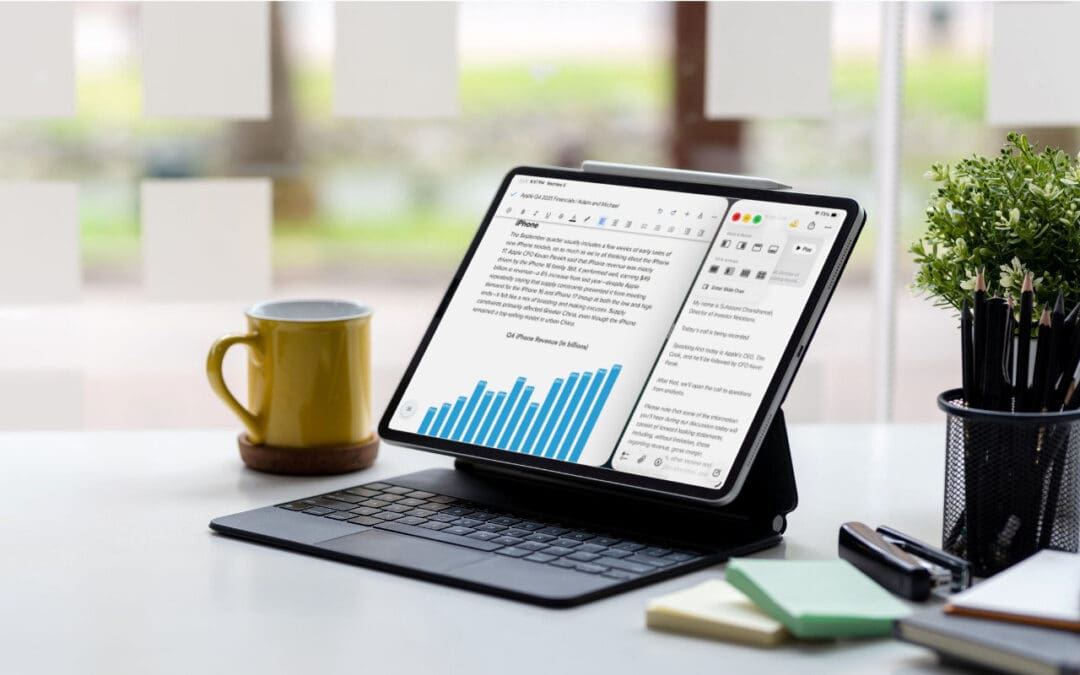
When the iPad debuted, it was essentially a large iPhone. But classic productivity tools rapidly made their way to the iPad, and over the years, Apple has introduced multitasking features, such as Slide Over and Split View, to make it easier to work back-and-forth...
Canva’s Free Affinity App Takes on Adobe Creative Cloud

Canva’s Free Affinity App Takes on Adobe Creative Cloud

by Terry McAdams | Nov 7, 2025 | iPad, Mac, productivity, Tip

Adobe’s Creative Cloud apps—Photoshop, Illustrator, and InDesign—are best-in-class, and for many people, they’re essential. But if you’re paying $70 per month for a Creative Cloud subscription even though you don’t need the full power of Adobe’s apps, consider Canva’s...
« Older Entries
Next Entries »

Archives

Categories

Terms and Conditions   |   Return and Shipping Policy   |   Privacy Policy
MacTech Solutions LLC DBA MacTech Solutions™
Copyright © MacTech Solutions, LLC   |   All Rights Reserved.

The MacTech Solutions logo is property of MacTech Solutions, LLC, a Texas Limited liability company. All other logos and trademarks are the property of their respective owners. Apple, the Apple logo, iPad, iPad Pro, iPod, Mac, MacBook Air, and MacBook Pro are trademarks of Apple Inc., registered in the U.S. and other countries.

Our Location

4020 Rhea Rd, Suite 3B
Wichita Falls, TX 76308
(940) 767-MACS (6227)

Hours

Monday-Friday: 10-6
Saturday: Closed
Sunday: Closed
Terms and Conditions | Privacy Policy

MacTech Solutions LLC DBA MacTech Solutions™
Copyright © MacTech Solutions, LLC   |   All Rights Reserved.

The MacTech Solutions logo is property of MacTech Solutions, LLC, a Texas Limited liability company. All other logos and trademarks are the property of their respective owners. Apple, the Apple logo, iPad, iPad Pro, iPod, Mac, MacBook Air, and MacBook Pro are trademarks of Apple Inc., registered in the U.S. and other countries.