(940) 767-6227
  • Facebook
  • X
  • RSS
  • Facebook
  • X
  • RSS
0 Items
MacTech Solutions
  • Home
  • Products
    • Mac
      • MacBook Air
        • MacBook Air 13-inch M2
        • MacBook Air 13-inch M3
        • MacBook Air 15-inch M3
      • MacBook Pro
        • MacBook Pro 14-inch M4
        • MacBook Pro 14-inch M4 Pro
        • MacBook Pro 16-inch M4
      • iMac
        • iMac 24-inch M4
      • Mac Mini
        • Mac mini M4
      • Mac Studio
      • Mac Pro
      • Apple Displays
        • Pro Display XDR
        • Studio Display
    • iPad
      • iPad
      • iPad mini
      • iPad Pro
        • iPad Pro M4 11-inch
        • iPad Pro M4 13-inch
      • iPad Air
        • iPad Air M2 11-inch
        • iPad Air M2 13-Inch
      • Apple Pencil
        • Apple Pencil (USB-C)
      • Keyboards
        • Smart Keyboard
        • Smart Keyboard Folio
        • iPad Magic Keyboard
    • Apple Watch
      • Apple Watch SE
      • Apple Watch Series 9
      • Apple Watch Ultra 2
    • iPod touch
    • Apple TV
      • Apple TV
      • Apple TV 4K
    • Airpods
      • AirPods Max
      • Airpods Pro (2nd Generation)
      • AirPods 4
      • AirPods 4 with Active Noice Cancellation
      • AirPods (3rd Generation)
      • AirPods (2nd Generation)
    • HomePod
      • HomePod mini
    • AppleCare+
    • Sonos
    • Adobe
      • Creative Cloud for Education
  • Service
    • Apple Authorized Service
    • Remote Support
  • Trade Ins
  • Classes & Events
  • About Us
    • Newsletter Sign Up
    • MacTech Solutions
    • The Team
    • Contact Us
  • Blog
Select Page
How to Take the Annoyance Out of Your Key Passwords and Passcodes

How to Take the Annoyance Out of Your Key Passwords and Passcodes

by Terry McAdams | Aug 5, 2021 | iPad, iPhone, Mac, password manager, passwords, Security

We constantly say, “Use a password manager!” for good reason. Password managers make it easy to generate, store, and enter strong passwords. You don’t have to decide whether or not your password is strong or weak, remember it, and type it accurately every time you log...
Disable Unused Sharing Options on Your Mac If You’re Not Using Them

Disable Unused Sharing Options on Your Mac If You’re Not Using Them

by Terry McAdams | Jul 15, 2021 | Mac, privacy, Security, Tip

Many security breaches—even high-profile ones—stem from simple oversight. There’s one spot in macOS that has long been particularly susceptible to such lapse: the Sharing pane of System Preferences. In it, you can enable a wide variety of sharing services, some of...
Upgrade to iOS 14.5 and watchOS 7.4 to Unlock Face ID iPhones with Your Watch

Upgrade to iOS 14.5 and watchOS 7.4 to Unlock Face ID iPhones with Your Watch

by Terry McAdams | May 6, 2021 | Apple Watch, How-To, iPhone, productivity, Security

You have to feel for Apple sometimes. The company’s engineers put an astonishing amount of work into the hardware and software necessary for Face ID to recognize your face nearly instantly and unlock your iPhone or iPad. Regardless of whether you’re wearing a hat and...
Don’t Store Confidential Files in Online File Sharing Services

Don’t Store Confidential Files in Online File Sharing Services

by Terry McAdams | Apr 1, 2021 | Mac, privacy, Security, Tip

Given their integration into the Mac’s Finder, it can be easy to forget that online file sharing services like Dropbox, Google Drive, iCloud Drive, and Microsoft OneDrive can be accessed using a Web browser by anyone with your username and password. Obviously, you...
When Asking about Phishing Email, Make Sure to Write Separately Too

When Asking about Phishing Email, Make Sure to Write Separately Too

by Terry McAdams | Mar 11, 2021 | Email, Security, Tip, troubleshooting

Sadly, email is not an entirely reliable communications medium, thanks to spam filters, addressing errors, and server failures. With certain types of email, it’s worth double-checking that a message was seen. One example of that we see is with reports of phishing...
Getting Started with 1Password

Getting Started with 1Password

by Terry McAdams | Feb 16, 2021 | 1Password, password manager, passwords, Security

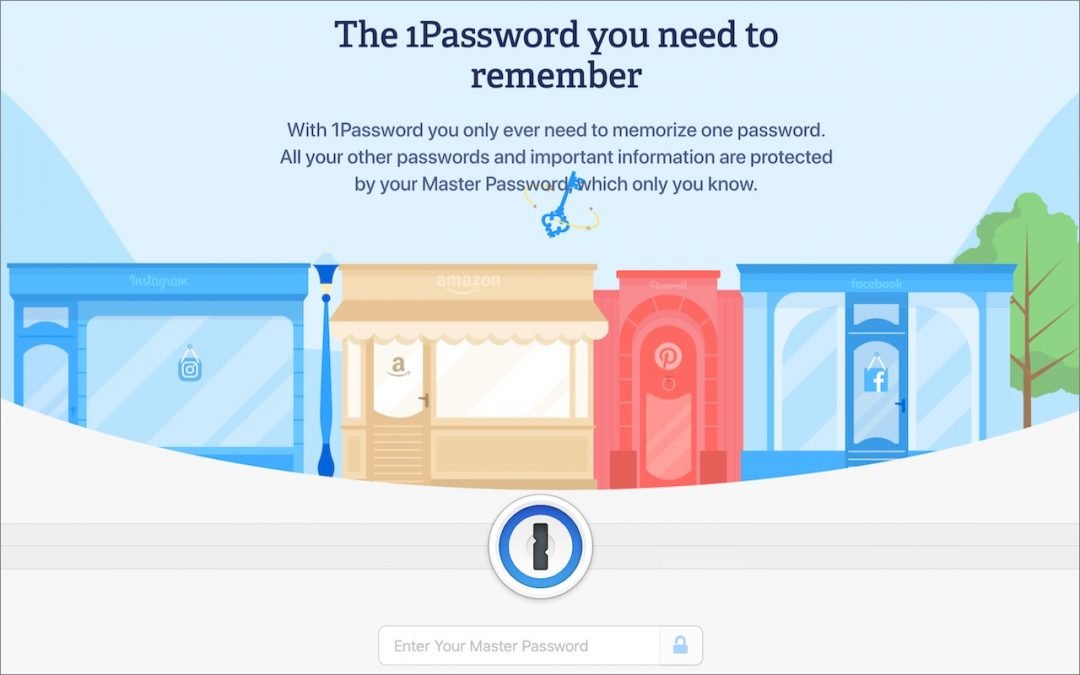
We’ve long recommended that everyone use a password manager like 1Password instead of attempting to memorize or write down passwords. Although there are other password managers, 1Password is the leading solution for Apple users, thanks to a focus on macOS and iOS from...
« Older Entries
Next Entries »

Archives

Categories

Terms and Conditions   |   Return and Shipping Policy   |   Privacy Policy
MacTech Solutions LLC DBA MacTech Solutions™
Copyright © MacTech Solutions, LLC   |   All Rights Reserved.

The MacTech Solutions logo is property of MacTech Solutions, LLC, a Texas Limited liability company. All other logos and trademarks are the property of their respective owners. Apple, the Apple logo, iPad, iPad Pro, iPod, Mac, MacBook Air, and MacBook Pro are trademarks of Apple Inc., registered in the U.S. and other countries.

Our Location

4020 Rhea Rd, Suite 3B
Wichita Falls, TX 76308
(940) 767-MACS (6227)

Hours

Monday-Friday: 10-6
Saturday: Closed
Sunday: Closed
Terms and Conditions | Privacy Policy

MacTech Solutions LLC DBA MacTech Solutions™
Copyright © MacTech Solutions, LLC   |   All Rights Reserved.

The MacTech Solutions logo is property of MacTech Solutions, LLC, a Texas Limited liability company. All other logos and trademarks are the property of their respective owners. Apple, the Apple logo, iPad, iPad Pro, iPod, Mac, MacBook Air, and MacBook Pro are trademarks of Apple Inc., registered in the U.S. and other countries.