by Terry McAdams | Jun 1, 2023 | iPad, iPhone, Mac, productivity, troubleshooting
Apps are everywhere these days, but it can be hard to remember that many exist in multiple versions. You can often run the same app on a Mac, an iPhone or iPad, and in a Web browser, each of which has benefits. Generally speaking, Mac apps: Have better-designed, more...
by Terry McAdams | Apr 25, 2023 | Mac, productivity, troubleshooting
It’s a question as old as the personal computer. When should you replace your current Mac with a new model that’s faster and more capable? If money were no object, the answer would be easy—whenever you feel like it. For the rest of us, and particularly for...
by Terry McAdams | Apr 18, 2023 | How-To, iPhone, troubleshooting
No one intends to drop their iPhone in a pool or fall off a boat with their iPhone in a pocket. But accidents happen. Happily, Apple has designed the iPhone with significant levels of splash and water resistance, so brief exposure to rain or even a quick dunk might...
by Terry McAdams | Apr 13, 2023 | Mac, Tip, troubleshooting
Sometimes apps can be too helpful. Apple’s Mail on the Mac likes to turn pasted URLs into graphically rich previews, and sometimes that’s OK. But other times, the preview is confusing or takes up too much space. Or you may want to send a plain link so the recipient...
by Terry McAdams | Mar 14, 2023 | iCloud, Messages, troubleshooting
Most of us rely on Messages every day to text with family, friends, and colleagues. Not surprisingly, we’ve fielded numerous questions surrounding common confusions with this popular app. We hope our answers here will help you use Messages more effectively and work...
by Terry McAdams | Jan 19, 2023 | Contacts, Mac, Safari, Tip, troubleshooting
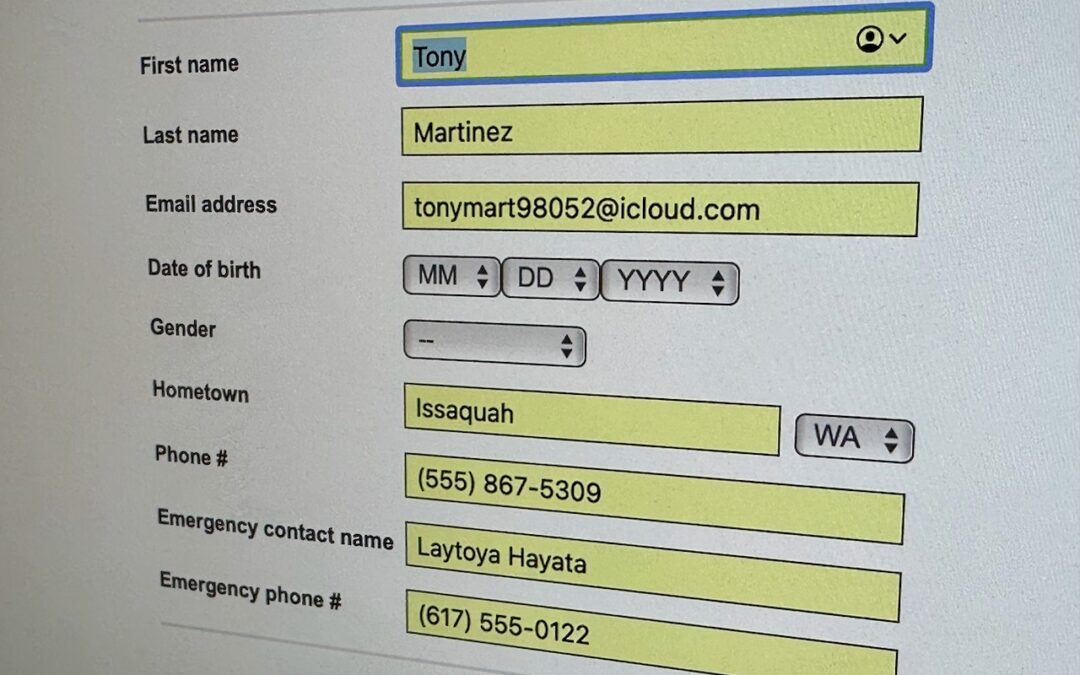
We heard from a client that AutoFill in Safari suddenly stopped entering her name and address in Web forms when she chose Edit > AutoFill Form or pressed Command-Shift-A, forcing her to enter her contact information manually, like an animal. (And yes, the “Using...