(940) 767-6227
  • Facebook
  • X
  • RSS
  • Facebook
  • X
  • RSS
MacTech Solutions
  • Home
  • Managed IT Services
  • Products
    • Mac
      • MacBook Air
        • MacBook Air 13-inch M5
        • MacBook Air 15-inch M5
      • MacBook Pro
        • MacBook Pro 14-inch M5
        • MacBook Pro 14-inch M5 Pro
        • MacBook Pro 16-inch M5
      • iMac
        • iMac 24-inch M4
      • Mac Mini
        • Mac mini M4
      • Mac Studio
      • Mac Pro
      • Apple Displays
        • Pro Display XDR
        • Studio Display
    • iPad
      • iPad
      • iPad mini
      • iPad Pro
        • iPad Pro M4 11-inch
        • iPad Pro M4 13-inch
      • iPad Air
        • iPad Air M2 11-inch
        • iPad Air M2 13-Inch
      • Apple Pencil
        • Apple Pencil (USB-C)
      • Keyboards
        • Smart Keyboard
        • Smart Keyboard Folio
        • iPad Magic Keyboard
    • Apple Watch
      • Apple Watch SE
      • Apple Watch Series 9
      • Apple Watch Ultra 2
    • iPod touch
    • Apple TV
      • Apple TV
      • Apple TV 4K
    • Airpods
      • AirPods Max
      • Airpods Pro (2nd Generation)
      • AirPods 4
      • AirPods 4 with Active Noice Cancellation
      • AirPods (3rd Generation)
      • AirPods (2nd Generation)
    • HomePod
      • HomePod mini
    • AppleCare+
    • Sonos
    • Adobe
      • Creative Cloud for Education
  • Service
    • Apple Authorized Service
    • Remote Support
  • Classes & Events
  • Trade Ins
  • About Us
    • Newsletter Sign Up
    • MacTech Solutions
    • The Team
    • Contact Us
  • Blog
Select Page
Photos Library Showing Blank Thumbnails or Having Other Issues? Try This Trick to Repair It

Photos Library Showing Blank Thumbnails or Having Other Issues? Try This Trick to Repair It

by Terry McAdams | Sep 6, 2022 | Mac, Photos, Tip, troubleshooting

The Photos app is usually a solid performer, but it does rely on a database behind the scenes, and corruption is a possibility. If you find that your Photos library is showing blank thumbnails or otherwise acting oddly, see if the Photos Repair Library tool can fix...
Read This Article Before Transferring Your Data to a New iPhone

Read This Article Before Transferring Your Data to a New iPhone

by Terry McAdams | Sep 2, 2022 | How-To, iPhone, troubleshooting, Upgrade

Are you among the millions of people planning to get a new iPhone 14? It’s exciting, we know, but don’t move too fast when getting started with your new iPhone, or you might cause yourself headaches. Instead, follow these instructions once you’re ready to transfer...
Follow These Steps before Bringing Your Mac in for Repair

Follow These Steps before Bringing Your Mac in for Repair

by Terry McAdams | Aug 16, 2022 | Mac, troubleshooting

It has finally happened. Keys on your MacBook Pro aren’t responding, there’s a crack on the screen, or the battery no longer holds enough of a charge to make it useful. A repair is in your future, which entails bringing the Mac to us for repair. Before you bring it in...
15 Ways to Solve Call Failures on Your iPhone

15 Ways to Solve Call Failures on Your iPhone

by Terry McAdams | Aug 2, 2022 | iPhone, troubleshooting

Sure, we know that phone calls aren’t the most common thing people do on their iPhones—especially anyone under 30—but it’s still important to be able to make and take calls. There are a wide variety of reasons that outgoing or incoming calls might fail, so the...
Not Getting Full 5G When You Should? Try a New SIM Card

Not Getting Full 5G When You Should? Try a New SIM Card

by Terry McAdams | Jul 7, 2022 | iPhone, Tip, troubleshooting

If you’ve been moving your SIM card from phone to phone over the years, you might inadvertently be preventing your current phone from taking full advantage of 5G connectivity. Cellular carriers aren’t always forthcoming about what will and will not work, but at least...
The Best Characters to Use When Naming Files and Folders

The Best Characters to Use When Naming Files and Folders

by Terry McAdams | Jun 23, 2022 | Internet, Mac, troubleshooting

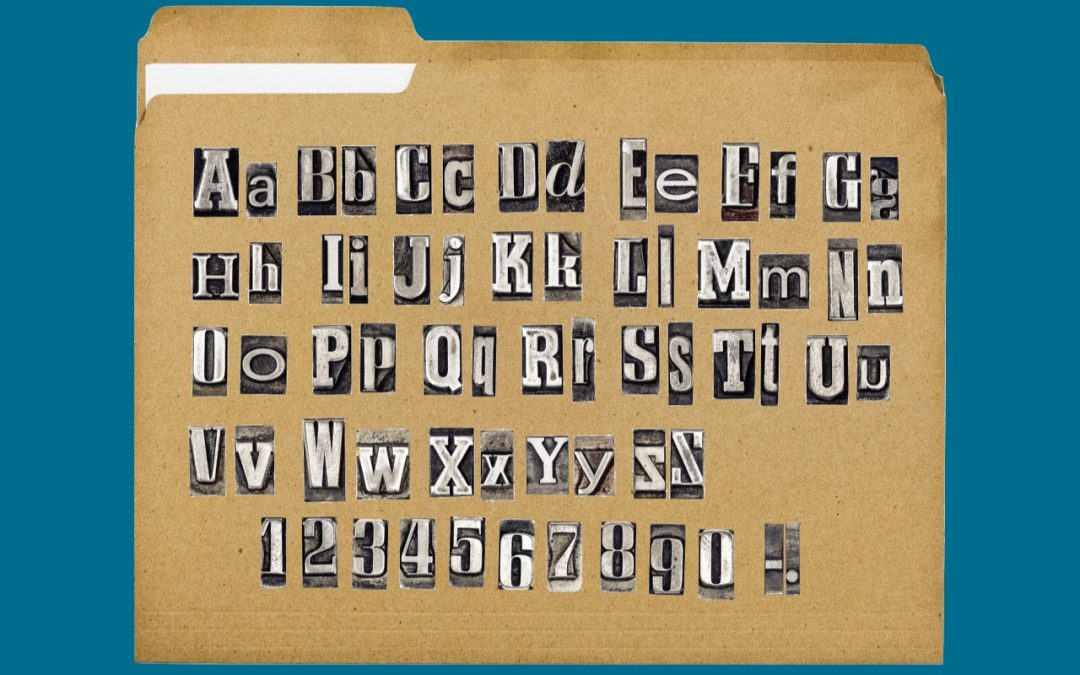
Back in the early 1980s, DOS filenames couldn’t be more than 8 characters long with a period and a 3-character extension. That was limiting, so when Apple developed the Mac operating system in 1984, it allowed longer names and eliminated the need for an extension,...
« Older Entries
Next Entries »

Archives

Categories

Terms and Conditions   |   Return and Shipping Policy   |   Privacy Policy
MacTech Solutions LLC DBA MacTech Solutions™
Copyright © MacTech Solutions, LLC   |   All Rights Reserved.

The MacTech Solutions logo is property of MacTech Solutions, LLC, a Texas Limited liability company. All other logos and trademarks are the property of their respective owners. Apple, the Apple logo, iPad, iPad Pro, iPod, Mac, MacBook Air, and MacBook Pro are trademarks of Apple Inc., registered in the U.S. and other countries.

Our Location

4020 Rhea Rd, Suite 3B
Wichita Falls, TX 76308
(940) 767-MACS (6227)

Hours

Monday-Friday: 10-6
Saturday: Closed
Sunday: Closed
Terms and Conditions | Privacy Policy

MacTech Solutions LLC DBA MacTech Solutions™
Copyright © MacTech Solutions, LLC   |   All Rights Reserved.

The MacTech Solutions logo is property of MacTech Solutions, LLC, a Texas Limited liability company. All other logos and trademarks are the property of their respective owners. Apple, the Apple logo, iPad, iPad Pro, iPod, Mac, MacBook Air, and MacBook Pro are trademarks of Apple Inc., registered in the U.S. and other countries.