by Terry McAdams | Apr 18, 2023 | How-To, iPhone, troubleshooting
No one intends to drop their iPhone in a pool or fall off a boat with their iPhone in a pocket. But accidents happen. Happily, Apple has designed the iPhone with significant levels of splash and water resistance, so brief exposure to rain or even a quick dunk might...
by Terry McAdams | Apr 13, 2023 | Mac, Tip, troubleshooting
Sometimes apps can be too helpful. Apple’s Mail on the Mac likes to turn pasted URLs into graphically rich previews, and sometimes that’s OK. But other times, the preview is confusing or takes up too much space. Or you may want to send a plain link so the recipient...
by Terry McAdams | Mar 14, 2023 | iCloud, Messages, troubleshooting
Most of us rely on Messages every day to text with family, friends, and colleagues. Not surprisingly, we’ve fielded numerous questions surrounding common confusions with this popular app. We hope our answers here will help you use Messages more effectively and work...
by Terry McAdams | Jan 19, 2023 | Contacts, Mac, Safari, Tip, troubleshooting
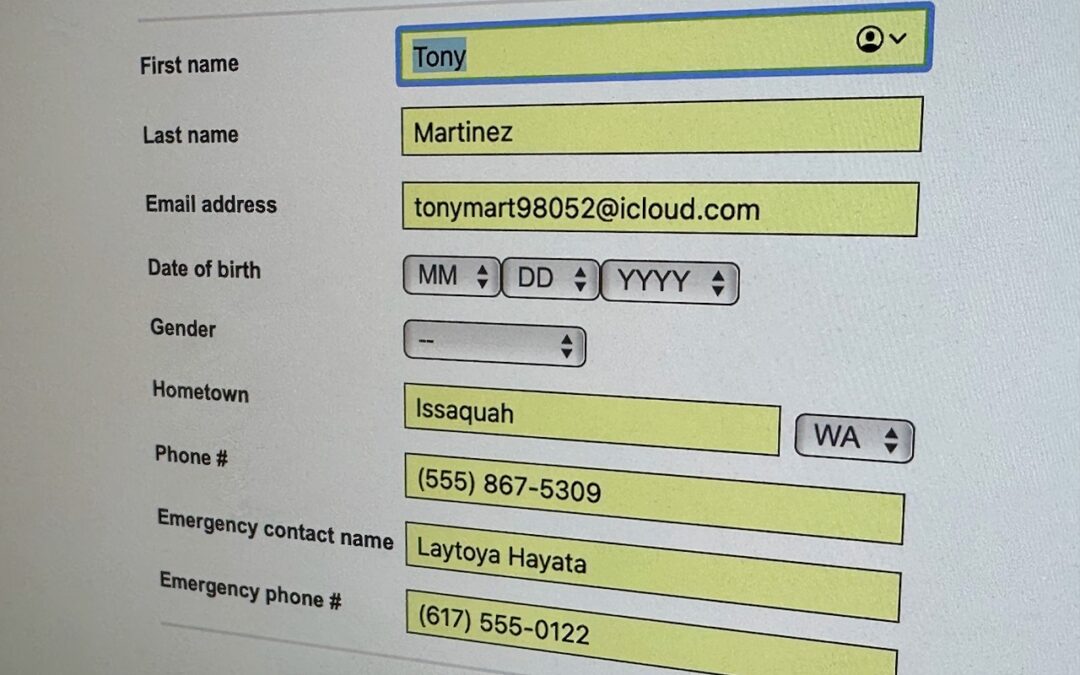
We heard from a client that AutoFill in Safari suddenly stopped entering her name and address in Web forms when she chose Edit > AutoFill Form or pressed Command-Shift-A, forcing her to enter her contact information manually, like an animal. (And yes, the “Using...
by Terry McAdams | Jan 12, 2023 | Mac, Tip, troubleshooting
We aren’t quite ready to recommend that everyone upgrade to macOS 13 Ventura, but if you use Microsoft Office with macOS 10.15 Catalina, you should start planning for an upgrade. Microsoft has announced that current versions of its productivity suite—Office for Mac...
by Terry McAdams | Dec 22, 2022 | iPad, iPhone, Siri, Tip, troubleshooting
22Although iOS and iPadOS are extremely stable, there are times when rebooting your iPhone or iPad can eliminate odd or problematic behavior, and there’s no harm in trying it. In the past, you’ve had to remember which buttons to press or select Settings > General...