by Terry McAdams | Aug 16, 2022 | Mac, troubleshooting
It has finally happened. Keys on your MacBook Pro aren’t responding, there’s a crack on the screen, or the battery no longer holds enough of a charge to make it useful. A repair is in your future, which entails bringing the Mac to us for repair. Before you bring it in...
by Terry McAdams | Aug 2, 2022 | iPhone, troubleshooting
Sure, we know that phone calls aren’t the most common thing people do on their iPhones—especially anyone under 30—but it’s still important to be able to make and take calls. There are a wide variety of reasons that outgoing or incoming calls might fail, so the...
by Terry McAdams | Jul 7, 2022 | iPhone, Tip, troubleshooting
If you’ve been moving your SIM card from phone to phone over the years, you might inadvertently be preventing your current phone from taking full advantage of 5G connectivity. Cellular carriers aren’t always forthcoming about what will and will not work, but at least...
by Terry McAdams | Jun 23, 2022 | Internet, Mac, troubleshooting
Back in the early 1980s, DOS filenames couldn’t be more than 8 characters long with a period and a 3-character extension. That was limiting, so when Apple developed the Mac operating system in 1984, it allowed longer names and eliminated the need for an extension,...
by Terry McAdams | Jun 21, 2022 | Camera, iPhone, photo, Tip, troubleshooting
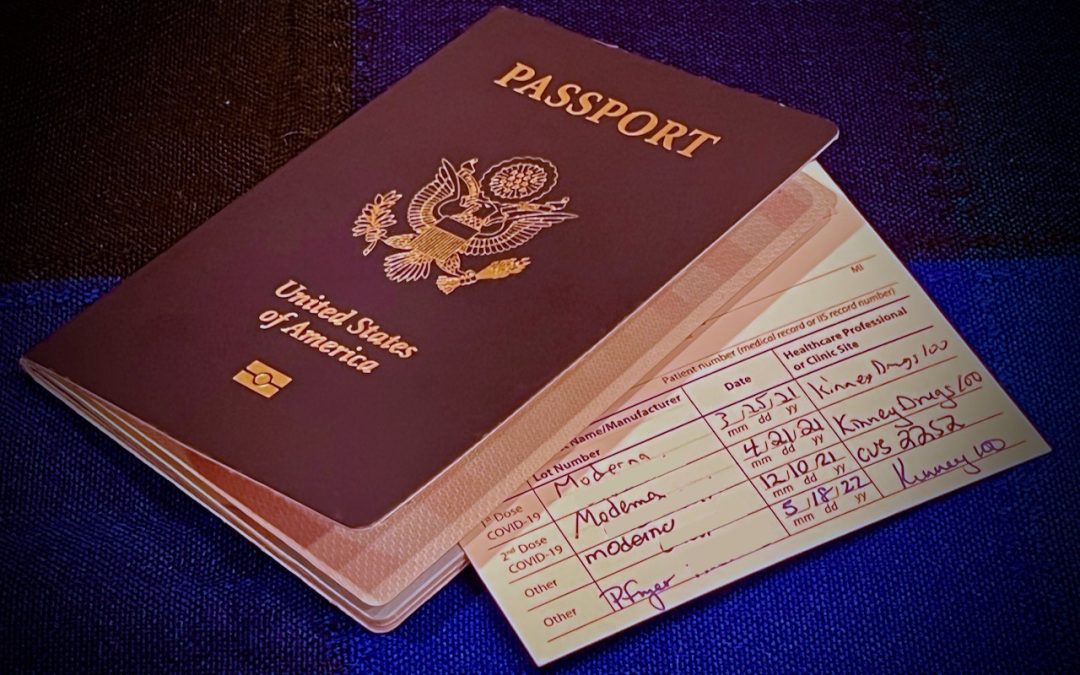
We increasingly need to take photos of documents—vaccination cards, driver licenses, passports, etc.—to submit for online verification. That’s often easier said than done, especially when taking a photo at night under lights that obscure the text with glare and...
by Terry McAdams | Jun 7, 2022 | Mac, Tip, troubleshooting
Most of the time, it’s appropriate when an auto-correct feature turns single and double hash marks into single and double curly quotes. However, there are times when the curly quotes are awkward for some reason or actively wrong. For instance, hash marks indicate feet...