by Terry McAdams | Jul 3, 2026 | Calendar, iPad, iPhone, Mac, productivity, Reminders, Tip
If you are often late to or miss meetings because Apple’s notifications are too easy to ignore, we recommend trying the In Your Face app. Available for the Mac, Windows, iPhone, iPad, and Apple Watch, In Your Face displays unmissable full-screen alerts and plays...
by Terry McAdams | Jun 5, 2026 | AirPods, iPhone, productivity, Tip
Have you ever wanted to activate the shutter button for your iPhone’s camera—for either a still photo or a video—when you’re not holding it? Selfie sticks often come with Bluetooth buttons that can do that, and starting in iOS 26, you also can use your AirPods 4 or...
by Terry McAdams | Jun 5, 2026 | Contacts, Dictation, iPad, iPhone, Mac, productivity, Tip, troubleshooting
Apple’s Dictation feature is a great way to avoid slow typing on the iPhone and iPad, and it can be welcome on the Mac as well. But it struggles with proper nouns—it guesses wildly at unfamiliar names and often fails to capitalize common words that are part of a name...
by Terry McAdams | May 1, 2026 | How-To, productivity
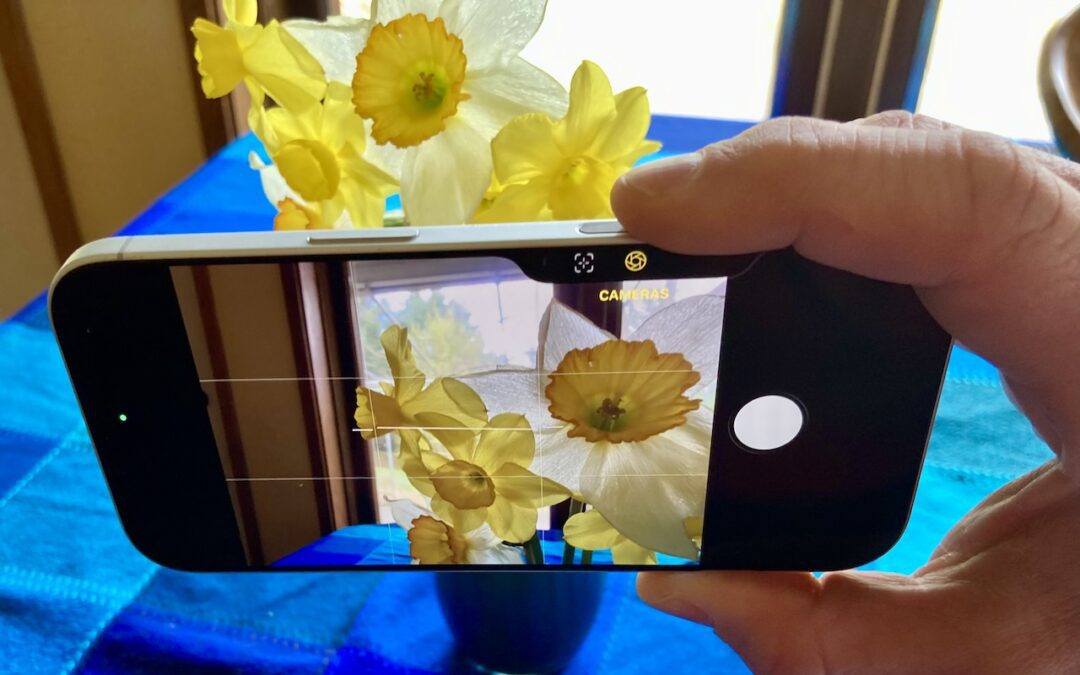
The Camera Control on iPhone 16 and later models lets you open the Camera app and take a photo with the press of a button. But it’s more than just a simple button—it features a touch-sensitive surface that lets you adjust a variety of settings without having to tap...
by Terry McAdams | May 1, 2026 | Finder, iPad, iPhone, productivity, Tip
On the Mac, every file type opens in a particular app by default, but it’s easy to open a PDF, image, or text file in a different app. In the Finder’s Get Info window, you can also reset the default app so that, for example, JPEGs open in Photoshop or Affinity instead...