by Terry McAdams | Jun 5, 2026 | Mac, Tip, troubleshooting
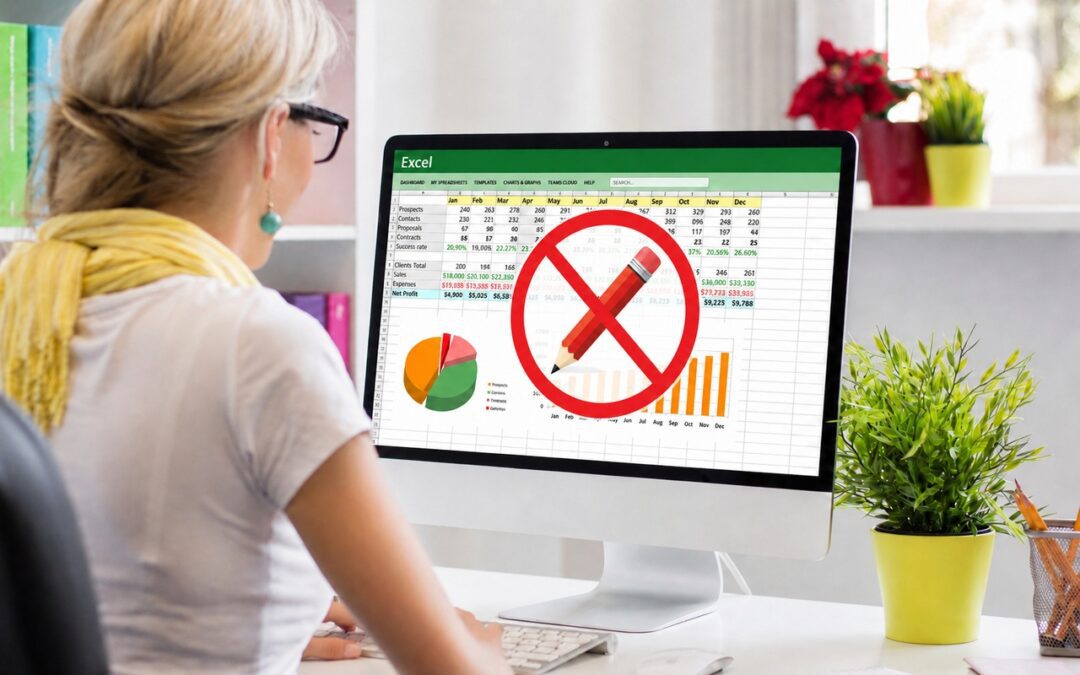
If you’re still using Microsoft Office 2019 for Mac, on July 13, 2026, an expiring certificate will cause your copies of Word, Excel, PowerPoint, and Outlook to enter “reduced functionality mode,” meaning you can view and print documents but cannot edit or create new...
by Terry McAdams | Jun 5, 2026 | Contacts, Dictation, iPad, iPhone, Mac, productivity, Tip, troubleshooting
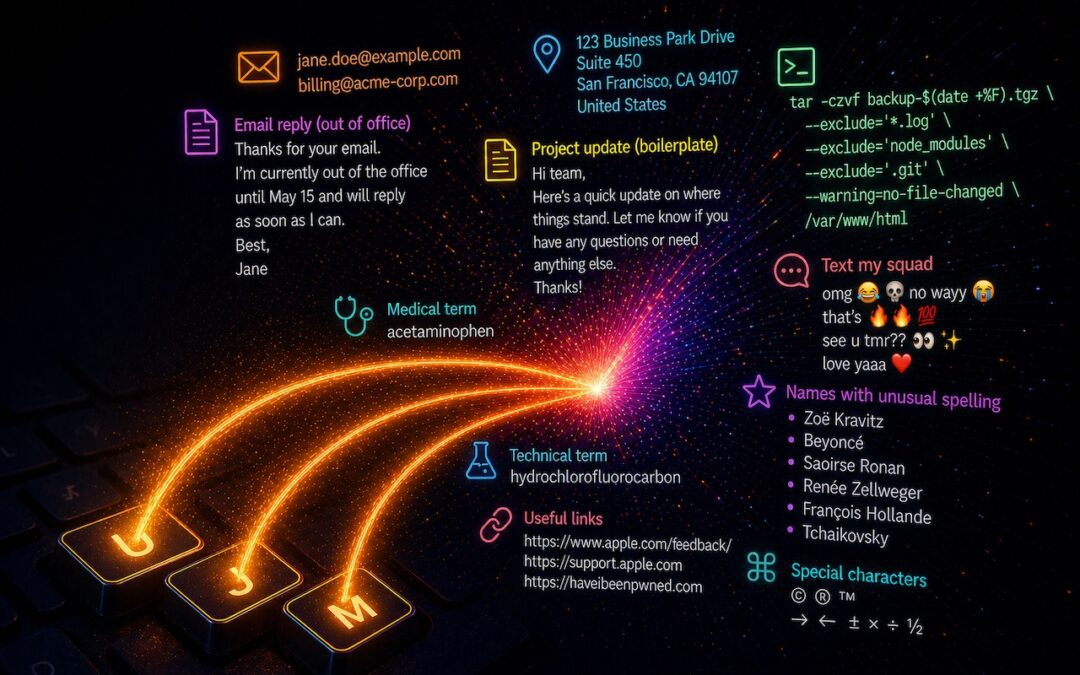
Apple’s Dictation feature is a great way to avoid slow typing on the iPhone and iPad, and it can be welcome on the Mac as well. But it struggles with proper nouns—it guesses wildly at unfamiliar names and often fails to capitalize common words that are part of a name...
by Terry McAdams | May 1, 2026 | How-To, iPad, iPhone, Mac, productivity
Silicon Valley thinks everyone wants to delegate writing to AI, which is why Apple Intelligence constantly suggests replies for you in Messages and Mail. But there’s an excellent way to supercharge your typing speed without sounding like a chirpy chatbot or resorting...
by Terry McAdams | May 1, 2026 | Finder, Mac, macOS, productivity
If you can work comfortably with the Mac’s four Finder views, you’ll enjoy an easier experience when you try to get to your folders and files. Each view has its pros and cons, so using the best view for the job at hand will make you more productive. Here’s a look at...
by Terry McAdams | May 1, 2026 | iPad, Mac, productivity, Safari, Tip
Safari’s compact tab bar option, which saves vertical space by placing the address bar in the current tab, went missing in the initial releases of macOS 26 Tahoe and iPadOS 26. Only Apple knows why this helpful option disappeared (Liquid Glass?), but as of macOS 26.4...