by Terry McAdams | Jul 3, 2019 | productivity, Tip
In previous versions of iOS, a scroll bar would appear on the right edge of the screen while you were swiping through a long Web page, email message, or document. But the scroller was merely an indicator of where in the page you were and how much content there was...
by Terry McAdams | Jun 30, 2019 | How-To, iOS, iPhone
Accidents, particularly those involving automobiles, are all too common, and while no one plans to be in one, you can prepare for the eventuality. If you end up in a state where you can’t speak with emergency responders or are too shaken up to share your details...
by Terry McAdams | Jun 3, 2019 | Mac, MacBook, MacBook Air, MacBook Pro, troubleshooting
When Apple introduced the 12-inch MacBook in April 2015, the machine was the thinnest Mac ever, with a tapered design that starts at a mere 3.5 mm and grows only to 13.1 mm. A change from previous laptop models that made such an incredibly thin design possible was a...
by Lucy McAdams | May 17, 2019 | Mac, troubleshooting
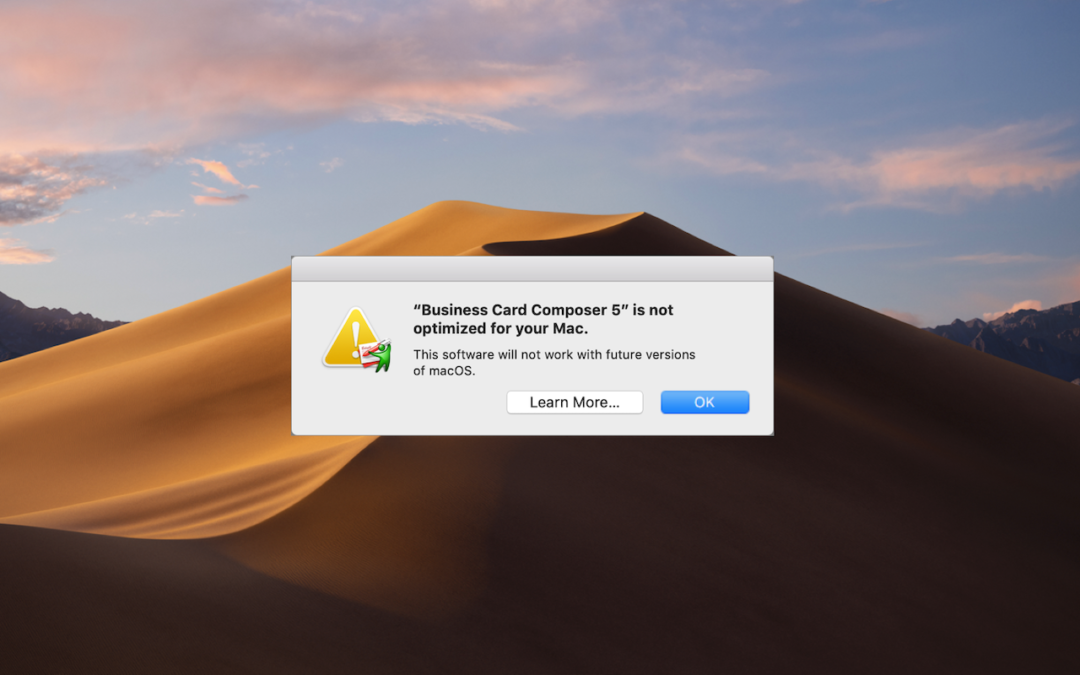
If you’re running macOS 10.13.4 High Sierra or macOS 10.14 Mojave, you may have seen a dialog that says an app isn’t optimized for your Mac. The message differs slightly between High Sierra and Mojave, with the High Sierra version telling you the developer needs to...
by Lucy McAdams | May 15, 2019 | Bluetooth, Mac, Tip
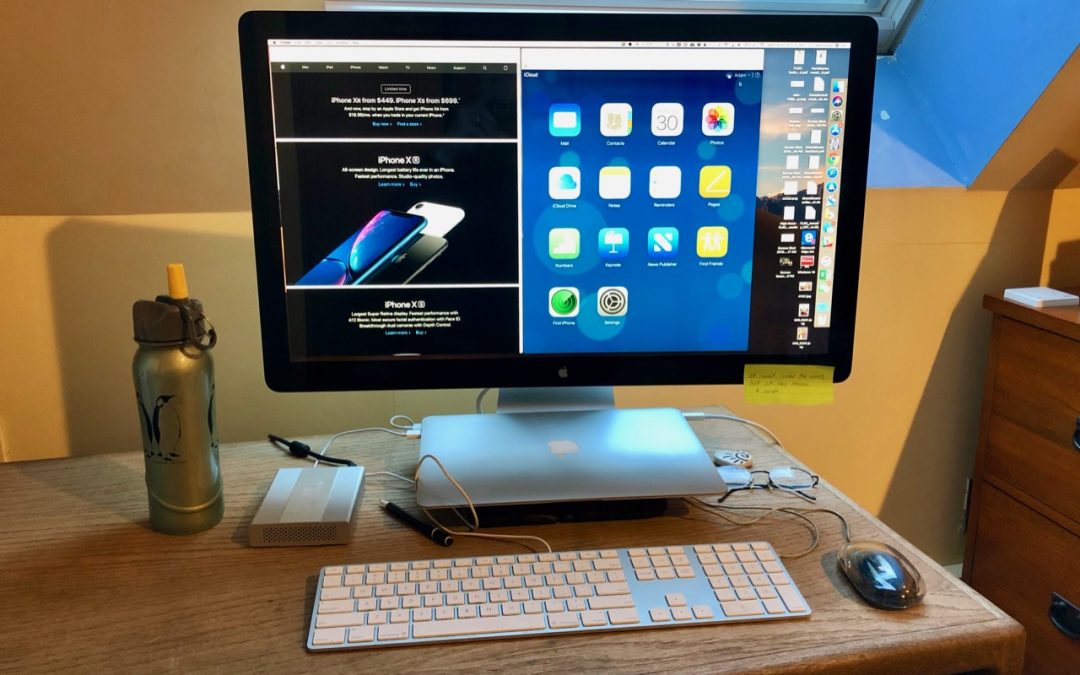
Those of you who use a Mac laptop—a MacBook, MacBook Air, or MacBook Pro—probably know you can connect it to a large external display for more screen space. But sometimes it’s not convenient to have your Mac open on your desk next to the big screen. If you’d like to...
by Lucy McAdams | May 13, 2019 | iOS, productivity, Tip
When you’re viewing a message in Mail on an iPhone or iPad, you get five buttons: Flag, Move, Archive or Delete, Reply/Forward/Print, and New Message. But what determines whether that third button is Archive or Delete? iOS hides that option in Settings > Passwords...
by Lucy McAdams | May 10, 2019 | How-To, productivity
Collaboration is what all the cool kids—well, all the competitive businesses—are doing these days because it’s efficient and effective. See “Stop Mailing Files Around and Use Collaborative Apps” and for users of Apple’s iWork, “Collaborate with Colleagues in Pages,...
by Lucy McAdams | May 8, 2019 | iPad, iPhone, productivity
In theory, it should be easy to move the cursor in text on an iPad or iPhone—just tap where you want the cursor to go, or press and hold until the magnifying circle appears over the cursor and then slide it around. In reality, it’s often fussy and annoying because our...
by Lucy McAdams | May 6, 2019 | iOS, Tip
There’s little worse than missing an important call or text because your iPhone was in Do Not Disturb mode or because the Mute switch was engaged. If there are certain people—a spouse, parent, or child—whose calls and texts you always want to break through the cone of...
by Lucy McAdams | May 3, 2019 | iOS, Tip
It’s maddening to want to read a serial number or other bit of fine print that you can barely see. But fret no longer—your iPhone or iPad makes a fabulous magnifying glass! Assuming Magnifier is enabled in Settings > General > Accessibility > Magnifier, you...
by Lucy McAdams | May 1, 2019 | How-To, Mac, Photos
SSDs are essential for ensuring optimal performance on a Mac, but because they’re expensive, many people don’t have as much built-in storage space as they would like. If your Photos library has grown to the point where your SSD is nearly full, it might be time to...
by Lucy McAdams | Apr 29, 2019 | iOS, Photos, Tip
iCloud Photos (which Apple previously called iCloud Photo Library) is wonderful when it’s working. Take some photos on your iPhone, and they appear on your Mac and iPad a minute later. Delete unnecessary shots and edit the others on your Mac, and your iPhone and iPad...
by Lucy McAdams | Apr 5, 2019 | App Store, Family Sharing, Tip
Have you ever looked over your spouse’s shoulder and thought, “Hey, that’s a cool app.”? If you set up Family Sharing (in System Preferences > iCloud on the Mac, and in Settings > Your Name in iOS), you can download almost any app that someone else in your...
by Lucy McAdams | Apr 3, 2019 | Mac, productivity, Tip
You know that Command-Shift-3 takes a screenshot of the entire screen and Command-Shift-4 lets you pick a window, menu, or arbitrary selection for your screenshot. And Mojave introduced Command-Shift-5 to give you an interface to screenshots and screen recordings. But...
by Lucy McAdams | Apr 1, 2019 | Apple Music, Music, Tip
If you’re an Apple Music subscriber, you probably know that it can play music that’s related to a particular artist or track—just tell Siri, “Play a radio station based on the Beatles” to get a bunch of songs from the likes of the Rolling Stones, Simon &...