by Terry McAdams | Aug 25, 2020 | Finder, Mac, Tip
Do you have a document that you open regularly, perhaps from your Desktop? If you’d like to make it stand out from other documents, why not give it a custom icon? This was common practice on the Mac back in the day, and it’s still possible in modern versions of macOS....
by Terry McAdams | Jun 22, 2020 | Finder, Mac, productivity, Tip
This isn’t about periscopes or mouthwash—when it comes to searching, a scope is the area in which a search takes place. When you use the Search field in a Finder window to look for files and folders, you have the choice of two scopes: This Mac or the current folder....
by Terry McAdams | Jun 12, 2020 | Backup, Finder, How-To, iPad, iPhone, iTunes, Mac
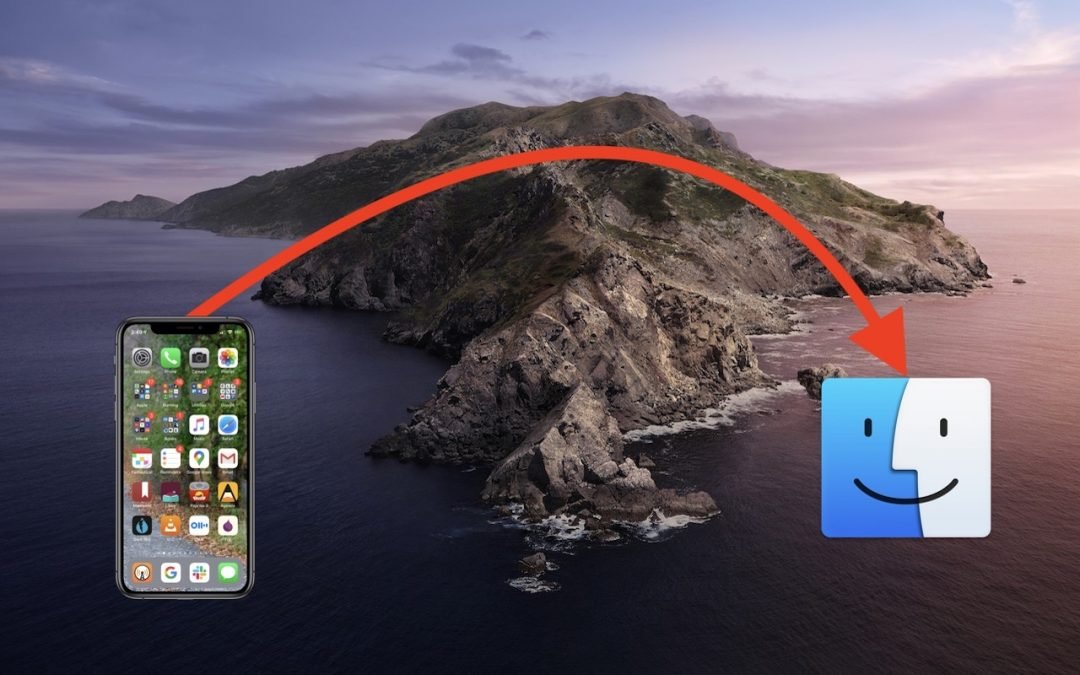
One of the most significant changes in macOS 10.15 Catalina was the breakup of the long-standing iTunes app into separate Music, Podcasts, and TV apps. But what about backing up iOS devices, which you also used to do in iTunes? In Catalina, Apple moved this function...
by Terry McAdams | May 18, 2020 | Finder, Mac, Tip
When you’re in the Finder, choosing File > New Finder Window does, as you’d expect, open a new Finder window. But what folder appears in that window? By default, new Finder windows open to Recents, which is a built-in smart folder showing recently opened documents....
by Lucy McAdams | Sep 14, 2018 | Finder, Mac, Tip
When you double-click a document, macOS uses the document’s file extension to figure out which app should open the file. So, by default, a PDF file called laser-squid.pdf opens in Preview because the Finder knows that everything with a .pdf extension should open in...
by Lucy McAdams | May 30, 2018 | Finder, How-To, Mac
One of the great innovations of the Mac, way back when, was the concept of the Trash. Instead of deleting files immediately, you’d put them in the Trash, where they’d sit until you either took them out or removed them for good by emptying the Trash. You undoubtedly...