by Terry McAdams | Aug 23, 2022 | Finder, Mac, productivity, Tip
You probably know that selecting a file in the Finder and choosing File > Get Info (Command-I) brings up the Get Info window. This window provides information about the file, including its name, kind, size, creation and modification dates, and much more. You can...
by Terry McAdams | Apr 27, 2021 | Finder, Mac, productivity, Tip
This is a twofer tip. You may not have known that every document window in macOS has long had a proxy icon in the title bar, next to the filename. The proxy icon is not just cosmetic. You can drag it to Mail to attach the document to a message, to a Web browser to...
by Terry McAdams | Mar 4, 2021 | Finder, Mac, Spotlight, Tip
For the most part, Spotlight works well. Press Command-Space or use the Search field in a Finder window, and it finds everything that matches your search term. Sometimes, however, Spotlight fails to turn up a file that you know is present, likely due to index...
by Terry McAdams | Dec 28, 2020 | Finder, Mac, productivity, Tip
You probably know that you can select an image in the Finder and press the Space bar to preview it in a Quick Look window. And you may know that you can use the arrow keys to preview other files in the same folder without closing and reopening the Quick Look window....
by Terry McAdams | Nov 25, 2020 | Finder, Mac, Tip
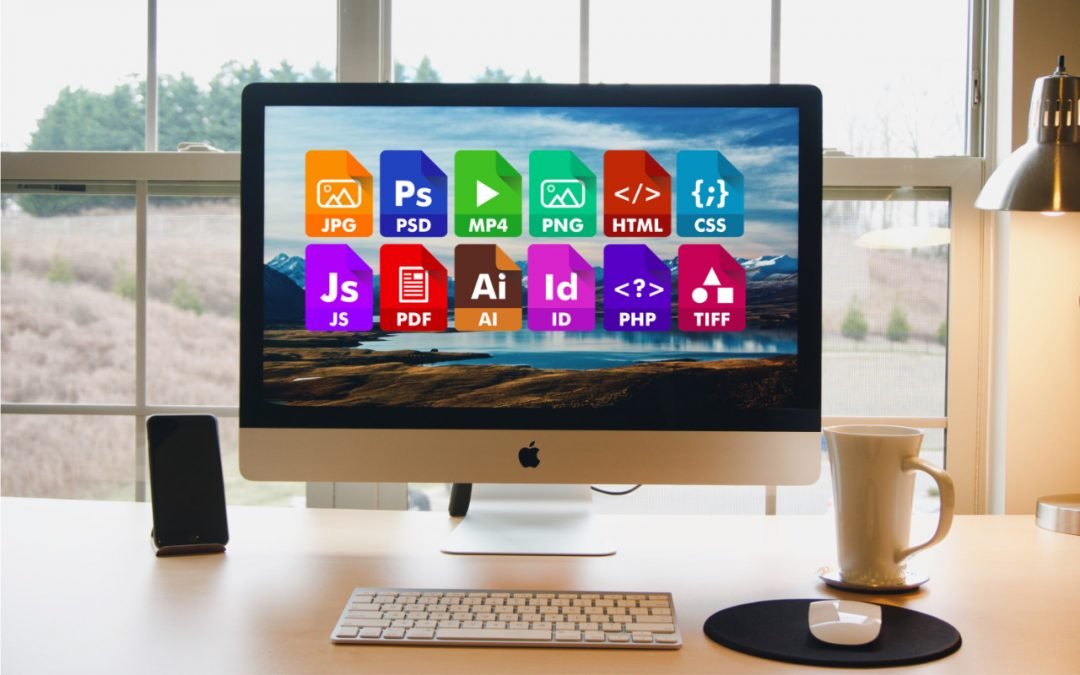
On the Mac, nearly every file has an extension, a set of characters after a period that indicates what type of file it is and determines which app opens it. So, .png indicates a PNG graphic that opens in Preview by default, .pages denotes a Pages document, and .docx...
by Terry McAdams | Oct 20, 2020 | Finder, Mac, Tip
We’re big fans of column view in Finder windows (choose View > as Columns). You never have to worry about missing icons that are outside the window, everything is sorted alphabetically, and selecting a file shows a preview. But the column widths can be too thin,...