(940) 767-6227
  • Facebook
  • X
  • RSS
  • Facebook
  • X
  • RSS
MacTech Solutions
  • Home
  • Managed IT Services
  • Products
    • Mac
      • MacBook Air
        • MacBook Air 13-inch M5
        • MacBook Air 15-inch M5
      • MacBook Pro
        • MacBook Pro 14-inch M5
        • MacBook Pro 14-inch M5 Pro
        • MacBook Pro 16-inch M5
      • iMac
        • iMac 24-inch M4
      • Mac Mini
        • Mac mini M4
      • Mac Studio
      • Mac Pro
      • Apple Displays
        • Pro Display XDR
        • Studio Display
    • iPad
      • iPad
      • iPad mini
      • iPad Pro
        • iPad Pro M4 11-inch
        • iPad Pro M4 13-inch
      • iPad Air
        • iPad Air M2 11-inch
        • iPad Air M2 13-Inch
      • Apple Pencil
        • Apple Pencil (USB-C)
      • Keyboards
        • Smart Keyboard
        • Smart Keyboard Folio
        • iPad Magic Keyboard
    • Apple Watch
      • Apple Watch SE
      • Apple Watch Series 9
      • Apple Watch Ultra 2
    • iPod touch
    • Apple TV
      • Apple TV
      • Apple TV 4K
    • Airpods
      • AirPods Max
      • Airpods Pro (2nd Generation)
      • AirPods 4
      • AirPods 4 with Active Noice Cancellation
      • AirPods (3rd Generation)
      • AirPods (2nd Generation)
    • HomePod
      • HomePod mini
    • AppleCare+
    • Sonos
    • Adobe
      • Creative Cloud for Education
  • Service
    • Apple Authorized Service
    • Remote Support
  • Classes & Events
  • Trade Ins
  • About Us
    • Newsletter Sign Up
    • MacTech Solutions
    • The Team
    • Contact Us
  • Blog
Select Page
Take Advantage of CarPlay in Rental Cars While Traveling

Take Advantage of CarPlay in Rental Cars While Traveling

by Terry McAdams | Jun 1, 2022 | How-To, iPhone, productivity

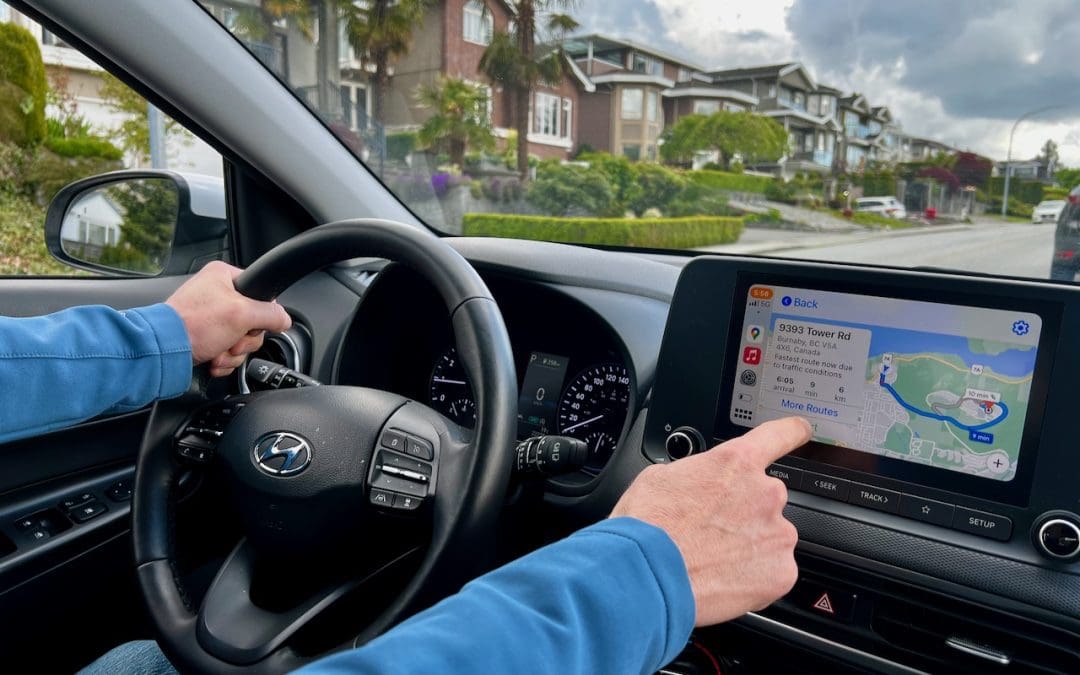
Renting a car has become more interesting in recent years due to changes automakers have been making to car electronics. For example, Apple’s CarPlay is becoming a common feature on rental cars. That lets you run Apple Maps or Google Maps on your iPhone while...
Block Malicious and Adult Web Sites with DNS Filtering

Block Malicious and Adult Web Sites with DNS Filtering

by Terry McAdams | May 2, 2022 | Ethernet, How-To, iOS, macOS, Security, Wi-Fi

One of the best ways to keep malware from infecting your computers is to avoid visiting websites designed to do just that. No one intentionally visits loadmetogetinfected.com, but malware authors employ all sorts of tricks to lure unsuspecting users into viewing...
Universal Control Arrives in macOS 12.3 and iPadOS 15.4

Universal Control Arrives in macOS 12.3 and iPadOS 15.4

by Terry McAdams | Apr 26, 2022 | How-To, iPad, Mac, productivity

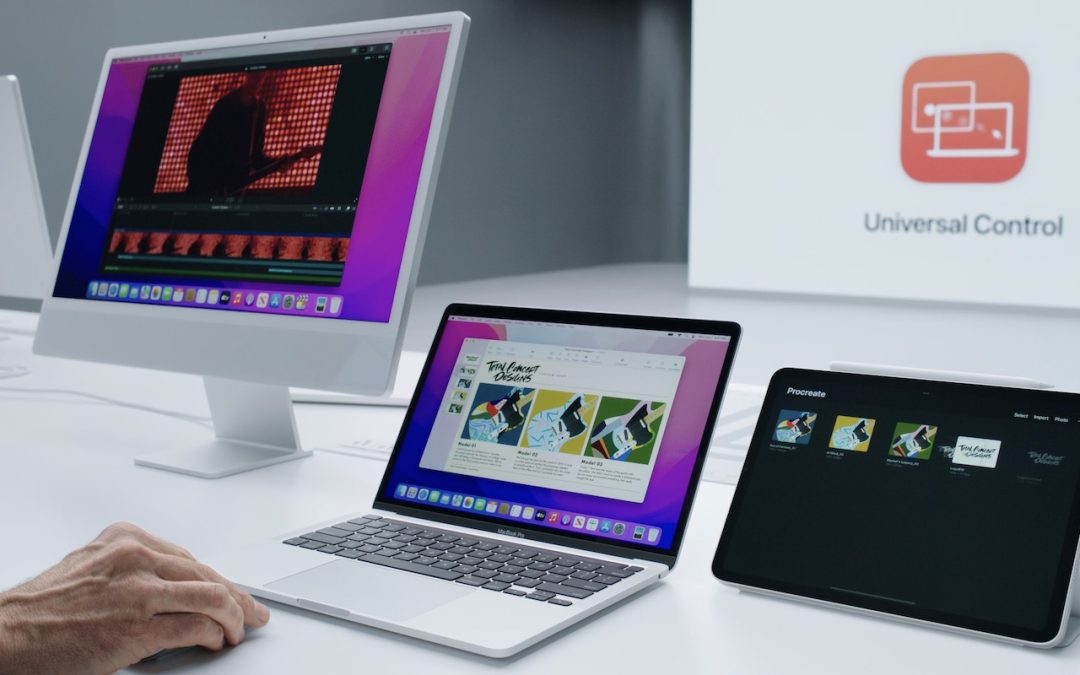
With the recent release of macOS 12.3 Monterey and iPadOS 15.4, Apple shipped Universal Control, the last major technology promised in its 2021 operating system upgrades. Universal Control enables you to use the keyboard and mouse or trackpad attached to one Mac to...
Three Tricks for Dealing with Duplicated Contacts

Three Tricks for Dealing with Duplicated Contacts

by Terry McAdams | Apr 12, 2022 | Contacts, How-To, iOS, macOS, troubleshooting

In today’s world, there’s no reason to remember our contacts’ phone numbers or email addresses—that’s a job for our Macs, iPhones, and iPads. This sort of data is so core to using digital devices that Apple has long provided an ecosystem-wide solution in the form of...
Increase Business Cybersecurity Awareness in Light of Russian Invasion of Ukraine

Increase Business Cybersecurity Awareness in Light of Russian Invasion of Ukraine

by Terry McAdams | Apr 5, 2022 | Backup, How-To, password manager, passwords, Security

For several decades, Russia has targeted a wide variety of cyberattacks at countries with which it has had disputes. That includes the United States and other Western nations, which have recently levied unprecedented sanctions against Russia after it invaded Ukraine....
Please Dispose of Old Electronics Responsibly—Not in the Trash or Standard Recycling!

Please Dispose of Old Electronics Responsibly—Not in the Trash or Standard Recycling!

by Terry McAdams | Mar 24, 2022 | How-To

We all have old electronics squirreled away in our drawers and closets. It’s hard to admit that a computer, phone, or peripheral that cost hundreds or even thousands of dollars years ago has little or no value. That’s doubly true if it doesn’t work anymore. Once...
« Older Entries
Next Entries »

Archives

Categories

Terms and Conditions   |   Return and Shipping Policy   |   Privacy Policy
MacTech Solutions LLC DBA MacTech Solutions™
Copyright © MacTech Solutions, LLC   |   All Rights Reserved.

The MacTech Solutions logo is property of MacTech Solutions, LLC, a Texas Limited liability company. All other logos and trademarks are the property of their respective owners. Apple, the Apple logo, iPad, iPad Pro, iPod, Mac, MacBook Air, and MacBook Pro are trademarks of Apple Inc., registered in the U.S. and other countries.

Our Location

4020 Rhea Rd, Suite 3B
Wichita Falls, TX 76308
(940) 767-MACS (6227)

Hours

Monday-Friday: 10-6
Saturday: Closed
Sunday: Closed
Terms and Conditions | Privacy Policy

MacTech Solutions LLC DBA MacTech Solutions™
Copyright © MacTech Solutions, LLC   |   All Rights Reserved.

The MacTech Solutions logo is property of MacTech Solutions, LLC, a Texas Limited liability company. All other logos and trademarks are the property of their respective owners. Apple, the Apple logo, iPad, iPad Pro, iPod, Mac, MacBook Air, and MacBook Pro are trademarks of Apple Inc., registered in the U.S. and other countries.