by Terry McAdams | Nov 17, 2020 | Home screen, How-To, iPhone, productivity
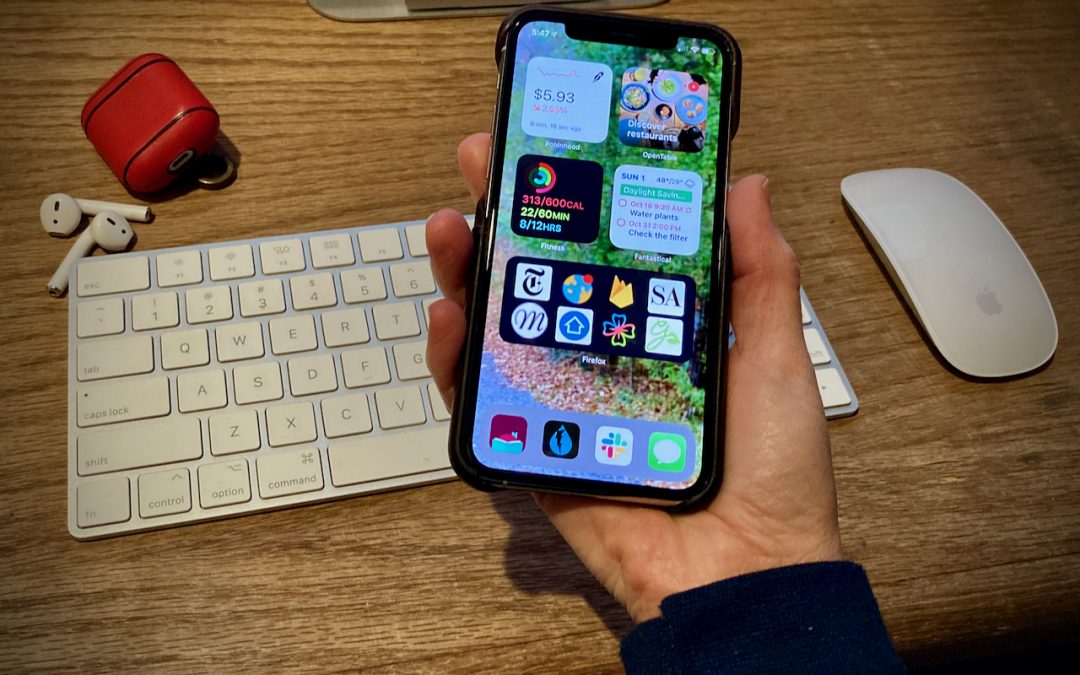
A significant new feature in iOS 14 is Home screen widgets, information-rich tiles that share space on a Home screen with app icons. iPhone users familiar with Google’s Android smartphone operating system have long clamored for widgets because they provide quick...
by Terry McAdams | Nov 5, 2020 | Accessibility, How-To, iPhone, productivity
We all have things we do regularly on our iPhones, whether it’s checking the weather, searching Google, or invoking the magnifier. Apple has long provided ways of making your most common actions easier to access. You might put an app on your Dock, open Control Center,...
by Terry McAdams | Oct 8, 2020 | How-To, iPad
With iPadOS, you have to remember that it shares most of its capabilities with iOS. So if it seems that iPadOS 14 doesn’t have as many major new capabilities as iOS 14, that’s not quite fair—many of iOS 14’s new features also appear in iPadOS 14. You’ll get pinned...
by Terry McAdams | Sep 24, 2020 | How-To, Mac, MacBook Pro, productivity, Touch Bar
In 2016, Apple introduced the Touch Bar with the MacBook Pro. It’s a long, thin display above the number keys on the keyboard that shows a variety of buttons and controls. By default, it changes depending on which app you’re in, and it also displays the Control Strip,...
by Terry McAdams | Sep 16, 2020 | How-To, Mac, productivity, Spotlight
Most Mac users probably think of searching on the Mac in relation to finding files on their drives. That may be the most common use of Apple’s Spotlight search technology, but over the years, Apple has continually enhanced Spotlight’s capabilities, turning it into a...
by Terry McAdams | Sep 10, 2020 | How-To, iOS, productivity
You know how to use the Camera app on your iPhone or iPad to take a video, but did you know that you can also record a video of what happens on the screen of your device? That’s useful if you’re trying to explain the steps of some technical process to a friend or show...