(940) 767-6227
  • Facebook
  • X
  • RSS
  • Facebook
  • X
  • RSS
0 Items
MacTech Solutions
  • Home
  • Products
    • Mac
      • MacBook Air
        • MacBook Air 13-inch M2
        • MacBook Air 13-inch M3
        • MacBook Air 15-inch M3
      • MacBook Pro
        • MacBook Pro 14-inch M4
        • MacBook Pro 14-inch M4 Pro
        • MacBook Pro 16-inch M4
      • iMac
        • iMac 24-inch M4
      • Mac Mini
        • Mac mini M4
      • Mac Studio
      • Mac Pro
      • Apple Displays
        • Pro Display XDR
        • Studio Display
    • iPad
      • iPad
      • iPad mini
      • iPad Pro
        • iPad Pro M4 11-inch
        • iPad Pro M4 13-inch
      • iPad Air
        • iPad Air M2 11-inch
        • iPad Air M2 13-Inch
      • Apple Pencil
        • Apple Pencil (USB-C)
      • Keyboards
        • Smart Keyboard
        • Smart Keyboard Folio
        • iPad Magic Keyboard
    • Apple Watch
      • Apple Watch SE
      • Apple Watch Series 9
      • Apple Watch Ultra 2
    • iPod touch
    • Apple TV
      • Apple TV
      • Apple TV 4K
    • Airpods
      • AirPods Max
      • Airpods Pro (2nd Generation)
      • AirPods 4
      • AirPods 4 with Active Noice Cancellation
      • AirPods (3rd Generation)
      • AirPods (2nd Generation)
    • HomePod
      • HomePod mini
    • AppleCare+
    • Sonos
    • Adobe
      • Creative Cloud for Education
  • Service
    • Apple Authorized Service
    • Remote Support
  • Trade Ins
  • Classes & Events
  • About Us
    • Newsletter Sign Up
    • MacTech Solutions
    • The Team
    • Contact Us
  • Blog
Select Page
Here’s How to Mark Up Photos & Screenshots with Text & Graphics in iOS 13

Here’s How to Mark Up Photos & Screenshots with Text & Graphics in iOS 13

by Terry McAdams | May 15, 2020 | How-To, iPad, iPhone, productivity

Ever wanted to take a photo of a receipt and circle the item for which you should be reimbursed? Or perhaps you’d like to put some text or a speech balloon on a photo? You can do all that and much more using iOS 13’s Markup tools. They’re available when you take a...
Want to Push Some Buttons? Make the Most of Control Center in iOS

Want to Push Some Buttons? Make the Most of Control Center in iOS

by Terry McAdams | May 12, 2020 | Control Center, How-To, iOS, iPad, iPhone

Starting back in iOS 11, Apple made Control Center significantly more useful by letting you customize it more to your liking by adding and rearranging buttons. You can even remove a few of the default buttons if they’re just taking up space. Opening and Closing...
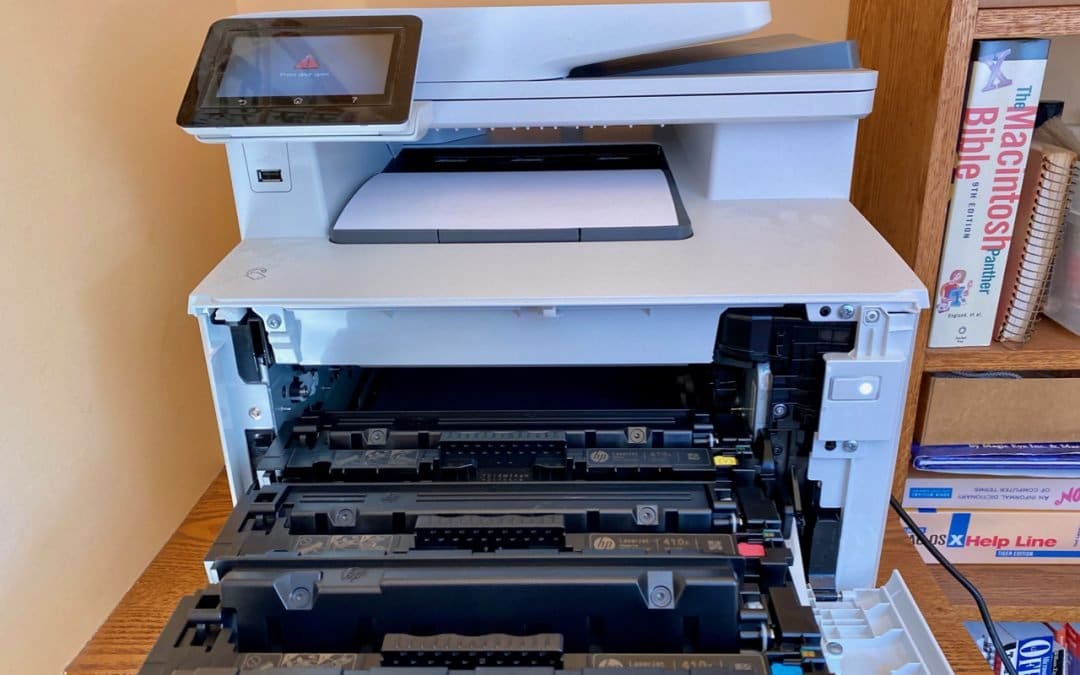
Troubleshooting Steps for When Your Mac Won’t Print 

Troubleshooting Steps for When Your Mac Won’t Print 

by Terry McAdams | May 11, 2020 | How-To, Mac, troubleshooting

There’s little more frustrating than being unable to print a document when you need it. You choose File > Print, and nothing happens. Or, worse, macOS looks like it’s printing, so you focus on some other task, only to realize 20 minutes later that nothing has come...
What to Do If You Run Low on iCloud Storage Space

What to Do If You Run Low on iCloud Storage Space

by Terry McAdams | May 5, 2020 | Backup, Email, How-To, iCloud, iCloud Drive, iOS, Mac, Tip, troubleshooting

By default, Apple gives every iCloud user 5 GB of storage space. That disappears quickly, given how it’s shared between iCloud Mail, iCloud Drive, iCloud Photos, Messages, and iCloud-enabled apps. Apple will, of course, sell you more iCloud space. $0.99 per month gets...
Having Mac Troubles? Apple Diagnostics May Help Identify the Issue

Having Mac Troubles? Apple Diagnostics May Help Identify the Issue

by Terry McAdams | Apr 29, 2020 | How-To, Mac, troubleshooting

If your Mac is acting up and you suspect a hardware problem, there’s an easy first step that you can—and should—try before calling for tech support: Apple Diagnostics. (On Mac models released before June 2013, Apple instead included a similar set of diagnostics called...
Tips for Setting Up a Comfortable and Effective Home Work Space

Tips for Setting Up a Comfortable and Effective Home Work Space

by Terry McAdams | Apr 1, 2020 | AirPods, How-To, Internet, productivity, Wi-Fi

Vast numbers of people who previously reported for work at an office every day are now working from home due to the COVID-19 pandemic. That’s sensible, and if you’re included in that group, there was probably even a little thrill of “I get to work from home!” at...
« Older Entries
Next Entries »

Archives

Categories

Terms and Conditions   |   Return and Shipping Policy   |   Privacy Policy
MacTech Solutions LLC DBA MacTech Solutions™
Copyright © MacTech Solutions, LLC   |   All Rights Reserved.

The MacTech Solutions logo is property of MacTech Solutions, LLC, a Texas Limited liability company. All other logos and trademarks are the property of their respective owners. Apple, the Apple logo, iPad, iPad Pro, iPod, Mac, MacBook Air, and MacBook Pro are trademarks of Apple Inc., registered in the U.S. and other countries.

Our Location

4020 Rhea Rd, Suite 3B
Wichita Falls, TX 76308
(940) 767-MACS (6227)

Hours

Monday-Friday: 10-6
Saturday: Closed
Sunday: Closed
Terms and Conditions | Privacy Policy

MacTech Solutions LLC DBA MacTech Solutions™
Copyright © MacTech Solutions, LLC   |   All Rights Reserved.

The MacTech Solutions logo is property of MacTech Solutions, LLC, a Texas Limited liability company. All other logos and trademarks are the property of their respective owners. Apple, the Apple logo, iPad, iPad Pro, iPod, Mac, MacBook Air, and MacBook Pro are trademarks of Apple Inc., registered in the U.S. and other countries.