(940) 767-6227
  • Facebook
  • X
  • RSS
  • Facebook
  • X
  • RSS
0 Items
MacTech Solutions
  • Home
  • Products
    • Mac
      • MacBook Air
        • MacBook Air 13-inch M5
        • MacBook Air 15-inch M5
      • MacBook Pro
        • MacBook Pro 14-inch M5
        • MacBook Pro 14-inch M5 Pro
        • MacBook Pro 16-inch M5
      • iMac
        • iMac 24-inch M4
      • Mac Mini
        • Mac mini M4
      • Mac Studio
      • Mac Pro
      • Apple Displays
        • Pro Display XDR
        • Studio Display
    • iPad
      • iPad
      • iPad mini
      • iPad Pro
        • iPad Pro M4 11-inch
        • iPad Pro M4 13-inch
      • iPad Air
        • iPad Air M2 11-inch
        • iPad Air M2 13-Inch
      • Apple Pencil
        • Apple Pencil (USB-C)
      • Keyboards
        • Smart Keyboard
        • Smart Keyboard Folio
        • iPad Magic Keyboard
    • Apple Watch
      • Apple Watch SE
      • Apple Watch Series 9
      • Apple Watch Ultra 2
    • iPod touch
    • Apple TV
      • Apple TV
      • Apple TV 4K
    • Airpods
      • AirPods Max
      • Airpods Pro (2nd Generation)
      • AirPods 4
      • AirPods 4 with Active Noice Cancellation
      • AirPods (3rd Generation)
      • AirPods (2nd Generation)
    • HomePod
      • HomePod mini
    • AppleCare+
    • Sonos
    • Adobe
      • Creative Cloud for Education
  • Service
    • Apple Authorized Service
    • Remote Support
  • Trade Ins
  • Classes & Events
  • About Us
    • Newsletter Sign Up
    • MacTech Solutions
    • The Team
    • Contact Us
  • Blog
Select Page
Need to Schedule a Group Meeting or Sign Up Volunteers? Try Doodle!

Need to Schedule a Group Meeting or Sign Up Volunteers? Try Doodle!

by Terry McAdams | Jul 10, 2020 | How-To, productivity

Have you ever set up a group meeting, whether in person or via videoconferencing, but found it cumbersome to find a time that works for everyone? Or maybe you want to solicit volunteers for an event? There’s a neat online tool that makes such logistics easy: Doodle....
Need to Move Lots of Data Between Macs? Try Target Disk Mode

Need to Move Lots of Data Between Macs? Try Target Disk Mode

by Terry McAdams | Jul 1, 2020 | How-To, Mac, productivity

We have an embarrassment of riches when it comes to the number of ways we can move data between Macs. You can send files via AirDrop, attach them to an email message, put them in a Messages conversation, turn on and connect via File Sharing, or use Dropbox or Google...
Use Guided Access to Let Kids and Others Use Your iPhone Temporarily

Use Guided Access to Let Kids and Others Use Your iPhone Temporarily

by Terry McAdams | Jun 17, 2020 | How-To, iOS, iPad, iPhone

Let’s get one thing straight. You know that you should never, ever share your iPhone or iPad passcode with anyone you don’t trust implicitly, like a spouse or adult child, right? That’s because, with your iOS passcode, someone could change your Apple ID password, and...
How to Ask for Tech Support So You Get Good Answers Quickly

How to Ask for Tech Support So You Get Good Answers Quickly

by Terry McAdams | Jun 16, 2020 | Backup, How-To, Mac, Time Machine

Need help with something? On occasion, we all need tech support. Speaking as the people who are sometimes on the other end of those requests for help, we have some suggestions on how to get the support you need as quickly as possible. For instance, think about what we...
How to Back Up an iPhone or iPad with Your Mac Running Catalina

How to Back Up an iPhone or iPad with Your Mac Running Catalina

by Terry McAdams | Jun 12, 2020 | Backup, Finder, How-To, iPad, iPhone, iTunes, Mac

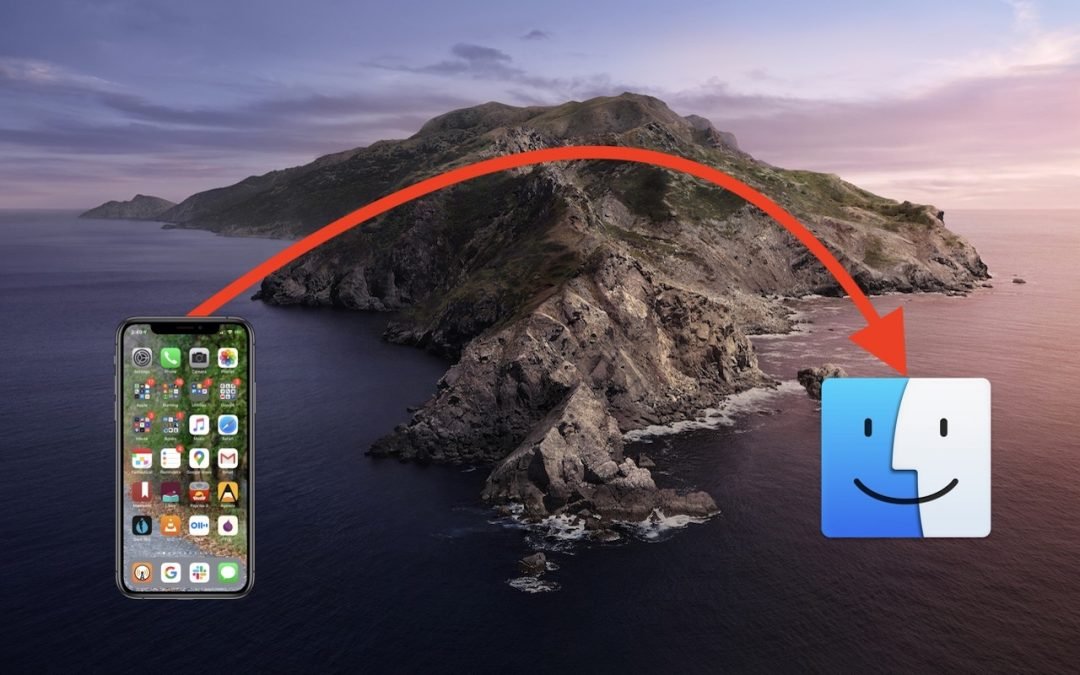
One of the most significant changes in macOS 10.15 Catalina was the breakup of the long-standing iTunes app into separate Music, Podcasts, and TV apps. But what about backing up iOS devices, which you also used to do in iTunes? In Catalina, Apple moved this function...
Use the Mac’s Built-In Screen Sharing to Provide Remote Help

Use the Mac’s Built-In Screen Sharing to Provide Remote Help

by Terry McAdams | May 20, 2020 | How-To, Mac, Messages, troubleshooting

Are you the person your friends and family members turn to for questions about the Mac? In normal times, those questions might come over dinner or at another in-person gathering, such that you could look directly at their Mac to see what was going on. Now, however,...
« Older Entries
Next Entries »

Archives

Categories

Terms and Conditions   |   Return and Shipping Policy   |   Privacy Policy
MacTech Solutions LLC DBA MacTech Solutions™
Copyright © MacTech Solutions, LLC   |   All Rights Reserved.

The MacTech Solutions logo is property of MacTech Solutions, LLC, a Texas Limited liability company. All other logos and trademarks are the property of their respective owners. Apple, the Apple logo, iPad, iPad Pro, iPod, Mac, MacBook Air, and MacBook Pro are trademarks of Apple Inc., registered in the U.S. and other countries.

Our Location

4020 Rhea Rd, Suite 3B
Wichita Falls, TX 76308
(940) 767-MACS (6227)

Hours

Monday-Friday: 10-6
Saturday: Closed
Sunday: Closed
Terms and Conditions | Privacy Policy

MacTech Solutions LLC DBA MacTech Solutions™
Copyright © MacTech Solutions, LLC   |   All Rights Reserved.

The MacTech Solutions logo is property of MacTech Solutions, LLC, a Texas Limited liability company. All other logos and trademarks are the property of their respective owners. Apple, the Apple logo, iPad, iPad Pro, iPod, Mac, MacBook Air, and MacBook Pro are trademarks of Apple Inc., registered in the U.S. and other countries.