(940) 767-6227
  • Facebook
  • X
  • RSS
  • Facebook
  • X
  • RSS
MacTech Solutions
  • Home
  • Managed IT Services
  • Products
    • Mac
      • MacBook Air
        • MacBook Air 13-inch M5
        • MacBook Air 15-inch M5
      • MacBook Pro
        • MacBook Pro 14-inch M5
        • MacBook Pro 14-inch M5 Pro
        • MacBook Pro 16-inch M5
      • iMac
        • iMac 24-inch M4
      • Mac Mini
        • Mac mini M4
      • Mac Studio
      • Mac Pro
      • Apple Displays
        • Pro Display XDR
        • Studio Display
    • iPad
      • iPad
      • iPad mini
      • iPad Pro
        • iPad Pro M4 11-inch
        • iPad Pro M4 13-inch
      • iPad Air
        • iPad Air M2 11-inch
        • iPad Air M2 13-Inch
      • Apple Pencil
        • Apple Pencil (USB-C)
      • Keyboards
        • Smart Keyboard
        • Smart Keyboard Folio
        • iPad Magic Keyboard
    • Apple Watch
      • Apple Watch SE
      • Apple Watch Series 9
      • Apple Watch Ultra 2
    • iPod touch
    • Apple TV
      • Apple TV
      • Apple TV 4K
    • Airpods
      • AirPods Max
      • Airpods Pro (2nd Generation)
      • AirPods 4
      • AirPods 4 with Active Noice Cancellation
      • AirPods (3rd Generation)
      • AirPods (2nd Generation)
    • HomePod
      • HomePod mini
    • AppleCare+
    • Sonos
    • Adobe
      • Creative Cloud for Education
  • Service
    • Apple Authorized Service
    • Remote Support
  • Classes & Events
  • Trade Ins
  • About Us
    • Newsletter Sign Up
    • MacTech Solutions
    • The Team
    • Contact Us
  • Blog
Select Page
Use Spotlight on the Mac to Convert Units, Track Flights, Find Movies, and More!

Use Spotlight on the Mac to Convert Units, Track Flights, Find Movies, and More!

by Terry McAdams | Sep 16, 2020 | How-To, Mac, productivity, Spotlight

Most Mac users probably think of searching on the Mac in relation to finding files on their drives. That may be the most common use of Apple’s Spotlight search technology, but over the years, Apple has continually enhanced Spotlight’s capabilities, turning it into a...
Did You Know You Can Make a Video of Anything on Your iPhone or iPad Screen?

Did You Know You Can Make a Video of Anything on Your iPhone or iPad Screen?

by Terry McAdams | Sep 10, 2020 | How-To, iOS, productivity

You know how to use the Camera app on your iPhone or iPad to take a video, but did you know that you can also record a video of what happens on the screen of your device? That’s useful if you’re trying to explain the steps of some technical process to a friend or show...
What Can You Store in Apple’s Wallet App? Credit Cards, Boarding Passes, Tickets, and More!

What Can You Store in Apple’s Wallet App? Credit Cards, Boarding Passes, Tickets, and More!

by Terry McAdams | Sep 3, 2020 | Apple Pay, How-To, iPhone, productivity, Wallet

Have you wondered what you can do with the Wallet app on your iPhone? Although it started out life called Passbook, Apple soon realized that the only sensible name was Wallet. That’s because it stores digital versions of roughly the same sort of things you might put...
How to Downgrade Adobe Creative Cloud Apps to Regain File Compatibility

How to Downgrade Adobe Creative Cloud Apps to Regain File Compatibility

by Terry McAdams | Aug 11, 2020 | How-To, Mac, troubleshooting

Here’s the solution to a problem that clients have run into on occasion. In a workgroup that relies on Adobe Creative Cloud apps, one person might upgrade to the latest versions of Photoshop, InDesign, and Illustrator, whereas others don’t. Suddenly, if that person...
Your Time Machine Drive Just Filled Up. What Should You Do?

Your Time Machine Drive Just Filled Up. What Should You Do?

by Terry McAdams | Aug 7, 2020 | Backup, How-To, Mac, Time Machine, troubleshooting

It’s inevitable—your Time Machine backup drive is going to fill up. Time Machine is smart about backing up only files that have changed, but after months or years of usage, the drive will run out of space. What happens then? Before we explain, some background. On its...
Everything You Need to Know about Multitasking in iPadOS 13

Everything You Need to Know about Multitasking in iPadOS 13

by Terry McAdams | Aug 6, 2020 | How-To, iPad

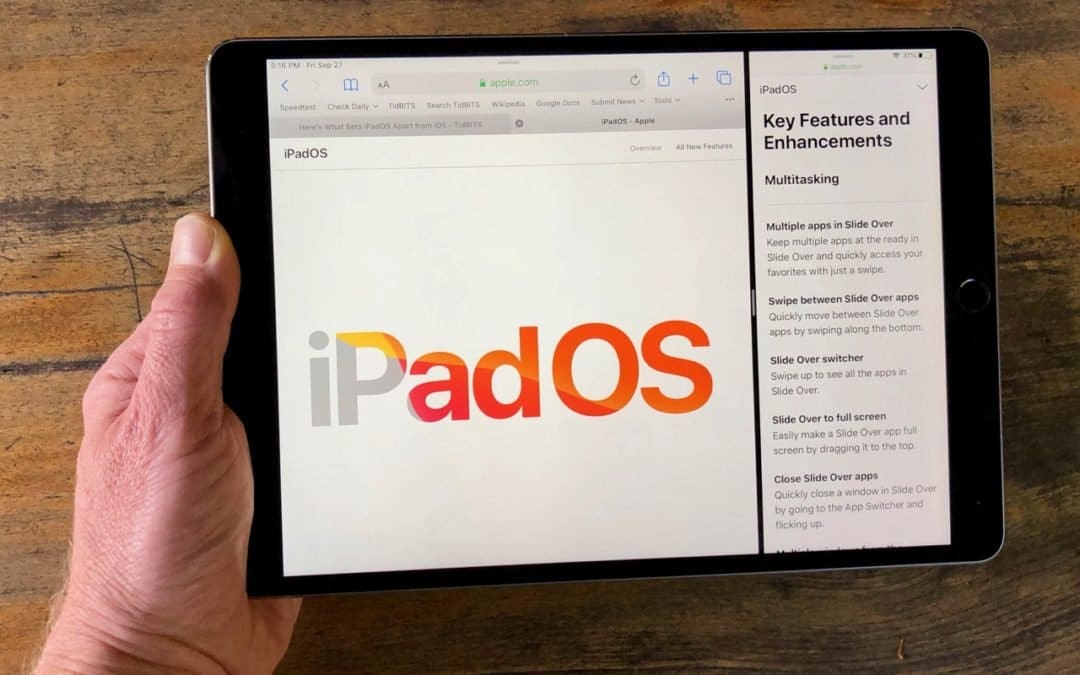
With this year’s operating system updates, Apple has formally acknowledged that the iPhone and iPad have different uses and different needs. To that end, Apple has given the iPad version of iOS 13 its own name—iPadOS 13. The big changes include a desktop-class version...
« Older Entries
Next Entries »

Archives

Categories

Terms and Conditions   |   Return and Shipping Policy   |   Privacy Policy
MacTech Solutions LLC DBA MacTech Solutions™
Copyright © MacTech Solutions, LLC   |   All Rights Reserved.

The MacTech Solutions logo is property of MacTech Solutions, LLC, a Texas Limited liability company. All other logos and trademarks are the property of their respective owners. Apple, the Apple logo, iPad, iPad Pro, iPod, Mac, MacBook Air, and MacBook Pro are trademarks of Apple Inc., registered in the U.S. and other countries.

Our Location

4020 Rhea Rd, Suite 3B
Wichita Falls, TX 76308
(940) 767-MACS (6227)

Hours

Monday-Friday: 10-6
Saturday: Closed
Sunday: Closed
Terms and Conditions | Privacy Policy

MacTech Solutions LLC DBA MacTech Solutions™
Copyright © MacTech Solutions, LLC   |   All Rights Reserved.

The MacTech Solutions logo is property of MacTech Solutions, LLC, a Texas Limited liability company. All other logos and trademarks are the property of their respective owners. Apple, the Apple logo, iPad, iPad Pro, iPod, Mac, MacBook Air, and MacBook Pro are trademarks of Apple Inc., registered in the U.S. and other countries.