by Terry McAdams | Jul 27, 2020 | iPad, iPhone, power adapter, Tip
By default, most iPhones and iPads ship with Apple’s tiny 5-watt power adapters. They work, but not quickly. However, the iPhone 8 and later, all models of the iPad Pro, and the most recent iPad Air and iPad mini models support fast charging when connected to higher...
by Terry McAdams | Jun 17, 2020 | How-To, iOS, iPad, iPhone
Let’s get one thing straight. You know that you should never, ever share your iPhone or iPad passcode with anyone you don’t trust implicitly, like a spouse or adult child, right? That’s because, with your iOS passcode, someone could change your Apple ID password, and...
by Terry McAdams | Jun 12, 2020 | Backup, Finder, How-To, iPad, iPhone, iTunes, Mac
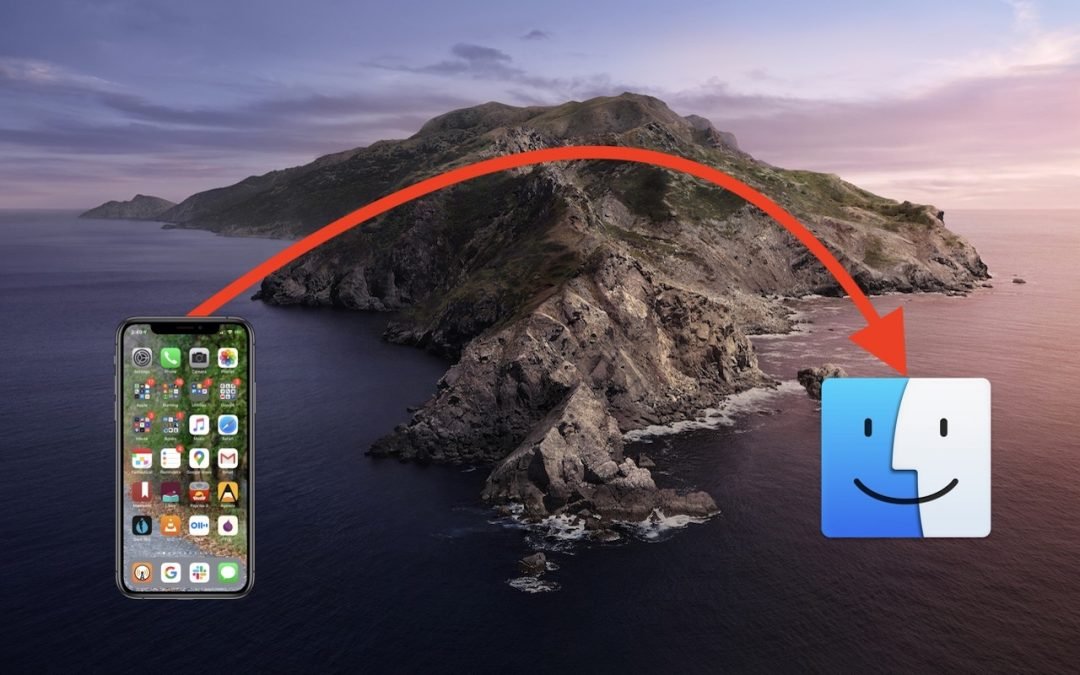
One of the most significant changes in macOS 10.15 Catalina was the breakup of the long-standing iTunes app into separate Music, Podcasts, and TV apps. But what about backing up iOS devices, which you also used to do in iTunes? In Catalina, Apple moved this function...
by Terry McAdams | May 28, 2020 | iPad, iPhone, productivity, Tip, Wi-Fi
Historically, picking a new Wi-Fi network has required you to open the Settings app and tap Wi-Fi, forcing you to unlock your iPhone or switch away from what you were doing. In iOS 13, however, Apple added a better way to connect to a new Wi-Fi network. Open Control...
by Terry McAdams | May 15, 2020 | How-To, iPad, iPhone, productivity
Ever wanted to take a photo of a receipt and circle the item for which you should be reimbursed? Or perhaps you’d like to put some text or a speech balloon on a photo? You can do all that and much more using iOS 13’s Markup tools. They’re available when you take a...
by Terry McAdams | May 12, 2020 | Control Center, How-To, iOS, iPad, iPhone
Starting back in iOS 11, Apple made Control Center significantly more useful by letting you customize it more to your liking by adding and rearranging buttons. You can even remove a few of the default buttons if they’re just taking up space. Opening and Closing...