by Terry McAdams | Jun 18, 2020 | Apple Watch, Mac, passwords, Security, Tip
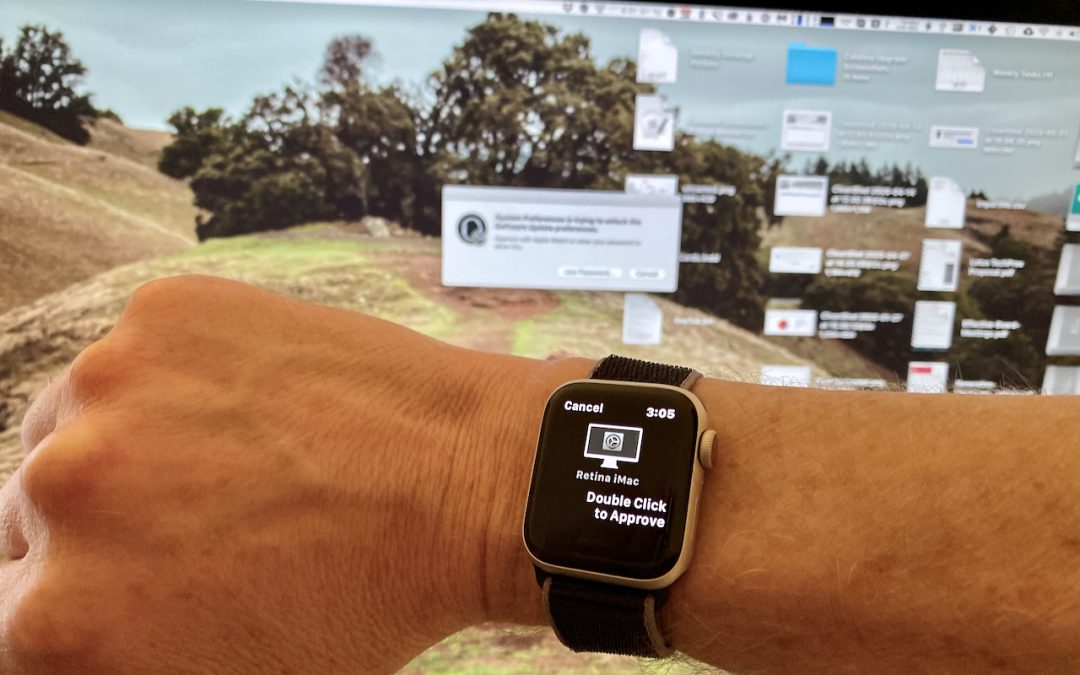
Tired of typing your admin account password whenever you try to install software or change security settings on your Mac? A new feature in macOS 10.15 Catalina removes that requirement for Apple Watch owners. In System Preferences > Security & Privacy >...
by Terry McAdams | Jun 16, 2020 | Backup, How-To, Mac, Time Machine
Need help with something? On occasion, we all need tech support. Speaking as the people who are sometimes on the other end of those requests for help, we have some suggestions on how to get the support you need as quickly as possible. For instance, think about what we...
by Terry McAdams | Jun 12, 2020 | Backup, Finder, How-To, iPad, iPhone, iTunes, Mac
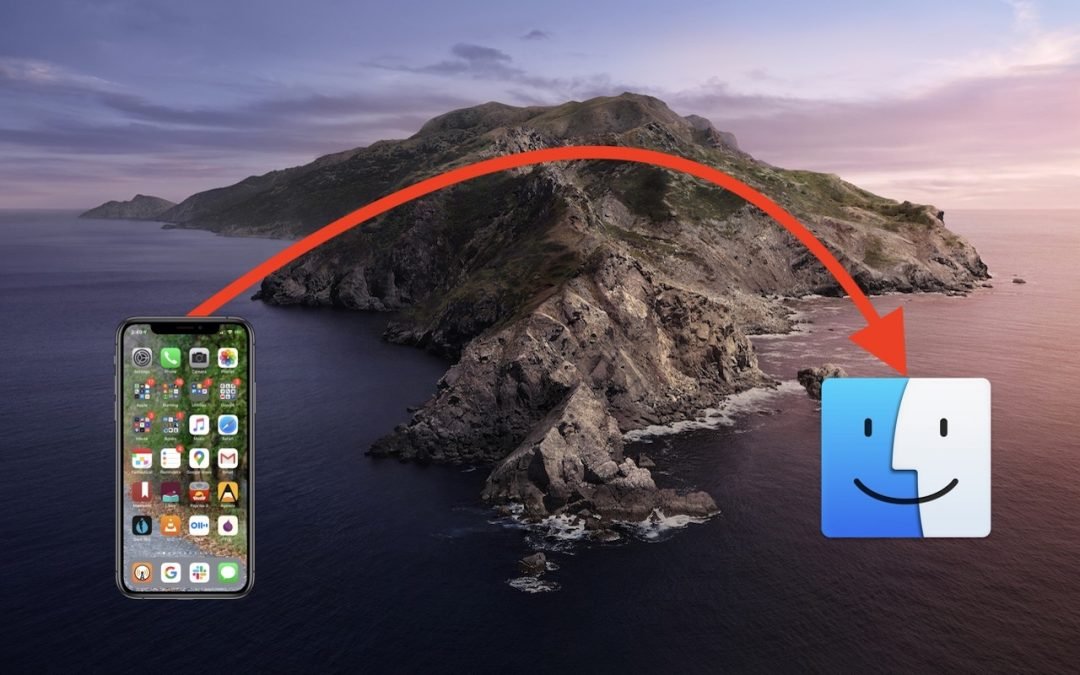
One of the most significant changes in macOS 10.15 Catalina was the breakup of the long-standing iTunes app into separate Music, Podcasts, and TV apps. But what about backing up iOS devices, which you also used to do in iTunes? In Catalina, Apple moved this function...
by Terry McAdams | Jun 4, 2020 | Battery, Mac, troubleshooting
We all want Mac laptops that can run for days on a single charge and never need their batteries serviced. Sadly, we’re always going to be disappointed. Battery and power management technologies continually improve, but those improvements are matched by more powerful...
by Terry McAdams | Jun 2, 2020 | Mac, menu bar, productivity, Tip
If your Mac is anything like ours, it’s suffering from an infestation of menu bar icons. Sure, the Wi-Fi menu is essential, and many others can be helpful. But if you have too many, or they’re in random order, finding one when you need it can be frustrating. You can...
by Terry McAdams | May 22, 2020 | Mac
It’s taken as gospel that Macs are more expensive than PCs. A quick look at the Dell Web site reveals laptops for as low as $300. Sure, we can say that the configurations aren’t comparable, that macOS is better than Windows, or that Apple’s hardware quality is...