by Terry McAdams | May 18, 2020 | Finder, Mac, Tip
When you’re in the Finder, choosing File > New Finder Window does, as you’d expect, open a new Finder window. But what folder appears in that window? By default, new Finder windows open to Recents, which is a built-in smart folder showing recently opened documents....
by Terry McAdams | May 14, 2020 | Mac, productivity, Tip
Split View on the Mac helps you focus on your work in one app—perhaps a word processor—while providing access to one other app, like a Web browser. (Make sure “Displays have separate Spaces” is selected in System Preferences > Mission Control.) Before macOS 10.15...
by Terry McAdams | May 11, 2020 | How-To, Mac, troubleshooting
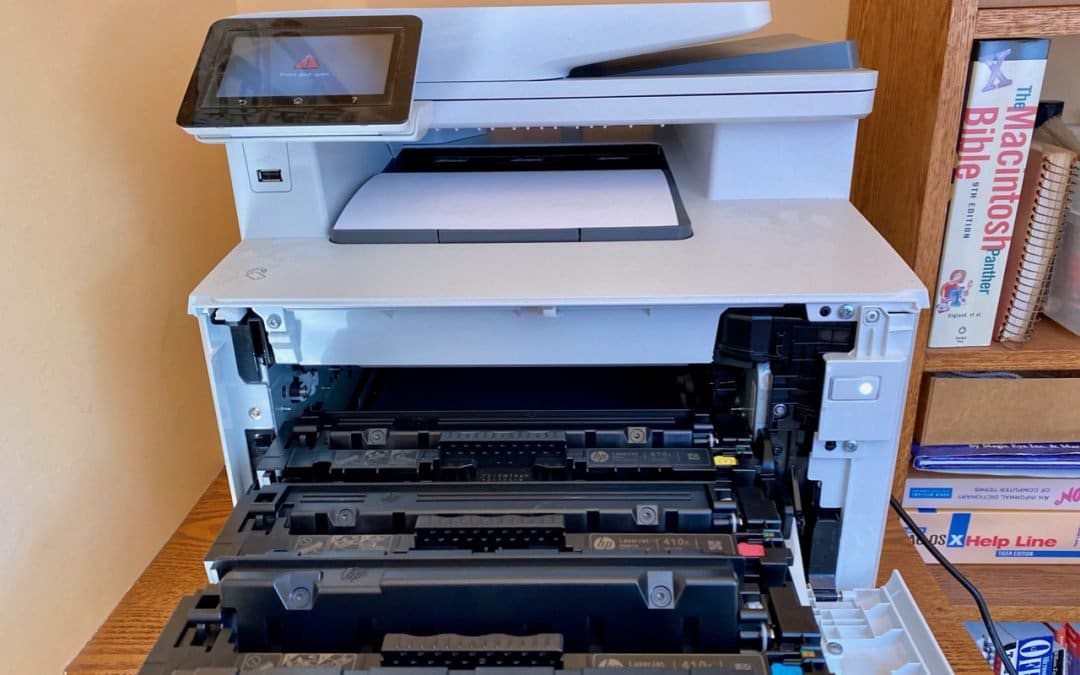
There’s little more frustrating than being unable to print a document when you need it. You choose File > Print, and nothing happens. Or, worse, macOS looks like it’s printing, so you focus on some other task, only to realize 20 minutes later that nothing has come...
by Terry McAdams | May 6, 2020 | iCloud, iOS, Mac, Photos, productivity, Tip
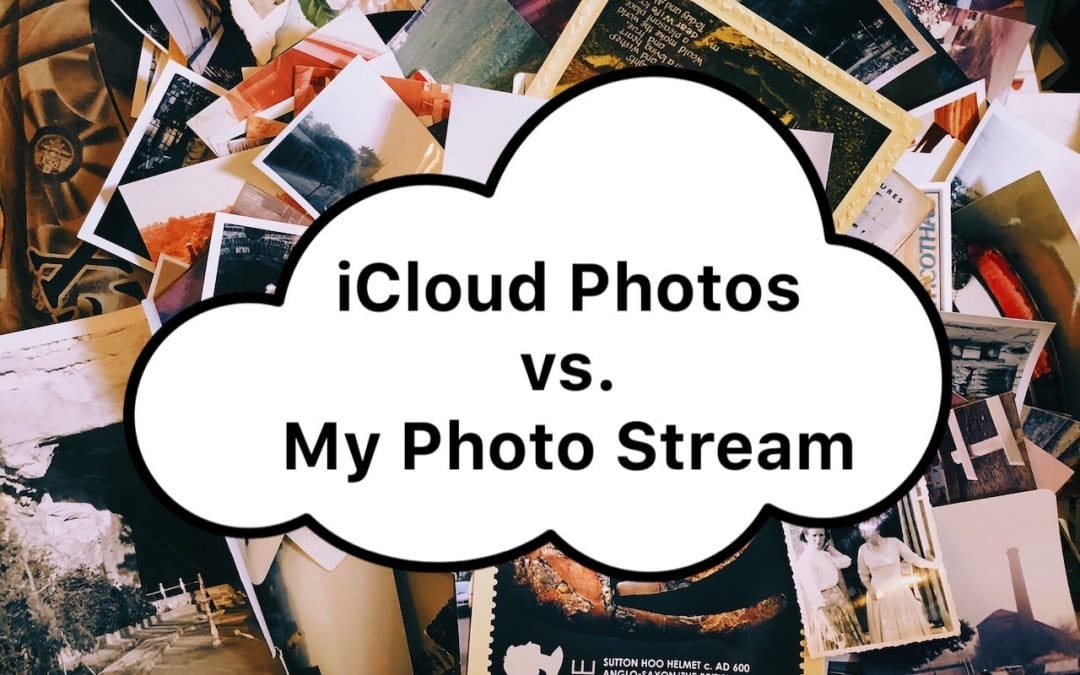
For quite a few years, Apple enabled users to download their iPhone or iPad photos to their Macs with a service called My Photo Stream. It wasn’t perfect, but it was free, and it did a decent job of ensuring that photos you took on your iPhone or iPad would end up on...
by Terry McAdams | May 5, 2020 | Mac, MacBook Pro
In a move that completes the transition of the MacBook line from the troubled butterfly keyboard to the Magic Keyboard, Apple has released a new 13-inch MacBook Pro. The company also doubled the amount of storage in each of the standard configurations while keeping...
by Terry McAdams | May 5, 2020 | Backup, Email, How-To, iCloud, iCloud Drive, iOS, Mac, Tip, troubleshooting
By default, Apple gives every iCloud user 5 GB of storage space. That disappears quickly, given how it’s shared between iCloud Mail, iCloud Drive, iCloud Photos, Messages, and iCloud-enabled apps. Apple will, of course, sell you more iCloud space. $0.99 per month gets...