by Terry McAdams | Jul 13, 2021 | Apple Pay, Apple Watch, productivity, Tip
With mask wearing over the past year rendering Face ID ineffective at cash registers, we’ve become fond of using the Apple Watch for contactless payments with Apple Pay. We recommend it highly since it’s so fast and convenient. Once you’ve set up a credit card in the...
by Terry McAdams | Jul 6, 2021 | Apple Music, Control Center, iOS, iPad, iPhone, productivity, Siri, Tip
Don’t you hate it when a familiar song is playing but you can’t think of what it’s called? Or worse, when you hear a new track you really like but have no one to ask what it is? Never worry about that again, thanks to your iPhone or iPad. Back in 2018, Apple bought...
by Terry McAdams | Jun 8, 2021 | FaceTime, iPad, iPhone, Mac, privacy, productivity, Siri
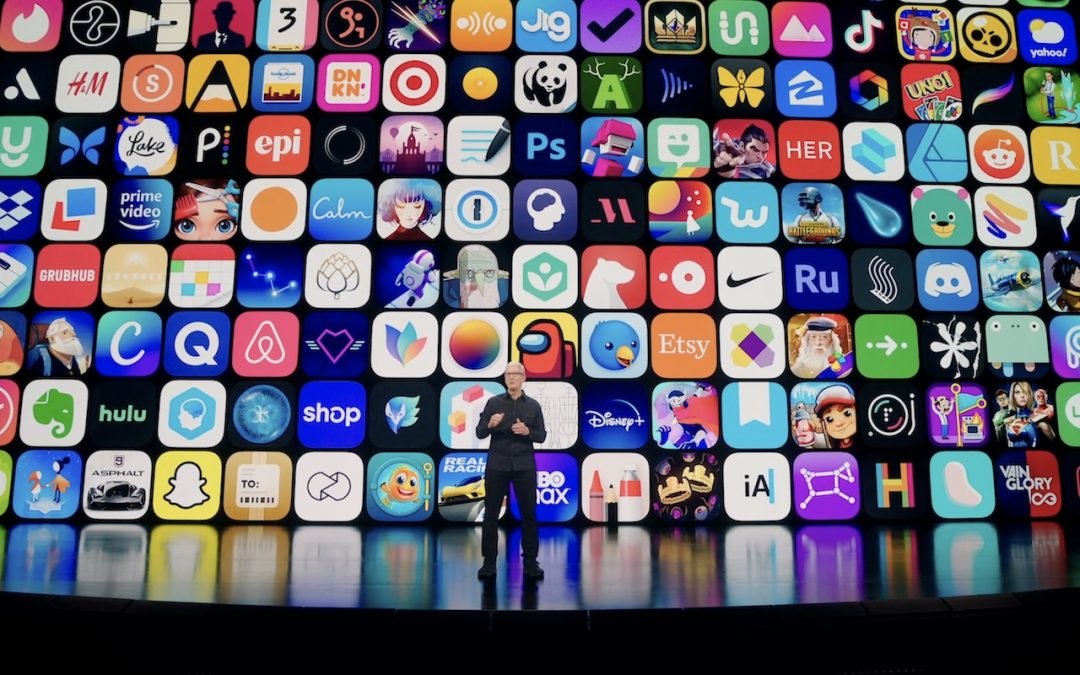
At its Worldwide Developer Conference keynote on June 7th, Apple shared details about what we can expect to see later this year in macOS 12 Monterey, iOS 15, iPadOS 15, watchOS 8, tvOS 15, and HomePod Software 15. It was a firehose of announcements, but one thing...
by Terry McAdams | Jun 7, 2021 | Apple Pencil, How-To, iOS, iPad, iPhone, Mac, productivity
Over the last decade, and particularly during the last year of pandemic life, documents have become more likely to arrive in email or as downloads than on paper. If you need to return a signed document on paper, it’s easy to print and sign it before popping it in the...
by Terry McAdams | May 27, 2021 | Mac, productivity, Tip
If you’re using QuickBooks Online with the service’s Mac app to manage your business’s accounting, you may have seen a message like the one below announcing that Intuit has stopped updating the QuickBooks Online app. This doesn’t affect your QuickBooks Online account,...
by Terry McAdams | May 18, 2021 | How-To, iPad, iPhone, Mac, productivity
After a long day of video calls, you might feel like your brain has been wrung out like a wet washcloth—we certainly do. It’s exhausting to stare into a computer for hours every day while participating in meetings or classes. This condition is called Zoom fatigue, and...