(940) 767-6227
  • Facebook
  • X
  • RSS
  • Facebook
  • X
  • RSS
0 Items
MacTech Solutions
  • Home
  • Products
    • Mac
      • MacBook Air
        • MacBook Air 13-inch M2
        • MacBook Air 13-inch M3
        • MacBook Air 15-inch M3
      • MacBook Pro
        • MacBook Pro 14-inch M4
        • MacBook Pro 14-inch M4 Pro
        • MacBook Pro 16-inch M4
      • iMac
        • iMac 24-inch M4
      • Mac Mini
        • Mac mini M4
      • Mac Studio
      • Mac Pro
      • Apple Displays
        • Pro Display XDR
        • Studio Display
    • iPad
      • iPad
      • iPad mini
      • iPad Pro
        • iPad Pro M4 11-inch
        • iPad Pro M4 13-inch
      • iPad Air
        • iPad Air M2 11-inch
        • iPad Air M2 13-Inch
      • Apple Pencil
        • Apple Pencil (USB-C)
      • Keyboards
        • Smart Keyboard
        • Smart Keyboard Folio
        • iPad Magic Keyboard
    • Apple Watch
      • Apple Watch SE
      • Apple Watch Series 9
      • Apple Watch Ultra 2
    • iPod touch
    • Apple TV
      • Apple TV
      • Apple TV 4K
    • Airpods
      • AirPods Max
      • Airpods Pro (2nd Generation)
      • AirPods 4
      • AirPods 4 with Active Noice Cancellation
      • AirPods (3rd Generation)
      • AirPods (2nd Generation)
    • HomePod
      • HomePod mini
    • AppleCare+
    • Sonos
    • Adobe
      • Creative Cloud for Education
  • Service
    • Apple Authorized Service
    • Remote Support
  • Trade Ins
  • Classes & Events
  • About Us
    • Newsletter Sign Up
    • MacTech Solutions
    • The Team
    • Contact Us
  • Blog
Select Page
AutoFill in Safari Not Working? Set “My Card” in Contacts

AutoFill in Safari Not Working? Set “My Card” in Contacts

by Terry McAdams | Jan 19, 2023 | Contacts, Mac, Safari, Tip, troubleshooting

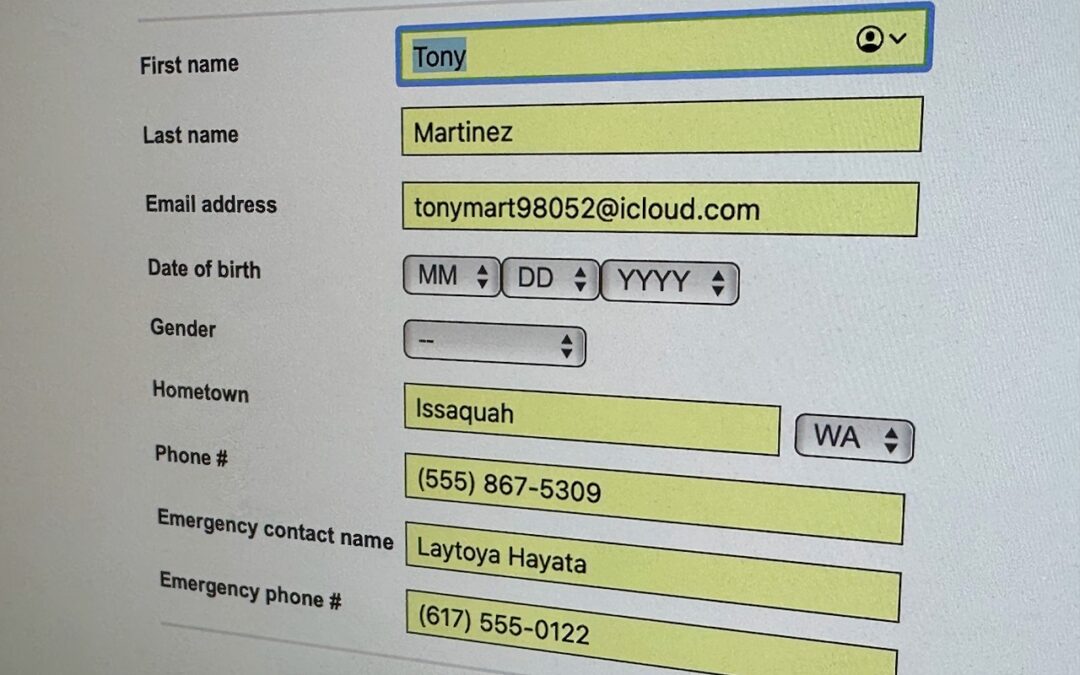
We heard from a client that AutoFill in Safari suddenly stopped entering her name and address in Web forms when she chose Edit > AutoFill Form or pressed Command-Shift-A, forcing her to enter her contact information manually, like an animal. (And yes, the “Using...
Export Passwords from Safari to Ease the Move to a Password Manager

Export Passwords from Safari to Ease the Move to a Password Manager

by Terry McAdams | Apr 21, 2022 | password manager, passwords, Safari, Security, Tip

Although Apple has improved the built-in password management features in macOS and iOS (you can now add notes to password entries!), third-party password managers like 1Password and LastPass are still more capable. For those still getting started using a password...
Live Text Digitizes Text in Photos in iOS 15, iPadOS 15, and macOS 12 Monterey

Live Text Digitizes Text in Photos in iOS 15, iPadOS 15, and macOS 12 Monterey

by Terry McAdams | Nov 30, 2021 | How-To, Photos, Safari

The most magical feature of Apple’s latest crop of operating systems—iOS 15, iPadOS 15, and macOS 12 Monterey—may be Live Text. You’re probably familiar with the concept of optical character recognition (OCR), which turns all the text on a scanned page into normal...
Safari 15.1 Reverses Course, Reverts to Old Tab Interface

Safari 15.1 Reverses Course, Reverts to Old Tab Interface

by Terry McAdams | Nov 1, 2021 | Mac, Safari, Tip

With the betas of Safari 15 on the Mac and iPad, Apple experimented with a variety of interface tweaks related to tabs. By the time Safari 15 shipped, however, Apple had pulled back on the more radical changes from the betas, offering the new Compact Tab Bar layout...
Choose Your Preferred Default Web Browser and Email App in iOS and iPadOS 14

Choose Your Preferred Default Web Browser and Email App in iOS and iPadOS 14

by Terry McAdams | Mar 14, 2021 | Email, productivity, Safari, Tip

Since the earliest days of the iPhone, Apple’s Safari and Mail have been the default Web and email apps for iOS and, later, iPadOS. There was no way to choose alternatives that would be used whenever an app wanted to open a Web page or create an email message. That...
New Features You May Have Missed in the iOS 14.1, 14.2, and 14.3 Updates

New Features You May Have Missed in the iOS 14.1, 14.2, and 14.3 Updates

by Terry McAdams | Jan 21, 2021 | Battery, iOS, privacy, Safari

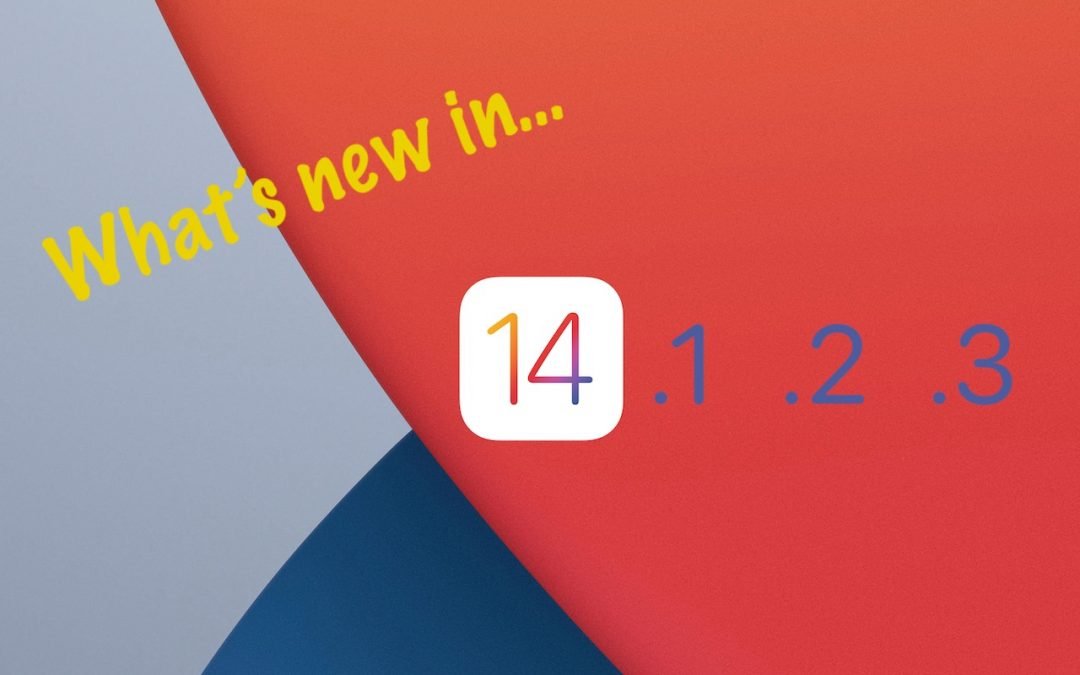
We’ve published overviews of the major features in iOS 14 and iPadOS 14, along with detailed looks at our favorite features. But Apple keeps releasing updates with new features, and we wanted to take a moment to catch you up on what Apple has added in versions 14.1,...
« Older Entries
Next Entries »

Archives

Categories

Terms and Conditions   |   Return and Shipping Policy   |   Privacy Policy
MacTech Solutions LLC DBA MacTech Solutions™
Copyright © MacTech Solutions, LLC   |   All Rights Reserved.

The MacTech Solutions logo is property of MacTech Solutions, LLC, a Texas Limited liability company. All other logos and trademarks are the property of their respective owners. Apple, the Apple logo, iPad, iPad Pro, iPod, Mac, MacBook Air, and MacBook Pro are trademarks of Apple Inc., registered in the U.S. and other countries.

Our Location

4020 Rhea Rd, Suite 3B
Wichita Falls, TX 76308
(940) 767-MACS (6227)

Hours

Monday-Friday: 10-6
Saturday: Closed
Sunday: Closed
Terms and Conditions | Privacy Policy

MacTech Solutions LLC DBA MacTech Solutions™
Copyright © MacTech Solutions, LLC   |   All Rights Reserved.

The MacTech Solutions logo is property of MacTech Solutions, LLC, a Texas Limited liability company. All other logos and trademarks are the property of their respective owners. Apple, the Apple logo, iPad, iPad Pro, iPod, Mac, MacBook Air, and MacBook Pro are trademarks of Apple Inc., registered in the U.S. and other countries.