by Terry McAdams | May 1, 2026 | Finder, iPad, iPhone, productivity, Tip
On the Mac, every file type opens in a particular app by default, but it’s easy to open a PDF, image, or text file in a different app. In the Finder’s Get Info window, you can also reset the default app so that, for example, JPEGs open in Photoshop or Affinity instead...
by Terry McAdams | Apr 3, 2026 | Mac, passwords, Tip, troubleshooting
If your Mac starts typing unexpected characters—or rejects a password you know is correct—check to see if the Input Source menu appears in the upper-right corner of the screen, indicating that your Mac has more than one keyboard layout available for writing in other...
by Terry McAdams | Apr 3, 2026 | AI, iPhone, Music, Tip
Apple Music subscribers running iOS 26.4 can use the new Playlist Playground feature to create AI-generated playlists tailored to any mood, genre, activity, or era. To try it on your iPhone, open the Music app, tap the Library tab, tap the + button, then tap Create...
by Terry McAdams | Apr 3, 2026 | Mac, Tip
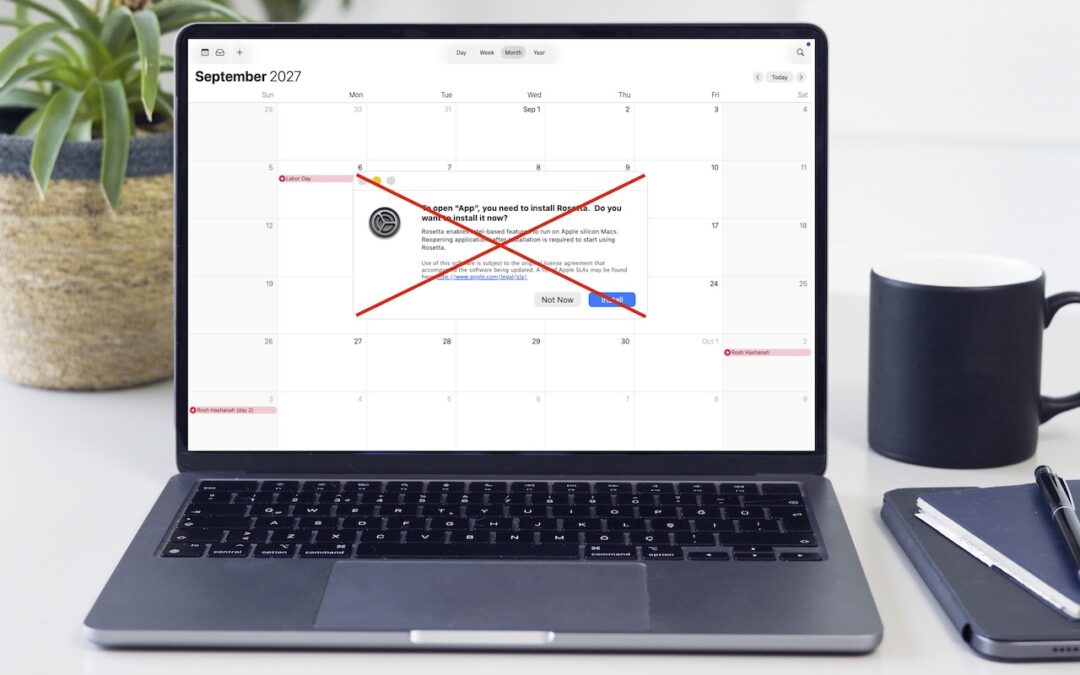
Yes, we know we’re still on macOS 26. In 2025, Apple announced macOS 27 would be the last version to support Rosetta for most Intel-based apps. (Beyond that, Apple will maintain a subset of Rosetta functionality for older, unmaintained gaming titles.) This fact has...
by Terry McAdams | Apr 3, 2026 | Mac, Security, Tip
We’ve warned before about scams that trick users into pasting malicious commands into Terminal. Attackers create fake CAPTCHA pages—often resembling Cloudflare’s “are you a human” tests—that instruct visitors to open Terminal, paste a command, and press Return....
by Terry McAdams | Mar 6, 2026 | Tip
Apple has updated its Studio Display with an improved 12-megapixel Center Stage camera with Desk View support, two Thunderbolt 5 ports, and improved bass from its six-speaker system—all for the same $1,599 starting price. More significantly, Apple introduced the...