by Terry McAdams | Jun 24, 2020 | Mac, productivity, Tip
If you have access to multiple printers, you probably know that you can choose one from the Printer pop-up menu at the top of the Print dialog. But macOS has a feature that should make it so you don’t have to switch printers manually as often. Open System Preferences...
by Terry McAdams | Jun 23, 2020 | Apple Watch, Mac, productivity, Security, Tip
If you’ve resisted requiring a password on your Mac after it wakes up or comes out of the screen saver because it’s too much work to enter repeatedly, an Apple Watch can make authentication much easier. In previous versions of macOS, just wearing an unlocked Apple...
by Terry McAdams | Jun 22, 2020 | Finder, Mac, productivity, Tip
This isn’t about periscopes or mouthwash—when it comes to searching, a scope is the area in which a search takes place. When you use the Search field in a Finder window to look for files and folders, you have the choice of two scopes: This Mac or the current folder....
by Terry McAdams | Jun 19, 2020 | iOS, Tip, troubleshooting
AirDrop has become a fast and reliable way to transfer data from one iPhone to another that’s nearby. Just tap the share icon and in iOS 13’s activity view, either tap an AirDrop shortcut in the top row or tap AirDrop in the second row and select choose a person or...
by Terry McAdams | Jun 18, 2020 | Apple Watch, Mac, passwords, Security, Tip
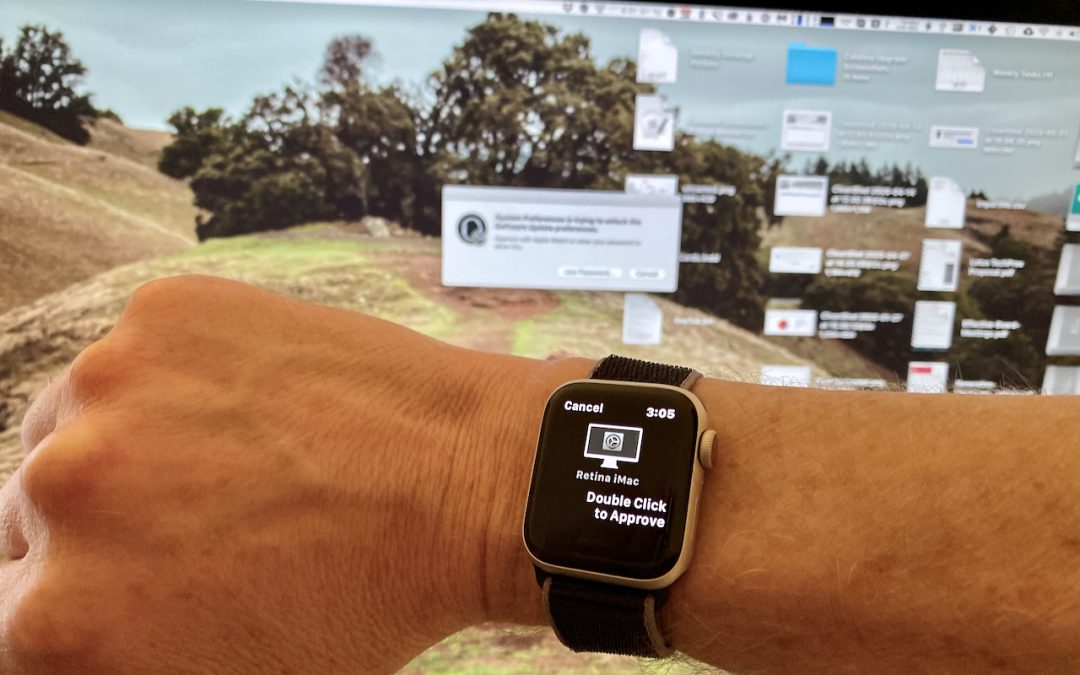
Tired of typing your admin account password whenever you try to install software or change security settings on your Mac? A new feature in macOS 10.15 Catalina removes that requirement for Apple Watch owners. In System Preferences > Security & Privacy >...
by Terry McAdams | Jun 3, 2020 | iPhone, Tip, troubleshooting
Have you ever seen the dreaded “No Service” label at the top of your iPhone’s screen, even when you’re pretty sure there should be cellular reception? It’s not common, but the iPhone’s cellular radio can occasionally get confused. Luckily, you can easily fix the...