(940) 767-6227
  • Facebook
  • X
  • RSS
  • Facebook
  • X
  • RSS
0 Items
MacTech Solutions
  • Home
  • Products
    • Mac
      • MacBook Air
        • MacBook Air 13-inch M5
        • MacBook Air 15-inch M5
      • MacBook Pro
        • MacBook Pro 14-inch M5
        • MacBook Pro 14-inch M5 Pro
        • MacBook Pro 16-inch M5
      • iMac
        • iMac 24-inch M4
      • Mac Mini
        • Mac mini M4
      • Mac Studio
      • Mac Pro
      • Apple Displays
        • Pro Display XDR
        • Studio Display
    • iPad
      • iPad
      • iPad mini
      • iPad Pro
        • iPad Pro M4 11-inch
        • iPad Pro M4 13-inch
      • iPad Air
        • iPad Air M2 11-inch
        • iPad Air M2 13-Inch
      • Apple Pencil
        • Apple Pencil (USB-C)
      • Keyboards
        • Smart Keyboard
        • Smart Keyboard Folio
        • iPad Magic Keyboard
    • Apple Watch
      • Apple Watch SE
      • Apple Watch Series 9
      • Apple Watch Ultra 2
    • iPod touch
    • Apple TV
      • Apple TV
      • Apple TV 4K
    • Airpods
      • AirPods Max
      • Airpods Pro (2nd Generation)
      • AirPods 4
      • AirPods 4 with Active Noice Cancellation
      • AirPods (3rd Generation)
      • AirPods (2nd Generation)
    • HomePod
      • HomePod mini
    • AppleCare+
    • Sonos
    • Adobe
      • Creative Cloud for Education
  • Service
    • Apple Authorized Service
    • Remote Support
  • Trade Ins
  • Classes & Events
  • About Us
    • Newsletter Sign Up
    • MacTech Solutions
    • The Team
    • Contact Us
  • Blog
Select Page
Wondering Where Your Past Events in the iOS Calendar App Have Gone?

Wondering Where Your Past Events in the iOS Calendar App Have Gone?

by Lucy McAdams | Apr 20, 2018 | Calendar, iOS, Tip, troubleshooting

When it comes to calendars, we’re mostly concerned with the future. But sometimes you want to travel back in time too, to see when you had that doctor appointment or last went to the gym. If you scroll back in the Calendar app in iOS, you might discover, to your...
iOS 11.3 Introduces New Battery Health Feature, Business Chat, and More

iOS 11.3 Introduces New Battery Health Feature, Business Chat, and More

by Lucy McAdams | Apr 18, 2018 | Battery, Health, Messages, privacy, Safari, troubleshooting

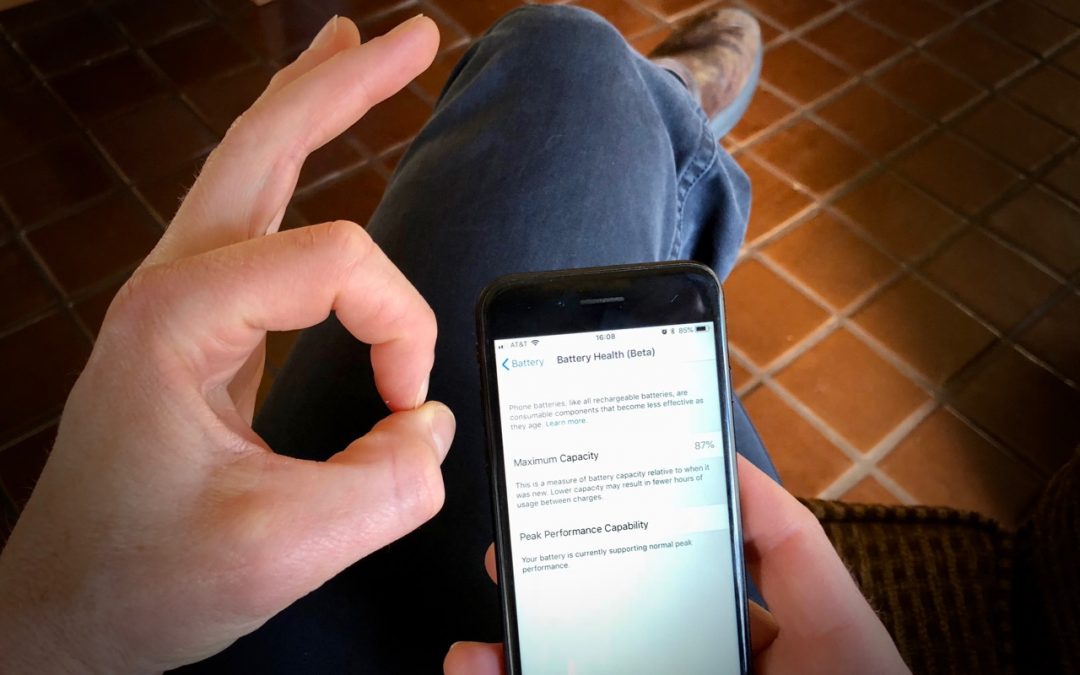
At the end of March, Apple released updates to all four of its operating systems, but iOS 11.3 was the most notable. It boasts a variety of new features and other changes—you can think of it as the midpoint update between iOS 11’s first release and iOS 12, probably...
iCloud Photo Library Users: Do NOT Turn Off iCloud

iCloud Photo Library Users: Do NOT Turn Off iCloud

by Lucy McAdams | Mar 14, 2018 | iCloud, iCloud Photo Library, Mac, Photos, Tip, troubleshooting

File this warning under “unless it’s absolutely necessary.” If you use iCloud Photo Library on your Mac, don’t sign out from iCloud. Also, don’t deselect the iCloud Photo Library checkbox in either the Photos options of the iCloud pane of System Preferences or in the...
Apple Lowers Battery-Replacement Pricing for iPhone 6 and Later

Apple Lowers Battery-Replacement Pricing for iPhone 6 and Later

by Lucy McAdams | Jan 4, 2018 | Battery, Tip, troubleshooting

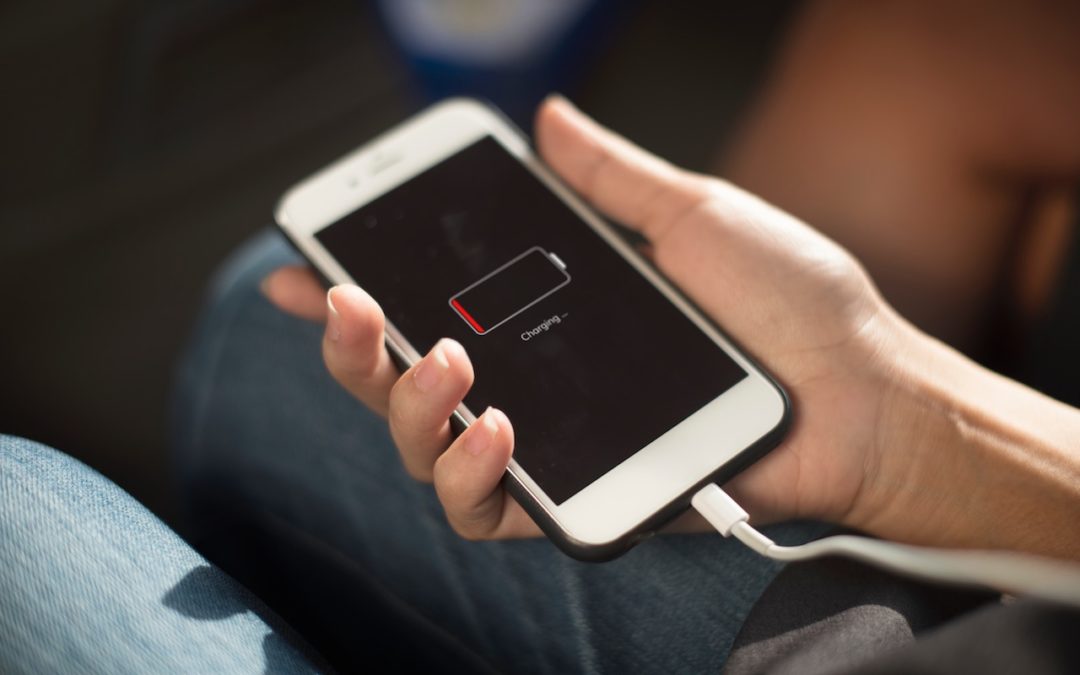
Did you hear about the battery-related controversy swirling around Apple at the end of 2017? There has been much hue and cry about how, starting with iOS 10.2.1, iOS has been slowing down iPhones with old, weak batteries to avoid unexpected shutdowns. In response,...
Get El Capitan before Sierra Ships

Get El Capitan before Sierra Ships

by Terry McAdams | Sep 16, 2016 | App Store, El Capitan, Mac, Tip, troubleshooting

Assuming Apple continues its previous practices, once macOS 10.12 Sierra comes out, it will become impossible to download 10.11 El Capitan for the first time. That could be awkward if you want to upgrade an older Mac running 10.6 Snow Leopard at any point after Sierra...
Next Entries »

Archives

Categories

Terms and Conditions   |   Return and Shipping Policy   |   Privacy Policy
MacTech Solutions LLC DBA MacTech Solutions™
Copyright © MacTech Solutions, LLC   |   All Rights Reserved.

The MacTech Solutions logo is property of MacTech Solutions, LLC, a Texas Limited liability company. All other logos and trademarks are the property of their respective owners. Apple, the Apple logo, iPad, iPad Pro, iPod, Mac, MacBook Air, and MacBook Pro are trademarks of Apple Inc., registered in the U.S. and other countries.

Our Location

4020 Rhea Rd, Suite 3B
Wichita Falls, TX 76308
(940) 767-MACS (6227)

Hours

Monday-Friday: 10-6
Saturday: Closed
Sunday: Closed
Terms and Conditions | Privacy Policy

MacTech Solutions LLC DBA MacTech Solutions™
Copyright © MacTech Solutions, LLC   |   All Rights Reserved.

The MacTech Solutions logo is property of MacTech Solutions, LLC, a Texas Limited liability company. All other logos and trademarks are the property of their respective owners. Apple, the Apple logo, iPad, iPad Pro, iPod, Mac, MacBook Air, and MacBook Pro are trademarks of Apple Inc., registered in the U.S. and other countries.