by Lucy McAdams | May 17, 2019 | Mac, troubleshooting
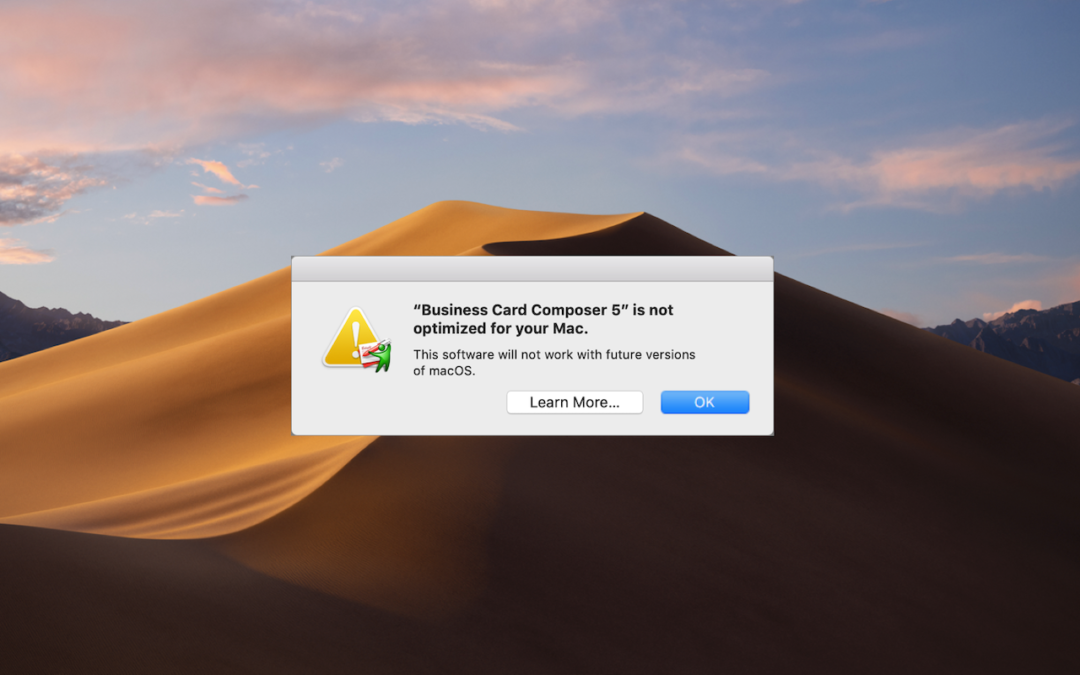
If you’re running macOS 10.13.4 High Sierra or macOS 10.14 Mojave, you may have seen a dialog that says an app isn’t optimized for your Mac. The message differs slightly between High Sierra and Mojave, with the High Sierra version telling you the developer needs to...
by Lucy McAdams | Mar 29, 2019 | iOS, troubleshooting
Little is more frustrating than running out of space your iPhone or iPad. You can’t take new photos, you can’t download new apps, some things may not work at all, and iOS will nag you repeatedly about how you can “manage” your storage in Settings. Luckily, over the...
by Lucy McAdams | Jun 22, 2018 | How-To, macOS, troubleshooting
In Troubleshooting 101, one of the first questions is always, “What version of the operating system are you running?” There’s a big difference between Mac OS X 10.6 Snow Leopard and macOS 10.13 High Sierra, and the solution to any particular problem will likely...
by Lucy McAdams | May 25, 2018 | Finder, Mac, Tip, troubleshooting
Finder freezes. They shouldn’t happen at all, and they don’t happen often, but it’s not unheard of for your Mac’s Finder to freeze, freak out, or otherwise stop responding properly. To bring it back to life, hold down the Option key, click and hold the Finder icon in...
by Lucy McAdams | May 21, 2018 | Backup, Mac, troubleshooting
Backing up your Mac is like flossing your teeth: everyone knows they should do it every night, but too many people never get around to it. Unlike flossing, once you set up backups, they don’t require daily attention. And turning on Apple’s Time Machine backup feature...
by Lucy McAdams | May 16, 2018 | iOS, Siri, Tip, troubleshooting
Siri is supposed to be a competent voice assistant, but sometimes Siri can’t even pronounce your own name correctly! Luckily, it’s easy to fix Siri’s pronunciation for any name. Just say to Siri, “Learn how to pronounce Jill Kresock.” (Siri defaults to “krehsock”...