by Terry McAdams | Jun 5, 2026 | Contacts, Dictation, iPad, iPhone, Mac, productivity, Tip, troubleshooting
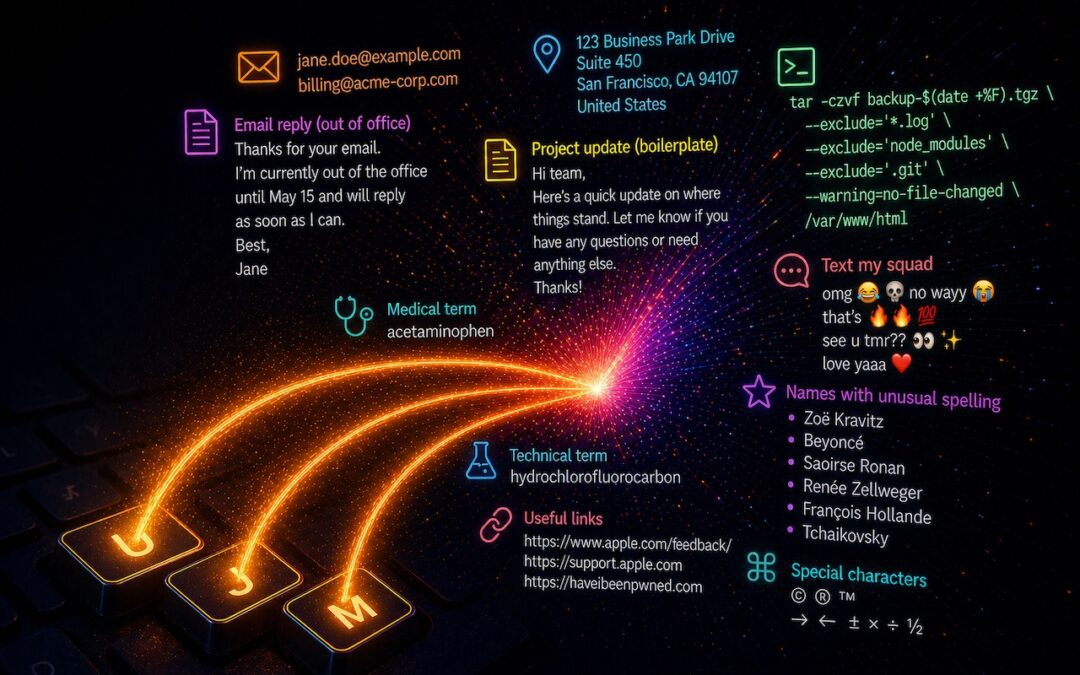
Apple’s Dictation feature is a great way to avoid slow typing on the iPhone and iPad, and it can be welcome on the Mac as well. But it struggles with proper nouns—it guesses wildly at unfamiliar names and often fails to capitalize common words that are part of a name...
by Terry McAdams | May 4, 2026 | How-To, Security
Securing your home network might seem uninteresting or unimportant—after all, who would bother to target you? The answer is that criminal hackers are interested in your router for a range of disturbing purposes, including attacks on your employer if you connect to a...
by Terry McAdams | May 1, 2026 | How-To, iPad, iPhone, Mac, productivity
Silicon Valley thinks everyone wants to delegate writing to AI, which is why Apple Intelligence constantly suggests replies for you in Messages and Mail. But there’s an excellent way to supercharge your typing speed without sounding like a chirpy chatbot or resorting...
by Terry McAdams | May 1, 2026 | How-To, productivity
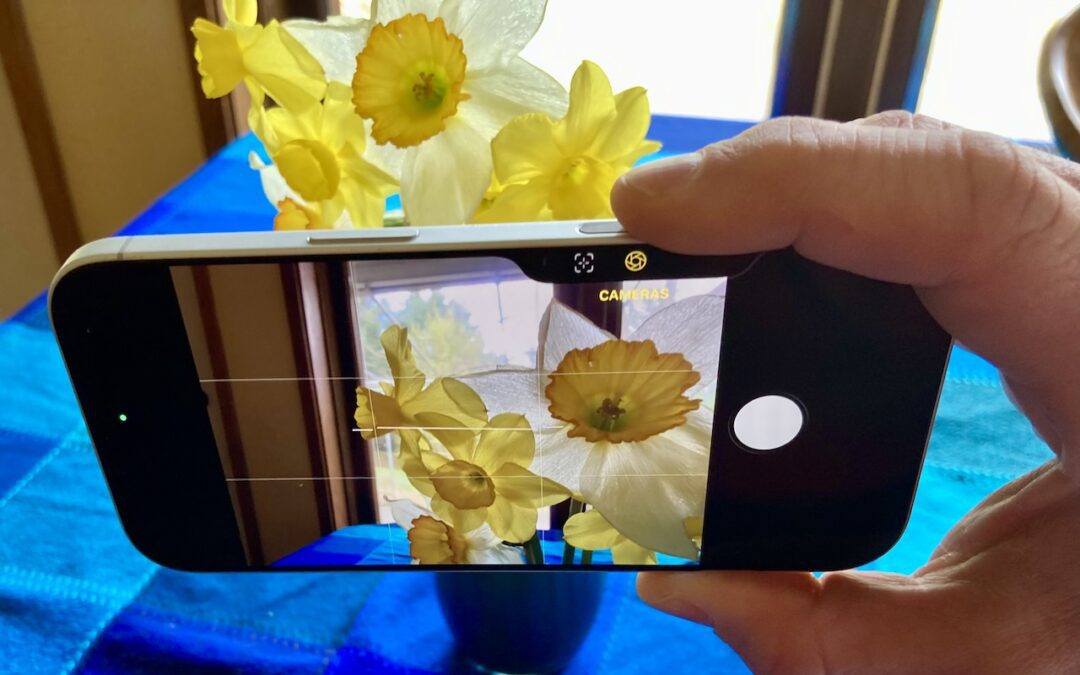
The Camera Control on iPhone 16 and later models lets you open the Camera app and take a photo with the press of a button. But it’s more than just a simple button—it features a touch-sensitive surface that lets you adjust a variety of settings without having to tap...
by Terry McAdams | May 1, 2026 | Finder, Mac, macOS, productivity
If you can work comfortably with the Mac’s four Finder views, you’ll enjoy an easier experience when you try to get to your folders and files. Each view has its pros and cons, so using the best view for the job at hand will make you more productive. Here’s a look at...