by Terry McAdams | Oct 7, 2022 | Battery, iPhone, Tip
Back in 2017, when Apple added the notch to the iPhone X for Face ID, the resulting loss of usable screen real estate caused the company to remove the battery percentage indicator from the status area. Since then, you’ve only been able to estimate how much battery...
by Terry McAdams | Oct 6, 2022 | iPhone, Tip
The iPhone has long been able to play clicking sounds when you tap the keys on the virtual keyboard, but that feedback, while sometimes welcome, can become annoying when you’re trying to be quiet. A new feature in iOS 16 provides haptic feedback—tiny taps you can feel...
by Terry McAdams | Oct 6, 2022 | Apple Watch, Battery, Tip
Until watchOS 9, Low Power Mode on the Apple Watch turned the smartwatch into a dumb watch that only told the time. With watchOS 9 on an Apple Watch Series 4 or later, however, a new Low Power Mode reduces the watch’s capabilities while keeping it largely functional....
by Terry McAdams | Oct 3, 2022 | Finder, Mac, productivity
We’ve had decades to get used to organizing computer files, but it’s still hard for many people. Part of the problem is imagining how you—or your colleagues, if you’re in a workgroup—will need to find the files in the future. Another part of the problem is mustering...
by Terry McAdams | Oct 3, 2022 | Messages, productivity
After years of user requests, Apple has finally beefed up Messages with a few welcome features—options to mark conversations as unread for later reference, edit messages after they’ve been sent, and undo sending entirely. Plus, when you delete junk texts in Messages,...
by Terry McAdams | Sep 29, 2022 | iPad, iPhone, Wi-Fi
Two similar-sounding iOS features generate quite a bit of confusion. Wi-Fi Calling and Wi-Fi Assist both aim to improve your connectivity by using the best network available, but they achieve that goal in diametrically opposed ways. Wi-Fi Calling leverages your Wi-Fi...
by Terry McAdams | Sep 27, 2022 | iPhone, privacy, Tip
Most of the time, having your iPhone know precisely where you are is good. You want Maps to tell you exactly when to turn, not after you’ve passed an intersection. But too many apps abuse their users’ privacy. We strongly encourage you to stop using such apps...
by Terry McAdams | Sep 22, 2022 | Uncategorized
Apple has begun releasing major upgrades for all its operating systems. Note that we say “start.” The company has released iOS 16 and watchOS 9 alongside new iPhones and Apple Watch models in September. However, Apple has now acknowledged that iPadOS 16 will ship...
by Terry McAdams | Sep 20, 2022 | iPad, iPhone, Tip, troubleshooting
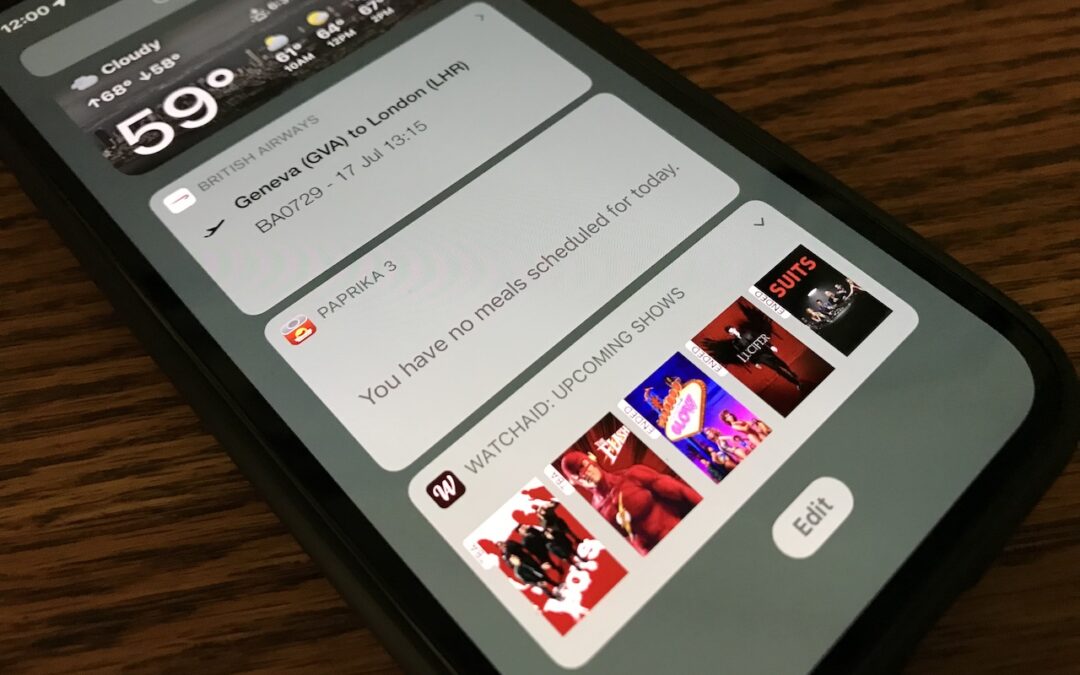
In iOS 14, Apple overhauled widgets, allowing you to add them to your Home screen in addition to the Today View accessible by swiping right on the Home screen. App developers responded with a slew of new widgets, but old-style widgets that are limited to Today View...
by Terry McAdams | Sep 13, 2022 | Mac, Tip, troubleshooting
Adobe says that Pantone Color Books will be phased out of Adobe Creative Cloud apps, starting with updates to Illustrator, InDesign, and Photoshop released after August 16, 2022. After November 2022, only three Pantone Color Books will remain: Pantone + CMYK Coated,...
by Terry McAdams | Sep 8, 2022 | iPhone, watchOS
Apple’s September crop has ripened, and the company has once again picked a basket of new and updated hardware for us. At its Far Out event on September 7th, Apple unveiled four iPhone 14 models, three new or updated Apple Watch models, and the second-generation...
by Terry McAdams | Sep 6, 2022 | Mac, Photos, Tip, troubleshooting
The Photos app is usually a solid performer, but it does rely on a database behind the scenes, and corruption is a possibility. If you find that your Photos library is showing blank thumbnails or otherwise acting oddly, see if the Photos Repair Library tool can fix...
by Terry McAdams | Sep 2, 2022 | How-To, iPhone, troubleshooting, Upgrade
Are you among the millions of people planning to get a new iPhone 14? It’s exciting, we know, but don’t move too fast when getting started with your new iPhone, or you might cause yourself headaches. Instead, follow these instructions once you’re ready to transfer...
by Terry McAdams | Sep 1, 2022 | Camera, How-To, iPhone, productivity
Now and then, we run across iPhone apps that feel magical, and we want to share two of them: Seek and Merlin. They both use machine learning to help you identify something from the natural world using your iPhone. If you’re at all curious about the plants, wildlife,...
by Terry McAdams | Aug 25, 2022 | Security, Tip
Many websites, from Adobe to Zendesk, let you receive two-factor authentication codes via SMS text messages. That’s good—any form of two-factor authentication is better than none—but you’re often effectively locked out of your accounts if those text messages don’t...