by Terry McAdams | Aug 23, 2022 | Finder, Mac, productivity, Tip
You probably know that selecting a file in the Finder and choosing File > Get Info (Command-I) brings up the Get Info window. This window provides information about the file, including its name, kind, size, creation and modification dates, and much more. You can...
by Terry McAdams | Aug 18, 2022 | iPhone, privacy, Security, Tip
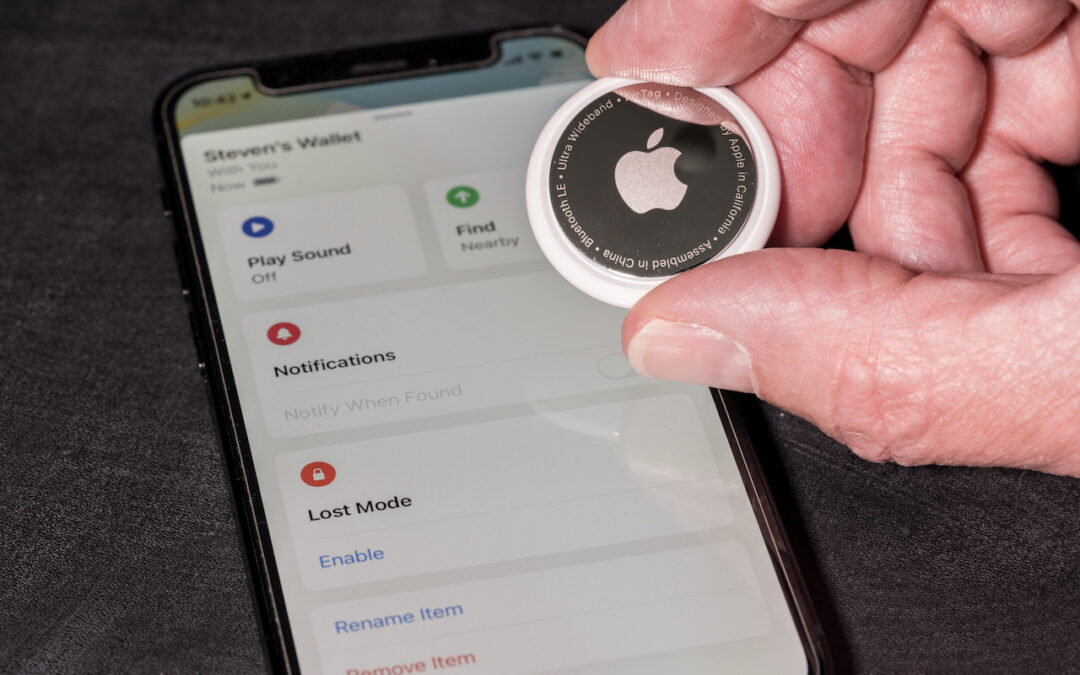
If you get an alert that an AirTag is moving with you, and it’s not yours, take steps to determine the source of the AirTag. While we’ve all heard stories of sinister usage of these devices—predators tracking potential victims—It could also completely...
by Terry McAdams | Aug 16, 2022 | Mac, troubleshooting
It has finally happened. Keys on your MacBook Pro aren’t responding, there’s a crack on the screen, or the battery no longer holds enough of a charge to make it useful. A repair is in your future, which entails bringing the Mac to us for repair. Before you bring it in...
by Terry McAdams | Aug 11, 2022 | Mac, privacy, Tip
Have you noticed a little orange dot next to the icon for Control Center on the menu bar in macOS 12 Monterey? (And if not, you can’t miss it now.) Apple added that dot to alert you that something is using the Mac’s microphone to listen to the room. Click the Control...
by Terry McAdams | Aug 9, 2022 | Calendar, iCloud, iPad, iPhone, Mac, productivity
We Mac, iPhone, and iPad users have an embarrassment of riches when it comes to calendaring flexibility. Apple provides free calendar services via iCloud, and the Calendar app lets you add calendar accounts from a wide variety of providers. Most notable among them are...
by Terry McAdams | Aug 4, 2022 | Mac, MacBook Air, MacBook Pro
Do you have a child starting college soon? It’s likely that your kid has been relying heavily on a computer throughout high school, but if it was a school-provided laptop or shared family computer, now’s the time to get them something of their own. And even if they...
by Terry McAdams | Aug 2, 2022 | iPhone, troubleshooting
Sure, we know that phone calls aren’t the most common thing people do on their iPhones—especially anyone under 30—but it’s still important to be able to make and take calls. There are a wide variety of reasons that outgoing or incoming calls might fail, so the...
by Terry McAdams | Jul 26, 2022 | Mac, productivity, Tip
A large screen—or several screens!—increases productivity by helping you see more content at once. It’s a big help to refer to a Web page in one window while writing in another, for instance, or to check your calendar while composing an email. But the more screen real...
by Terry McAdams | Jul 21, 2022 | Apple Watch, Tip, watchOS
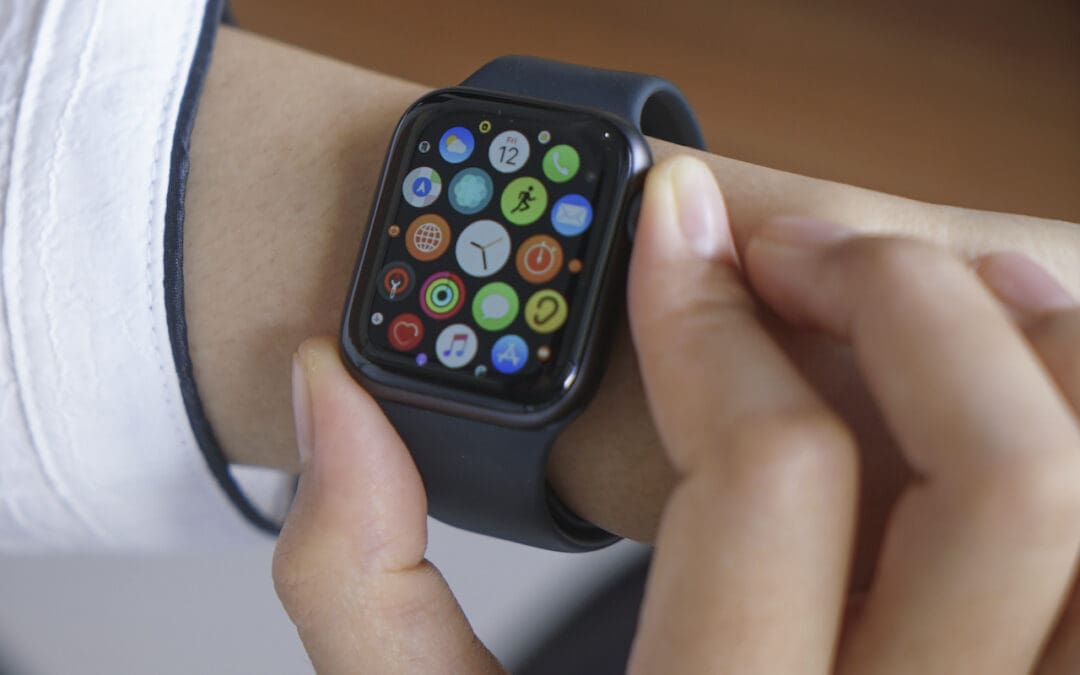
Every so often, we encounter someone struggling to find and launch an app on their Apple Watch because they have trouble seeing and interacting with the icon-centric grid view layout. If you’re in that camp, there’s a better way. In the iPhone’s Watch app, tap My...
by Terry McAdams | Jul 19, 2022 | productivity
Various calendar services let you schedule a meeting based on invited attendees picking preferred times from a set of specified options—Doodle is the most well-known. But the problem with such services is that you have to know which dates and times are likely to work...
by Terry McAdams | Jul 14, 2022 | iPhone, productivity, Tip
Imagine you’re on vacation, staying at an Airbnb and collecting tourist points in the surrounding area throughout the day. Since you’ll be heading back to your Airbnb regularly but may not remember its address reliably, it’s best to make it a favorite in Maps before...
by Terry McAdams | Jul 12, 2022 | How-To, Mac, productivity
If you’re over 40, you probably remember the point in The Wizard of Oz where the movie switches from black-and-white to Technicolor (and if not, go see it!). It wasn’t the first color film, but the vibrant images of Dorothy’s ruby slippers, the yellow brick road, and...
by Terry McAdams | Jul 7, 2022 | iPhone, Tip, troubleshooting
If you’ve been moving your SIM card from phone to phone over the years, you might inadvertently be preventing your current phone from taking full advantage of 5G connectivity. Cellular carriers aren’t always forthcoming about what will and will not work, but at least...
by Terry McAdams | Jul 5, 2022 | How-To, iOS, macOS, productivity
We all get too much email, and while Mail can’t help you get less (other than by making it easy to unsubscribe from mailing lists), it does provide shortcuts for processing your mail more quickly. Regardless of whether you’re using iOS, iPadOS, or macOS, you can swipe...
by Terry McAdams | Jul 1, 2022 | iOS, macOS
At Apple’s Worldwide Developer Conference in June, the company threw back the curtains on macOS 13 Ventura, iOS 16, iPadOS 16, and watchOS 9. These operating systems won’t be available until September or October of 2022, and we usually recommend waiting some time to...